
AlecByeman - Minecraft Skins & Skin History
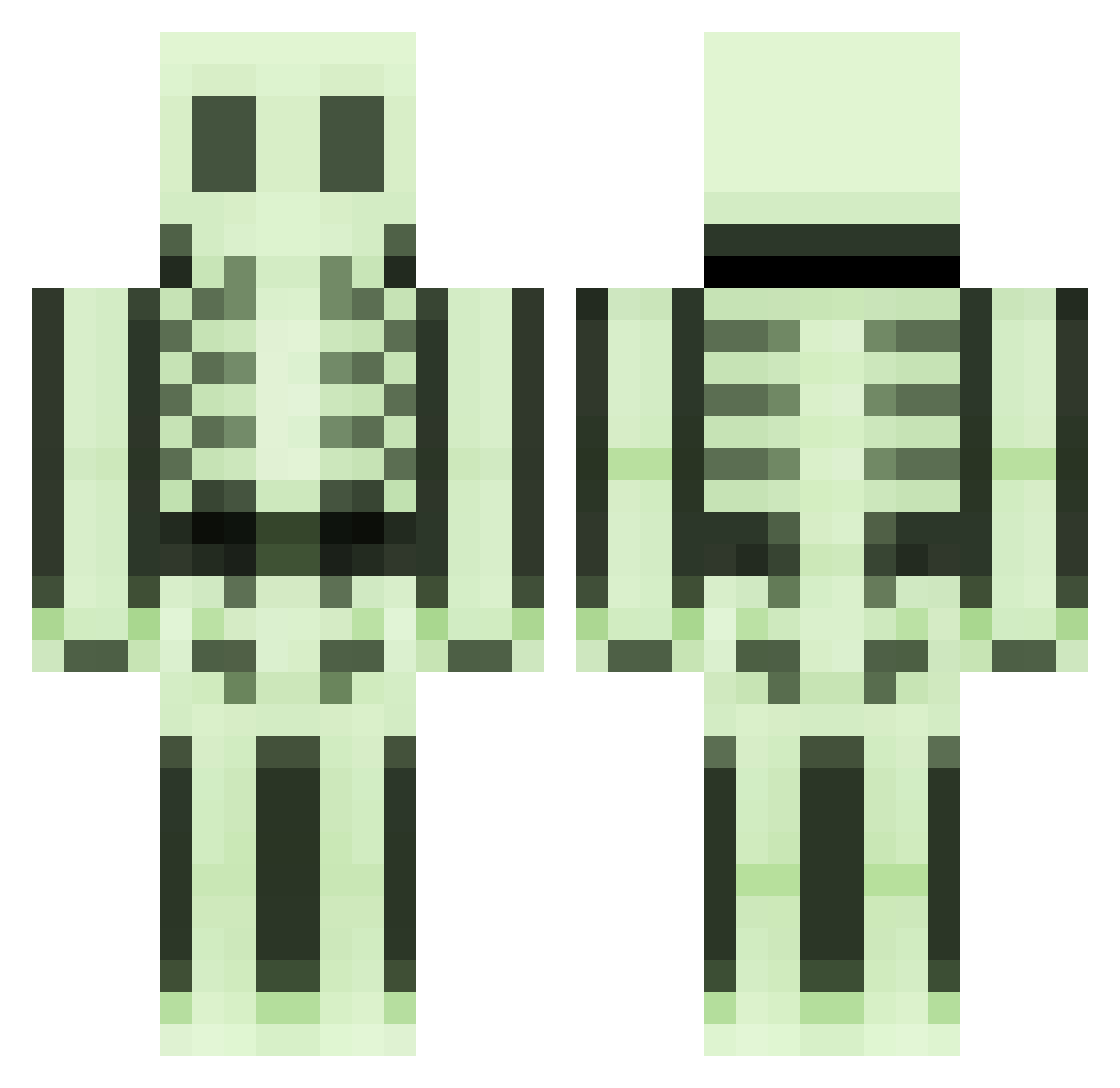
Current Minecraft skin of the player AlecByeman, loaded from the official Mojang API. Rotate the 3D model with your mouse or finger, then download the skin as a PNG file and use it in Minecraft: Bedrock Edition or Java Edition for free. When AlecByeman changes their skin, this page updates automatically and the old skin stays in the history below.
Other players with this skin (508)
AlecByeman was the 12th player we have seen with this skin, first spotted on 26.07.2026. The same skin was seen on these players. Open a nickname to see their current skin and skin history.
 moepsen mcfly77 kwstaton Meta_14 Snogglez FU_VRC claus1668 Floste1999 jacobmolendyk Pirhana_A ChiTownSD XxTnTxX123 MoradoBond SkullyAr Sin444 noub tomtom19200 TheHatter1 ManiacMinecraft Testi1982 goldenarrow11325 juju1275 skereton_ toph_bei MainOffender MSeD wiggle718 knugz soulweeper187 Mr_Blackthorne BUDDERKING2117 cobwebbs RYAN2706 lordbolton Pixelnugget lordcanon13 Monia14 rdcapt KaleJohn mrenkler Sargas33 Guscrawl Atom4geVampire AntiiGrav marcodertote L4ng3 Sven_jwz darkcheeselord mineilil nfcraft Elvis2411 zeggers Thebupex LiliNinja jimz180 NinjaColby ninjaqx Dino8080 SunnyPotz wengalen
More Skeleton Minecraft skins
How to install the AlecByeman skin
- Press the Download button above to save the skin as a PNG file.
- Minecraft: Bedrock Edition (PE): open the Dressing Room from the main menu (or tap your character → Edit Character), go to Classic Skins → Owned, press the + (new skin) button, choose the downloaded PNG and pick the Classic (Steve) model. Works on PC and mobile; consoles cannot import custom skins.
- Minecraft: Java Edition: open the Minecraft Launcher, go to the Skins tab, click New Skin, load the PNG, pick the Classic (Steve) model and press Save & Use. You can also upload it at minecraft.net → Profile → Change Skin.
The skin does not show up after import - what should I do?
Restart Minecraft and open the Dressing Room again - imported skins sometimes appear only after a restart. Also make sure you selected the imported skin and picked the Classic (Steve) model.
Which model should I choose, Classic or Slim?
This skin is designed for the Classic (Steve) model. If you pick the wrong model, the arms of the skin will look stretched or squeezed.
Is the skin of AlecByeman free to download?
Yes. Press Download, save the PNG file and use it in Minecraft: Bedrock Edition or Java Edition - no payment or registration needed. The skin also works on multiplayer servers and Realms.
More skins
Looking for more? Go back to all Minecraft skins and check the top skins of the week, month and all time, or find any player's skin by nickname.