
Alastair_Wain - Minecraft Skins & Skin History
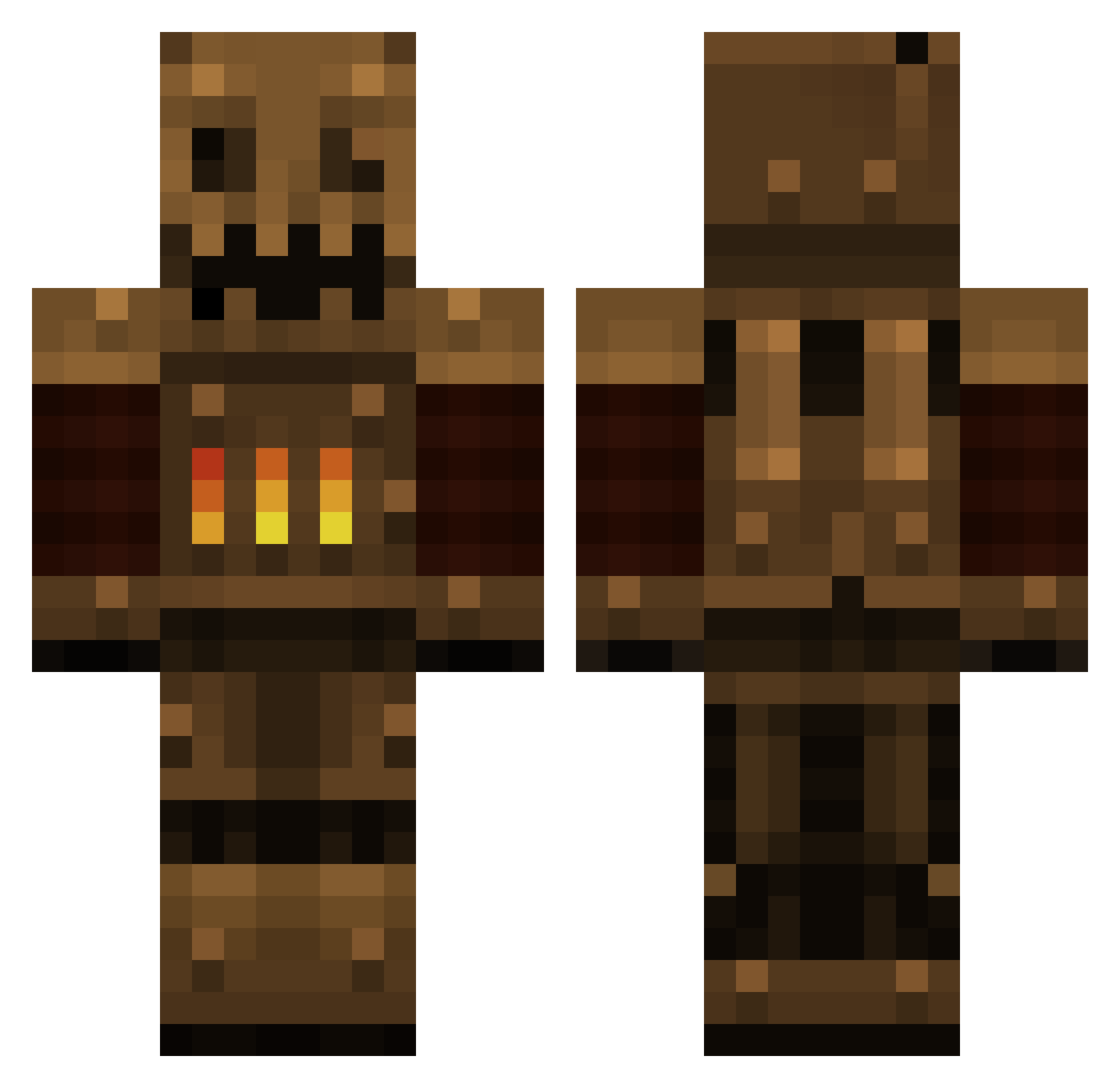
Current Minecraft skin of the player Alastair_Wain, loaded from the official Mojang API. Rotate the 3D model with your mouse or finger, then download the skin as a PNG file and use it in Minecraft: Bedrock Edition or Java Edition for free. When Alastair_Wain changes their skin, this page updates automatically and the old skin stays in the history below.
Other players with this skin (385)
Alastair_Wain was the 45th player we have seen with this skin, first spotted on 04.08.2026. The same skin was seen on these players. Open a nickname to see their current skin and skin history.
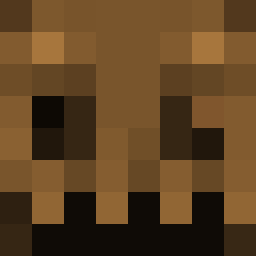 Goijra Challenger0404 ronnyFEAR vage90 swayingmadness robson9 BoneMarrow Arsenics Gregard Robot_Lord NoseyDragon NobleFighter565 x_Destroyer_ kuci infernopretzel CrazyDog666 ThisKID629 Chaosteil ICatrisI tehnibi Weastofeast ChrisTITANx wormwood777 ToroRojo jonnypinchera RedDice Deadonthemoon Alec062 DokuGuy 813344 belchingcultist TripleB89 arccon erzool Rubberduckee Klaporte dumbleAdork WarFruit the_nobody97 Paprika_584 thndrg0d dudruto Toawesomer DatRiver Metabyte0001 lifejolt Strictura cpo2 NebularThoughts zoombie1023 morris_moritz Dreiton Ryencrypted Thib_Thibault Caveotter MEGAAUTUMNLEAF Tankkiller_5 Motheye Elchior LW5553
More Scarecrow Minecraft skins
How to install the Alastair_Wain skin
- Press the Download button above to save the skin as a PNG file.
- Minecraft: Bedrock Edition (PE): open the Dressing Room from the main menu (or tap your character → Edit Character), go to Classic Skins → Owned, press the + (new skin) button, choose the downloaded PNG and pick the Classic (Steve) model. Works on PC and mobile; consoles cannot import custom skins.
- Minecraft: Java Edition: open the Minecraft Launcher, go to the Skins tab, click New Skin, load the PNG, pick the Classic (Steve) model and press Save & Use. You can also upload it at minecraft.net → Profile → Change Skin.
The skin does not show up after import - what should I do?
Restart Minecraft and open the Dressing Room again - imported skins sometimes appear only after a restart. Also make sure you selected the imported skin and picked the Classic (Steve) model.
Which model should I choose, Classic or Slim?
This skin is designed for the Classic (Steve) model. If you pick the wrong model, the arms of the skin will look stretched or squeezed.
Is the skin of Alastair_Wain free to download?
Yes. Press Download, save the PNG file and use it in Minecraft: Bedrock Edition or Java Edition - no payment or registration needed. The skin also works on multiplayer servers and Realms.
More skins
Looking for more? Go back to all Minecraft skins and check the top skins of the week, month and all time, or find any player's skin by nickname.