
Agazork - Minecraft Skins & Skin History
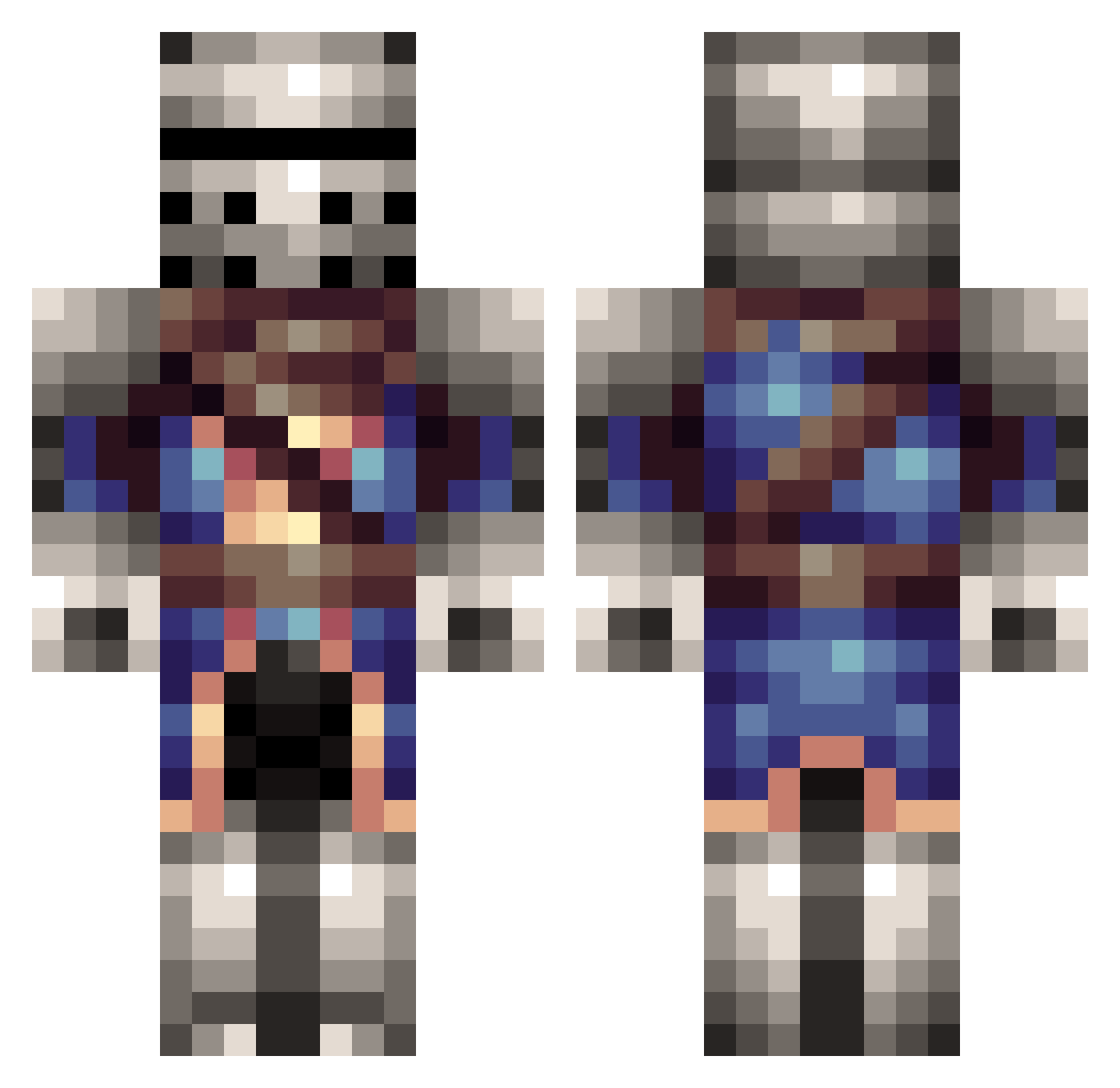
Current Minecraft skin of the player Agazork, loaded from the official Mojang API. Rotate the 3D model with your mouse or finger, then download the skin as a PNG file and use it in Minecraft: Bedrock Edition or Java Edition for free. When Agazork changes their skin, this page updates automatically and the old skin stays in the history below.
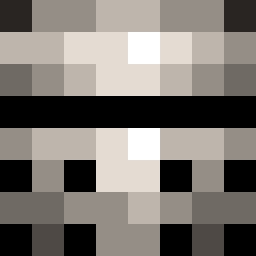
Other players with this skin (314)
Agazork was the 86th player we have seen with this skin, first spotted on 26.08.2026. The same skin was seen on these players. Open a nickname to see their current skin and skin history.
 TheNimrod425 Biffybob GonSpartan Eyezzick Ghost4079 Archturius VinterDK MoreDeMore Pooptickler_Jr cypreax SaintTom Herkules1221 Jouad basminiman TrigonsBeBygones Senyor_JMEZ RoninVII SpriteGGwp HaCkSKiNg123 EdsonCoockie jarrett55 Sir_Caspian scatman2004 Faelan777 Tebb23 shinsho3 Viperhalden Sasparillatango SgtRecon14 TheFacelessOne15 francis_j WarriorofLlamas Bodysnatcherz ScanIrish Nights_ice zanwoman WalrusInfantry Muggered joshjohnson1993 cheese654 Hamm3rstr1k3 bensword STRin206 brycer666 BWlDizzaholic thisisbusto Jonboy1234HI Flamco182 buttdigger hanson3j About5Ducks Drezzlek cyclops2675 yato0130 MoonWarrior455 Ancientrelic71 BarWulf TurkeyLeg136 skizzlefrits AyoYayo
More Medieval Minecraft skins
How to install the Agazork skin
- Press the Download button above to save the skin as a PNG file.
- Minecraft: Bedrock Edition (PE): open the Dressing Room from the main menu (or tap your character → Edit Character), go to Classic Skins → Owned, press the + (new skin) button, choose the downloaded PNG and pick the Classic (Steve) model. Works on PC and mobile; consoles cannot import custom skins.
- Minecraft: Java Edition: open the Minecraft Launcher, go to the Skins tab, click New Skin, load the PNG, pick the Classic (Steve) model and press Save & Use. You can also upload it at minecraft.net → Profile → Change Skin.
The skin does not show up after import - what should I do?
Restart Minecraft and open the Dressing Room again - imported skins sometimes appear only after a restart. Also make sure you selected the imported skin and picked the Classic (Steve) model.
Which model should I choose, Classic or Slim?
This skin is designed for the Classic (Steve) model. If you pick the wrong model, the arms of the skin will look stretched or squeezed.
Is the skin of Agazork free to download?
Yes. Press Download, save the PNG file and use it in Minecraft: Bedrock Edition or Java Edition - no payment or registration needed. The skin also works on multiplayer servers and Realms.
More skins
Looking for more? Go back to all Minecraft skins and check the top skins of the week, month and all time, or find any player's skin by nickname.