
AMuse4mc - Minecraft Skins & Skin History
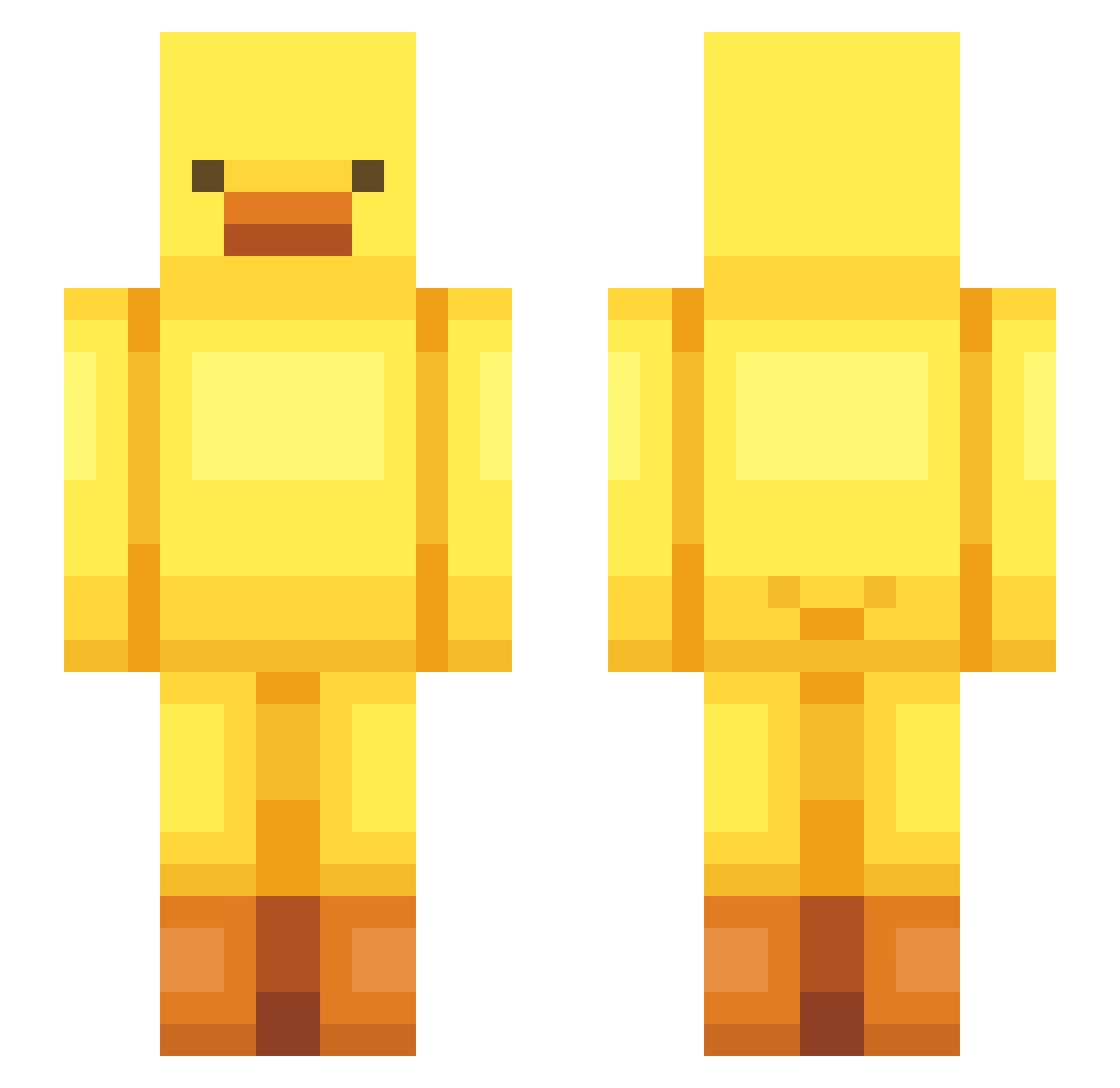
Current Minecraft skin of the player AMuse4mc, loaded from the official Mojang API. Rotate the 3D model with your mouse or finger, then download the skin as a PNG file and use it in Minecraft: Bedrock Edition or Java Edition for free. When AMuse4mc changes their skin, this page updates automatically and the old skin stays in the history below.
Other players with this skin (443)
AMuse4mc was the 415th player we have seen with this skin, first spotted on 14.10.2026. The same skin was seen on these players. Open a nickname to see their current skin and skin history.
 Pauldong1 QQQDDDSAPF Tylor6659 Herkumbl Lasker43 InfinityOP1 noniinlemon BigJetape soeul_ iiilllililililil adji_pro silentburg anjiseong Jokeruuu bbbbbori laislbz Pabanx yeongseog175 wdx_96 WerBoo _Bobaks_ miloballingballs TorchiYakii mow17 DDub0550 Axolotl017 thatsrats AyyronLmao Bubax brookestar11 kvnjvn Han2Han04 Gringrim012 jijijieun123 OLIVRYN sunsun0224 kaya614 ansaansaansa LimeIsLemon MinelixGHG hizarplayer cuteJjong hitransmission Rexing21 Jamiesauce12 MFrostfunk VampyTheSadDuck OceanPiper psoee Halzz0o GMAISLT unhappy12138 Paper9831 maddiewallace StrawberryWave laolaodada Miguelkiko88 garden0410 BlUeMoOn7224 clown00
More Bird Minecraft skins
How to install the AMuse4mc skin
- Press the Download button above to save the skin as a PNG file.
- Minecraft: Bedrock Edition (PE): open the Dressing Room from the main menu (or tap your character → Edit Character), go to Classic Skins → Owned, press the + (new skin) button, choose the downloaded PNG and pick the Slim (Alex) model. Works on PC and mobile; consoles cannot import custom skins.
- Minecraft: Java Edition: open the Minecraft Launcher, go to the Skins tab, click New Skin, load the PNG, pick the Slim (Alex) model and press Save & Use. You can also upload it at minecraft.net → Profile → Change Skin.
The skin does not show up after import - what should I do?
Restart Minecraft and open the Dressing Room again - imported skins sometimes appear only after a restart. Also make sure you selected the imported skin and picked the Slim (Alex) model.
Which model should I choose, Classic or Slim?
This skin is designed for the Slim (Alex) model. If you pick the wrong model, the arms of the skin will look stretched or squeezed.
Is the skin of AMuse4mc free to download?
Yes. Press Download, save the PNG file and use it in Minecraft: Bedrock Edition or Java Edition - no payment or registration needed. The skin also works on multiplayer servers and Realms.
More skins
Looking for more? Go back to all Minecraft skins and check the top skins of the week, month and all time, or find any player's skin by nickname.