
AMaster_A - Minecraft Skins & Skin History
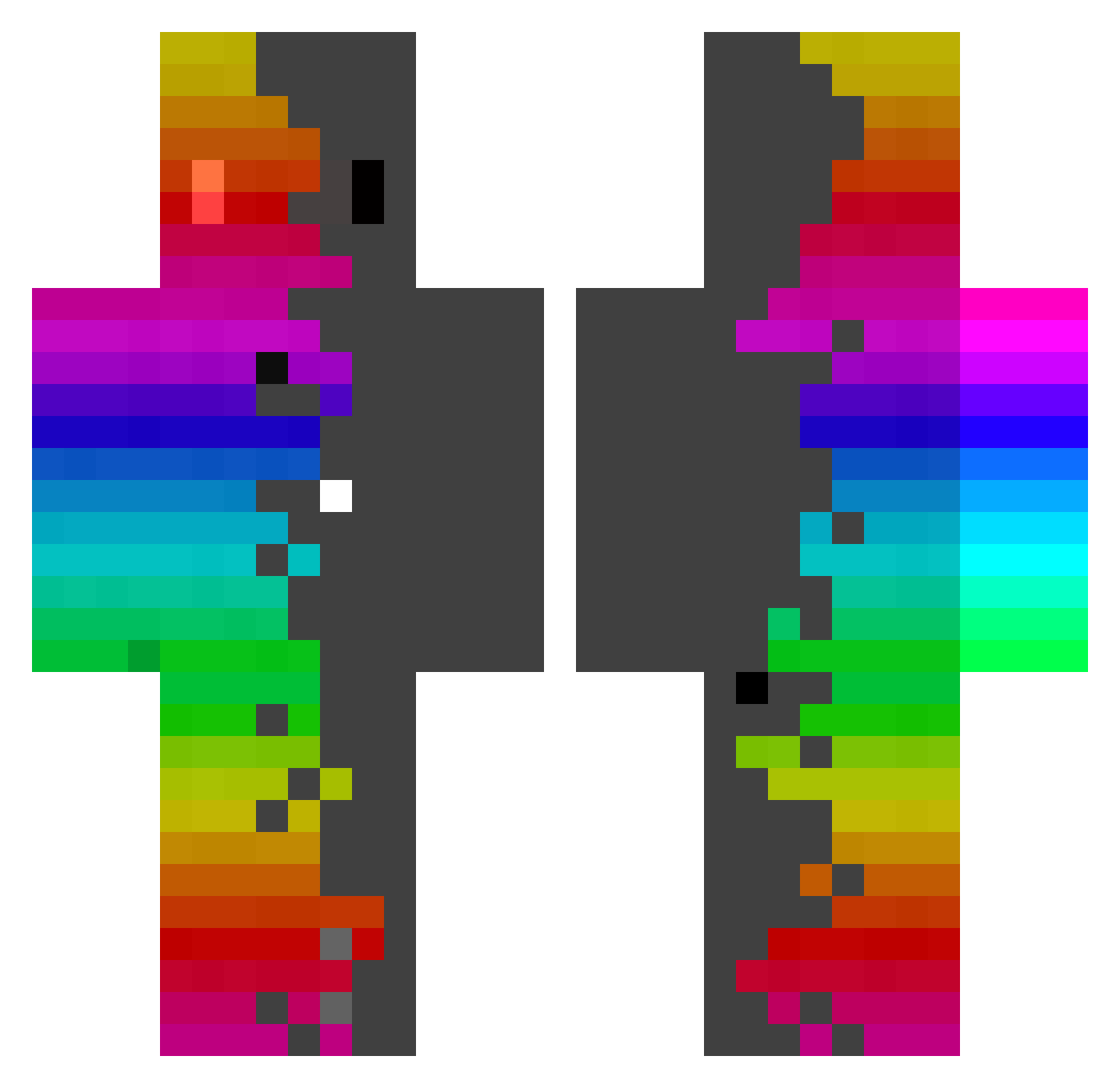
Current Minecraft skin of the player AMaster_A, loaded from the official Mojang API. Rotate the 3D model with your mouse or finger, then download the skin as a PNG file and use it in Minecraft: Bedrock Edition or Java Edition for free. When AMaster_A changes their skin, this page updates automatically and the old skin stays in the history below.
Other players with this skin (440)
AMaster_A was the 55th player we have seen with this skin, first spotted on 07.08.2026. The same skin was seen on these players. Open a nickname to see their current skin and skin history.
 Rasumo Kirbycafe1124 Defth Zari0nkh_ Kekselander pIETROi Cloud1_1Nine_ Shawushker jirukon777 Ndr2301 OtterKnow RF_GUEDES Shanetb2005 felpmmv pimpolhez nils_skyletto Atehis NegoDrama69 misterboum dedz213453 yamatan0256 Mechanicalove Blue_Beeee Rainbow_Slime092 RagaGaming rstaydn _Akin SmartJojo99 bebiiiii mancolt ALP527 JuliGamer2401 M_W_Game Reptilen3 Lemontea3 Guiimmy
 m00747 Jimmy1234567 Eis_Sammy Ede06 SuperHappyFunMe Tartinha Choriso118 moraess isbartle14 Johnsonwow tremutarius Lotus1710
 alexmar2007 KingZero2 uta33 KeryxTheHermes Candycrush765 QuietFlux Terrence513 takotako_1 WaveSnake21 JBirdBlue1 Starlordmylo 3nbh_
How to install the AMaster_A skin
- Press the Download button above to save the skin as a PNG file.
- Minecraft: Bedrock Edition (PE): open the Dressing Room from the main menu (or tap your character → Edit Character), go to Classic Skins → Owned, press the + (new skin) button, choose the downloaded PNG and pick the Classic (Steve) model. Works on PC and mobile; consoles cannot import custom skins.
- Minecraft: Java Edition: open the Minecraft Launcher, go to the Skins tab, click New Skin, load the PNG, pick the Classic (Steve) model and press Save & Use. You can also upload it at minecraft.net → Profile → Change Skin.
The skin does not show up after import - what should I do?
Restart Minecraft and open the Dressing Room again - imported skins sometimes appear only after a restart. Also make sure you selected the imported skin and picked the Classic (Steve) model.
Which model should I choose, Classic or Slim?
This skin is designed for the Classic (Steve) model. If you pick the wrong model, the arms of the skin will look stretched or squeezed.
Is the skin of AMaster_A free to download?
Yes. Press Download, save the PNG file and use it in Minecraft: Bedrock Edition or Java Edition - no payment or registration needed. The skin also works on multiplayer servers and Realms.
More skins
Looking for more? Go back to all Minecraft skins and check the top skins of the week, month and all time, or find any player's skin by nickname.