
454type - Minecraft Skins & Skin History
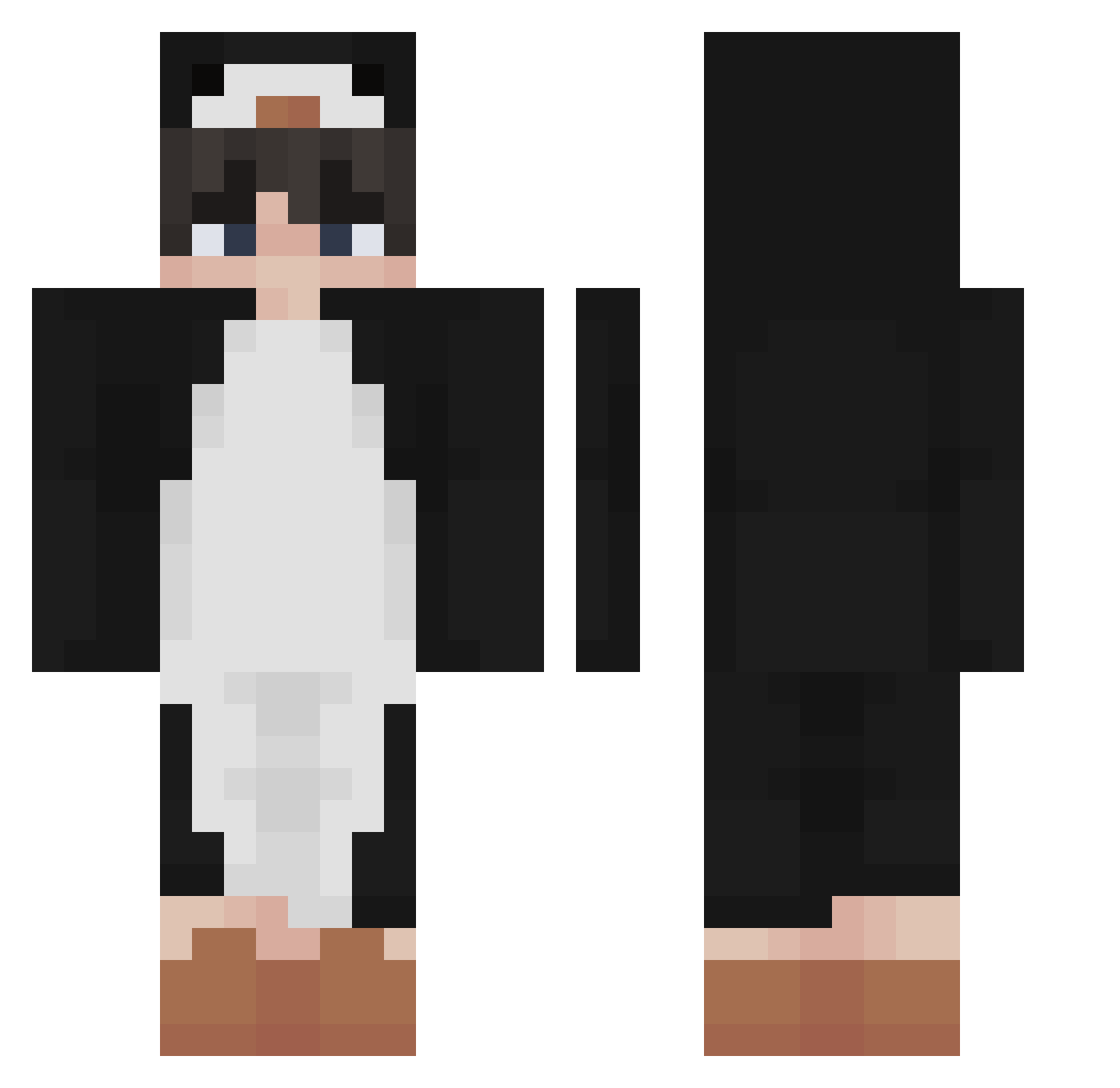
Current Minecraft skin of the player 454type, loaded from the official Mojang API. Rotate the 3D model with your mouse or finger, then download the skin as a PNG file and use it in Minecraft: Bedrock Edition or Java Edition for free. When 454type changes their skin, this page updates automatically and the old skin stays in the history below.
Other players with this skin (455)
454type was the 348th player we have seen with this skin, first spotted on 22.10.2026. The same skin was seen on these players. Open a nickname to see their current skin and skin history.
 SilentElixer LTLokillo GioIsTheNo Pedro_xl15 10000Miles nv4u wrcn Max2Know EthanValcke VitroVxA andre2dolars ChangWon96 Omenajoku Luquillass driplasma Akson321 EagleBearer27 WholeWheat_ aprnLx CurlyHairLover archyman115 MarkiiSs skyvita Xzwasd potato_dori Poim_ Mazarica Haroldrojas WENBAKA GoojIsBot Jeenee7 SealInAHat Uccle ilsakana rRy7z Cheesie22 ElPrieto8183 Camilolocho8 ssnw Cotowi4ok Gamer_YT13 bbuzz_ Spikezter MrSalsifis Hermitdababy LxveMyDressBreak Fatpengu666 Flame9988 Vittorz Sakvii cheeselove ilyvanish ERRW BnRonnie JamiNeu8 haesung107 1Tr3c3 eret6 WILLIAMYUK haihaiyou
More Penguin Minecraft skins
How to install the 454type skin
- Press the Download button above to save the skin as a PNG file.
- Minecraft: Bedrock Edition (PE): open the Dressing Room from the main menu (or tap your character → Edit Character), go to Classic Skins → Owned, press the + (new skin) button, choose the downloaded PNG and pick the Classic (Steve) model. Works on PC and mobile; consoles cannot import custom skins.
- Minecraft: Java Edition: open the Minecraft Launcher, go to the Skins tab, click New Skin, load the PNG, pick the Classic (Steve) model and press Save & Use. You can also upload it at minecraft.net → Profile → Change Skin.
The skin does not show up after import - what should I do?
Restart Minecraft and open the Dressing Room again - imported skins sometimes appear only after a restart. Also make sure you selected the imported skin and picked the Classic (Steve) model.
Which model should I choose, Classic or Slim?
This skin is designed for the Classic (Steve) model. If you pick the wrong model, the arms of the skin will look stretched or squeezed.
Is the skin of 454type free to download?
Yes. Press Download, save the PNG file and use it in Minecraft: Bedrock Edition or Java Edition - no payment or registration needed. The skin also works on multiplayer servers and Realms.
More skins
Looking for more? Go back to all Minecraft skins and check the top skins of the week, month and all time, or find any player's skin by nickname.