
3upz - Minecraft Skins & Skin History
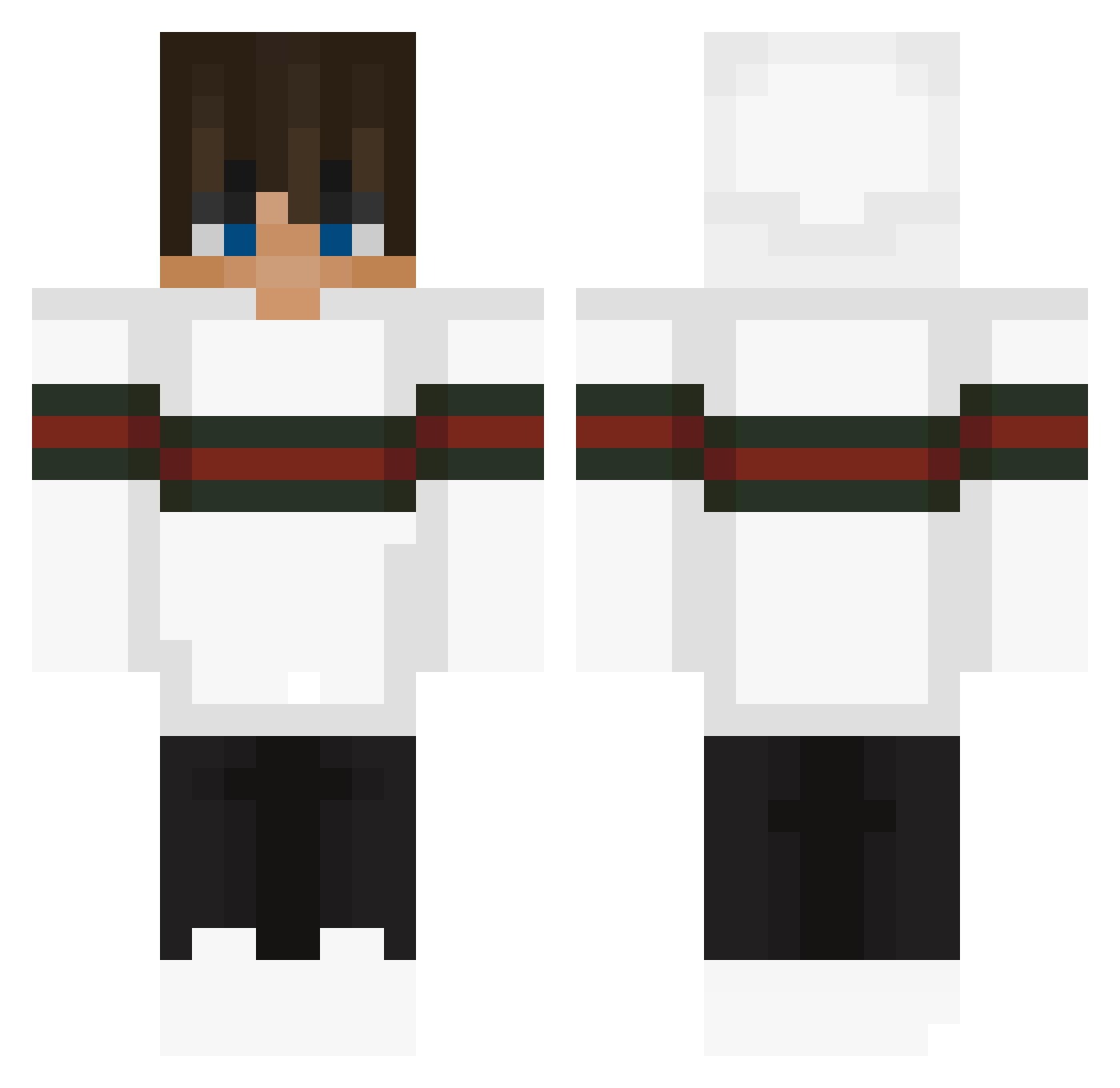
Current Minecraft skin of the player 3upz, loaded from the official Mojang API. Rotate the 3D model with your mouse or finger, then download the skin as a PNG file and use it in Minecraft: Bedrock Edition or Java Edition for free. When 3upz changes their skin, this page updates automatically and the old skin stays in the history below.
Other players with this skin (292)
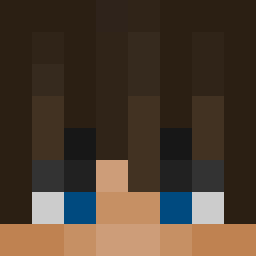
3upz was the 182nd player we have seen with this skin, first spotted on 30.09.2026. The same skin was seen on these players. Open a nickname to see their current skin and skin history.
 saucybro1169 Juiceboxguy002 Hadi014 ThaDonS1 iamLecky lvsweet palovec arbUZI Mex456789 VEX066 SadBons JackLAMO sulaiman964 IIDRAGON_ID keigotak21 Guraki AK47UZ Alex_CZE MaKro87 Godberrr ZukiAnimates Leandro_22__ Hakuya1 OmerRegev2005 Simeleon_1234 xXGucciGandalfXx BlackR0D Qruiz10 Dencherok Enede10 burgmon Dantim3 TomF98 PlaSma_Seijuro zWillSchlxfen joku666 TommyTheGamerJR killer_clxps KaiPeters07 lildirewolf BigAL680 orenalgeva Anthony_Major cruzeN_ Conorenright7 CobwebbyCobra83 UB12 olusxxx __Crocs_ KingofJaki Yolinko schele_22 Kjubdese TheLostWrld NohaGaming Juhan1028 Piotrek_1213 PFWP1 hamster09 Coolguy2812
More Streetwear Minecraft skins
How to install the 3upz skin
- Press the Download button above to save the skin as a PNG file.
- Minecraft: Bedrock Edition (PE): open the Dressing Room from the main menu (or tap your character → Edit Character), go to Classic Skins → Owned, press the + (new skin) button, choose the downloaded PNG and pick the Classic (Steve) model. Works on PC and mobile; consoles cannot import custom skins.
- Minecraft: Java Edition: open the Minecraft Launcher, go to the Skins tab, click New Skin, load the PNG, pick the Classic (Steve) model and press Save & Use. You can also upload it at minecraft.net → Profile → Change Skin.
The skin does not show up after import - what should I do?
Restart Minecraft and open the Dressing Room again - imported skins sometimes appear only after a restart. Also make sure you selected the imported skin and picked the Classic (Steve) model.
Which model should I choose, Classic or Slim?
This skin is designed for the Classic (Steve) model. If you pick the wrong model, the arms of the skin will look stretched or squeezed.
Is the skin of 3upz free to download?
Yes. Press Download, save the PNG file and use it in Minecraft: Bedrock Edition or Java Edition - no payment or registration needed. The skin also works on multiplayer servers and Realms.
More skins
Looking for more? Go back to all Minecraft skins and check the top skins of the week, month and all time, or find any player's skin by nickname.