
3dmund - Minecraft Skins & Skin History
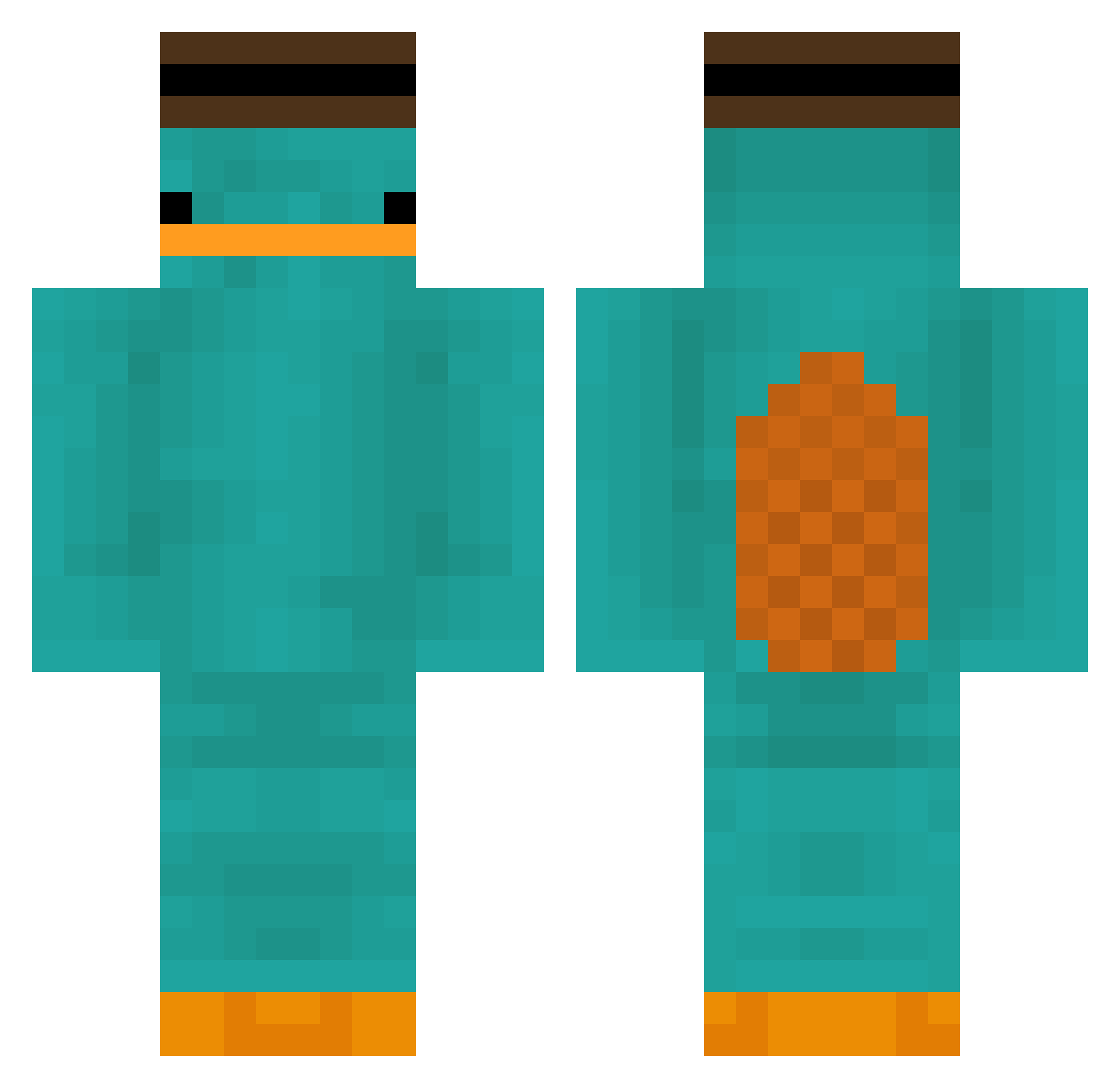
Current Minecraft skin of the player 3dmund, loaded from the official Mojang API. Rotate the 3D model with your mouse or finger, then download the skin as a PNG file and use it in Minecraft: Bedrock Edition or Java Edition for free. When 3dmund changes their skin, this page updates automatically and the old skin stays in the history below.
Other players with this skin (180)
3dmund was the 135th player we have seen with this skin, first spotted on 13.10.2026. The same skin was seen on these players. Open a nickname to see their current skin and skin history.
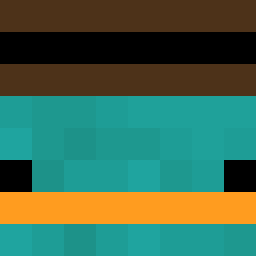 MrGreenMeme garlatha_ Alextrol360 kallicoolcatzzx Zisepxy Elian2200 naberfc ry235 bobicraft2 SuperYassin2011 nueahe moffn Seropoulos kamonegi_lv60 MoistyNail x65 ____weight Uriharaa TickleMonssz BastBird64 RxF zXPrime187 ninjaX2 BedrockBrian82 PobreDeVicente t77t7t77t77t77 Quajutzu nojuiceleft BrayanPsj Floopers__ RaeBans jayr16 TIMOTHY3333 Kond0mski mini_dino_gamer r9828d947y90fd72 Glaurse Vanvossen22 _kmuz Plumput burakgundogan BagOFChaps Achouza Badboy_tw Startcior Dumbf00k 1infame Esben_L duvas_ Daneng_ ElClgringo7 M3T30R CMGPhantom Airwavesx Solmaj7 HyuLJae gmalta21 pau_17 Titiramisiu Dufferinboy1566
More Platypus Minecraft skins
How to install the 3dmund skin
- Press the Download button above to save the skin as a PNG file.
- Minecraft: Bedrock Edition (PE): open the Dressing Room from the main menu (or tap your character → Edit Character), go to Classic Skins → Owned, press the + (new skin) button, choose the downloaded PNG and pick the Classic (Steve) model. Works on PC and mobile; consoles cannot import custom skins.
- Minecraft: Java Edition: open the Minecraft Launcher, go to the Skins tab, click New Skin, load the PNG, pick the Classic (Steve) model and press Save & Use. You can also upload it at minecraft.net → Profile → Change Skin.
The skin does not show up after import - what should I do?
Restart Minecraft and open the Dressing Room again - imported skins sometimes appear only after a restart. Also make sure you selected the imported skin and picked the Classic (Steve) model.
Which model should I choose, Classic or Slim?
This skin is designed for the Classic (Steve) model. If you pick the wrong model, the arms of the skin will look stretched or squeezed.
Is the skin of 3dmund free to download?
Yes. Press Download, save the PNG file and use it in Minecraft: Bedrock Edition or Java Edition - no payment or registration needed. The skin also works on multiplayer servers and Realms.
More skins
Looking for more? Go back to all Minecraft skins and check the top skins of the week, month and all time, or find any player's skin by nickname.