
 25DARIUS Winxly massimoXtreme Allmightynigro MiniFreshKabob Phlopp_O Skandar10 meltedsmoresz Blinker_ Cleave1 CarbonGlorious Carlton018 sel080 DanONNNN Masteroogway24 EddyPooh Igor_koxx Sosoikoru ninjassasin07 Moinius AChristianBoy Meggtref Felichy ZeroCord3075637 phaneronz b0MBY11 Cloorofila Gloxing Gameplay906 BallisticMaker MistaGee FoxyIsMe mr_mustang GCODEMUSIC chuckroll MokaiViIndtager uuuhx LittleCampas Necrosgames Lqchii HAMEKINTV iNat4 NIKITV_official COOKcoco AdriannaM04 KeinBockMehr123 Sockra23 Sz4manTomeQ Thekebabus Amr_ MEW_TX Yawaradii sadoooo mossfujii IParaadox aboood88 TheRussl BlockingFire Trollfried Arkery123
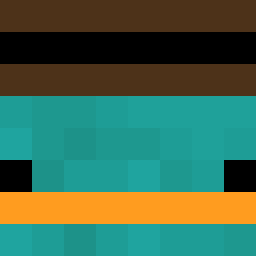
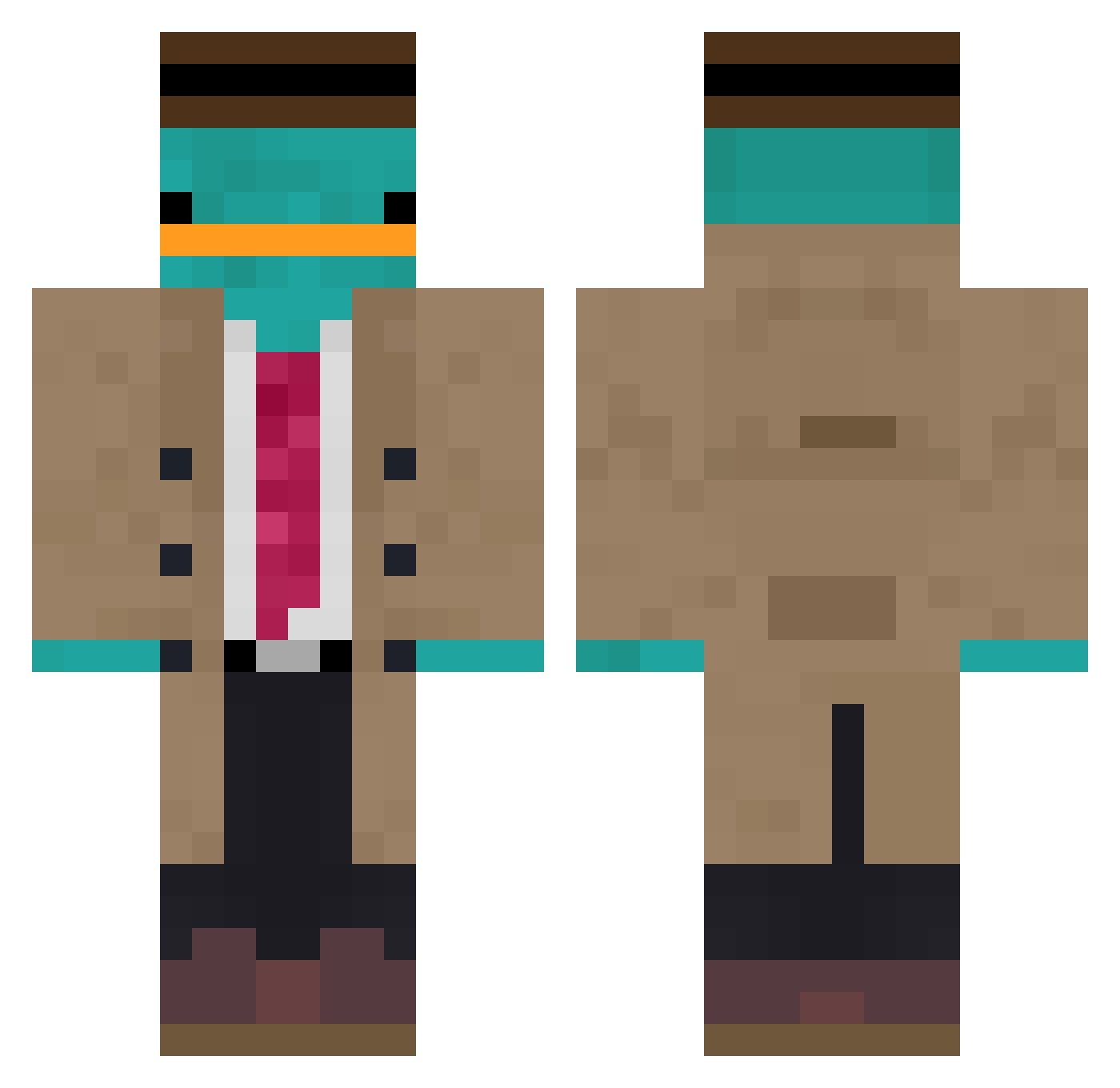
Minecraft skin of Luxav1. Rotate the 3D model with your mouse or finger to view the skin from every angle, then download it as a PNG file and use it in Minecraft: Bedrock Edition or Java Edition for free. Rate the skin with stars to help other players find the best skins in our collection.
How to install the Luxav1 skin
- Press the Download button above to save the skin as a PNG file.
- Minecraft: Bedrock Edition (PE): open the Dressing Room from the main menu (or tap your character → Edit Character), go to Classic Skins → Owned, press the + (new skin) button, choose the downloaded PNG and pick the Classic (Steve) model. Works on PC and mobile; consoles cannot import custom skins.
- Minecraft: Java Edition: open the Minecraft Launcher, go to the Skins tab, click New Skin, load the PNG, pick the Classic (Steve) model and press Save & Use. You can also upload it at minecraft.net → Profile → Change Skin.
The skin does not show up after import - what should I do?
Restart Minecraft and open the Dressing Room again - imported skins sometimes appear only after a restart. Also make sure you selected the imported skin and picked the Classic (Steve) model.
Which model should I choose, Classic or Slim?
This skin is designed for the Classic (Steve) model. If you pick the wrong model, the arms of the skin will look stretched or squeezed.
Is this skin free to use?
Yes. Press Download, save the PNG file and use it in Minecraft: Bedrock Edition or Java Edition - no payment or registration needed. The skin also works on multiplayer servers and Realms.
More Platypus Minecraft skins
More skins
Looking for more? Go back to all Minecraft skins and check the top skins of the week, month and all time, or find any player's skin by nickname.