
33ktxzz - Minecraft Skins & Skin History
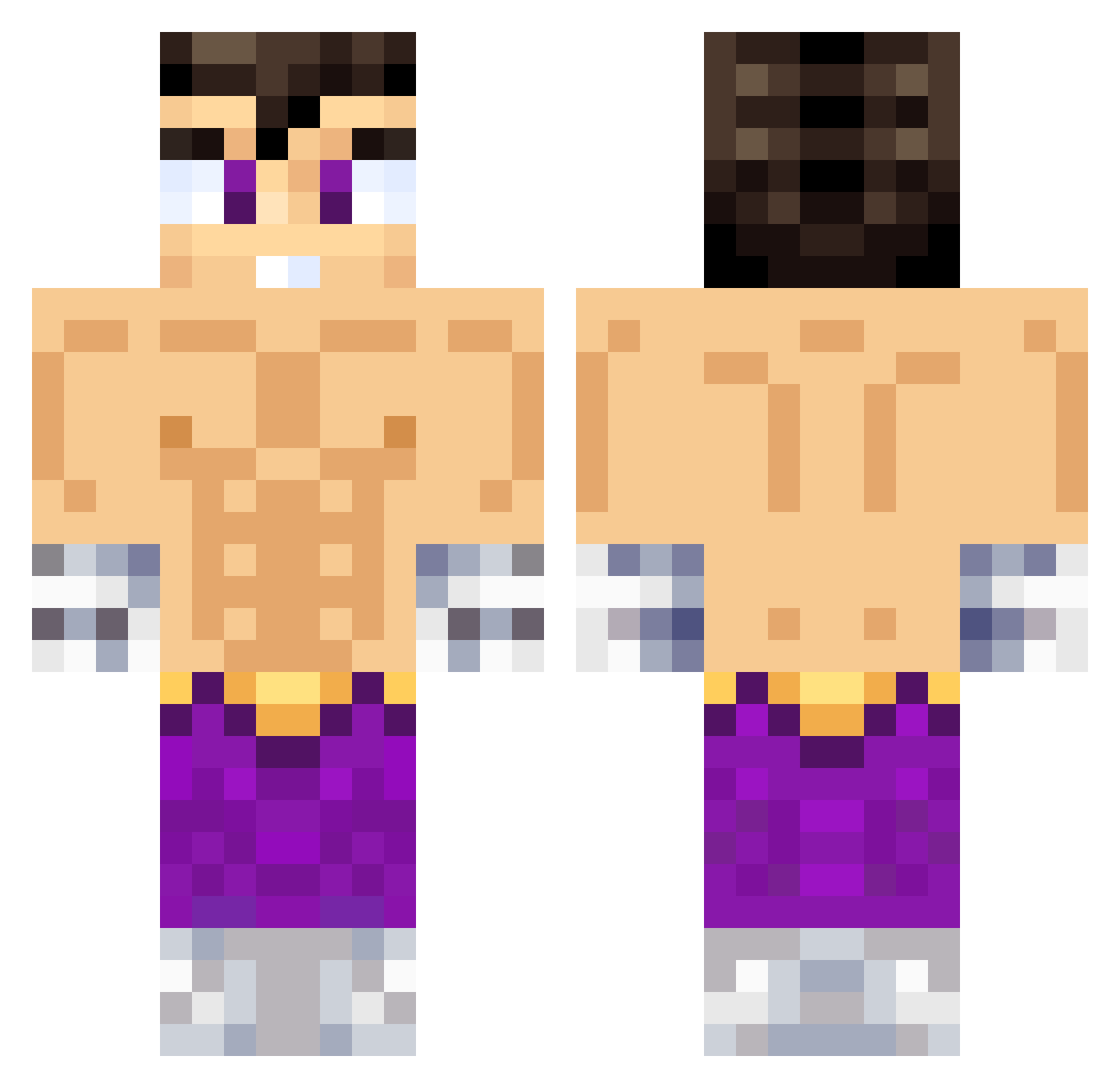
Current Minecraft skin of the player 33ktxzz, loaded from the official Mojang API. Rotate the 3D model with your mouse or finger, then download the skin as a PNG file and use it in Minecraft: Bedrock Edition or Java Edition for free. When 33ktxzz changes their skin, this page updates automatically and the old skin stays in the history below.
Other players with this skin (638)
33ktxzz was the 468th player we have seen with this skin, first spotted on 13.10.2026. The same skin was seen on these players. Open a nickname to see their current skin and skin history.
 Talha9 Tom18_ esdanox chontaduro5 daredeviil7z Benyititahh JordiENP07 sickxx_ Irving777 IbimsDoenerDeni ZePiXeL057 TheFloshh 73chupetito thomyCARP kyito87 12KVN07 xXGOLDENXx Chevastian zJay7 LOLMORALES MatiuxUwU1 Jaavierr00 Faruk05 IanGamer21 M4rt1nCR Patatinios forgottenfranzy charnocho Landaasier17 manuml__ GEP2011 WoolyHickory GimenezVictor Byduarte28 M4t1riz AlanJahir JcCano ShinigamiSR FRANSITO_01 CoteGMZ goldcristy248 FoxytoUwU StepSist69 adriharr11 vicentevasquez DinoDanna Belzeebu NotMarkz MrLuxio4K Wiser_Jan ElAjusBro tichiro_guaton Elreek zTobiaS1 NEGATIVEISBACK Fofii_ Cris_2427 Antonio1977 CAMPOS_777 ViciousGamer24
More Jin Kazama Minecraft skins
How to install the 33ktxzz skin
- Press the Download button above to save the skin as a PNG file.
- Minecraft: Bedrock Edition (PE): open the Dressing Room from the main menu (or tap your character → Edit Character), go to Classic Skins → Owned, press the + (new skin) button, choose the downloaded PNG and pick the Classic (Steve) model. Works on PC and mobile; consoles cannot import custom skins.
- Minecraft: Java Edition: open the Minecraft Launcher, go to the Skins tab, click New Skin, load the PNG, pick the Classic (Steve) model and press Save & Use. You can also upload it at minecraft.net → Profile → Change Skin.
The skin does not show up after import - what should I do?
Restart Minecraft and open the Dressing Room again - imported skins sometimes appear only after a restart. Also make sure you selected the imported skin and picked the Classic (Steve) model.
Which model should I choose, Classic or Slim?
This skin is designed for the Classic (Steve) model. If you pick the wrong model, the arms of the skin will look stretched or squeezed.
Is the skin of 33ktxzz free to download?
Yes. Press Download, save the PNG file and use it in Minecraft: Bedrock Edition or Java Edition - no payment or registration needed. The skin also works on multiplayer servers and Realms.
More skins
Looking for more? Go back to all Minecraft skins and check the top skins of the week, month and all time, or find any player's skin by nickname.