
1_7_ - Minecraft Skins & Skin History
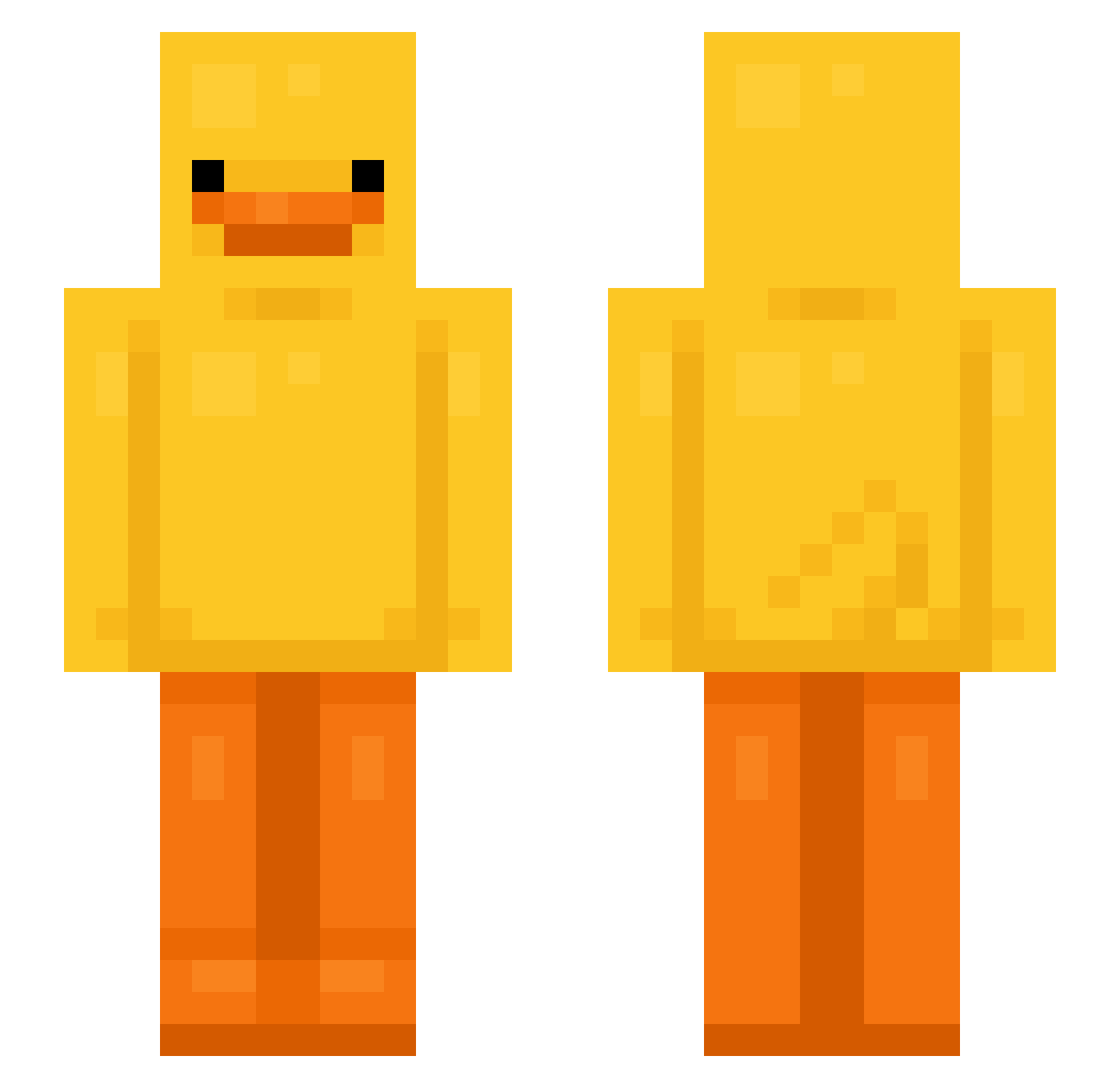
Current Minecraft skin of the player 1_7_, loaded from the official Mojang API. Rotate the 3D model with your mouse or finger, then download the skin as a PNG file and use it in Minecraft: Bedrock Edition or Java Edition for free. When 1_7_ changes their skin, this page updates automatically and the old skin stays in the history below.
Other players with this skin (592)
1_7_ was the 389th player we have seen with this skin, first spotted on 21.09.2026. The same skin was seen on these players. Open a nickname to see their current skin and skin history.
 HYGAO__ LeafMuncher1 CondensedMilky KingGB42 Mengzi1231 HazDye LordDarkness315 Cleflax S66S99 CrazyAbu petuniaa FumasXD Aadi1x PetpetMaster Alex132107 ImWorried RizNell PapaJamesy Akarit0 heheim FruitJunki Sinex7 gugu99999gugu Broooklyn03 Copypog11 TrpaslikCZ FNATIC15 Nhaooooo kjong wuql imnotmyla Dymond2005 hooni123 ItzLiam09 Raisin_Mine DoxxGhost Tsanaa JOYOON2 Baben01 seqqix_ SIMOX7ITA JulessO Bi13 Magnusmus9455 Dino_tank10 RH5011 Marcoalal DLNOnMinecraft Maxboy251 Joonbug101 Duuckly16 jaesunga1 hyuye Kenny_Bell Shaaaaaaaw DoubleX16 Yvletal80 Arkhilem Alex_LMD OMegatron1010
More Bird Minecraft skins
How to install the 1_7_ skin
- Press the Download button above to save the skin as a PNG file.
- Minecraft: Bedrock Edition (PE): open the Dressing Room from the main menu (or tap your character → Edit Character), go to Classic Skins → Owned, press the + (new skin) button, choose the downloaded PNG and pick the Slim (Alex) model. Works on PC and mobile; consoles cannot import custom skins.
- Minecraft: Java Edition: open the Minecraft Launcher, go to the Skins tab, click New Skin, load the PNG, pick the Slim (Alex) model and press Save & Use. You can also upload it at minecraft.net → Profile → Change Skin.
The skin does not show up after import - what should I do?
Restart Minecraft and open the Dressing Room again - imported skins sometimes appear only after a restart. Also make sure you selected the imported skin and picked the Slim (Alex) model.
Which model should I choose, Classic or Slim?
This skin is designed for the Slim (Alex) model. If you pick the wrong model, the arms of the skin will look stretched or squeezed.
Is the skin of 1_7_ free to download?
Yes. Press Download, save the PNG file and use it in Minecraft: Bedrock Edition or Java Edition - no payment or registration needed. The skin also works on multiplayer servers and Realms.
More skins
Looking for more? Go back to all Minecraft skins and check the top skins of the week, month and all time, or find any player's skin by nickname.