
 val4ntine Zyrae_ Soraka2064 Hutbang10029702 Chemg20 Abyss122 TurtIe1256 FrogBoy1308 BingusNotFound JandC2014 NoNutRiver Lunalaxx Jookiee rZer0v Daun_00 soso1721 Flattestrex2131 wormonastring12 DaramG Void_Less__ Mokky_ Mystixfrogz Scohtt marperass solarEclipse666 xyaatez jymsauce Seesup halllebearr turtleLex1 Itzukoo CallMeThat SunsetStream602 Crunggg smRlavy_ rarumong mango_0502 Hiroking35 Merlak99 sammyy1 SNRAV Miko0034 DLE10 HOSI_NO AnToNy1703 Luzix qkrwnsgur0628 Malayali_Dev MAKIYAMAGUCHI croblocker Efebabapro52 gulpaku tjdgur Stevo4 Suicine pokerx_br tielore Ryxcia PapiD69 Azmiz
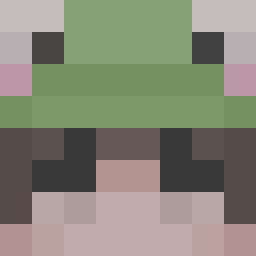
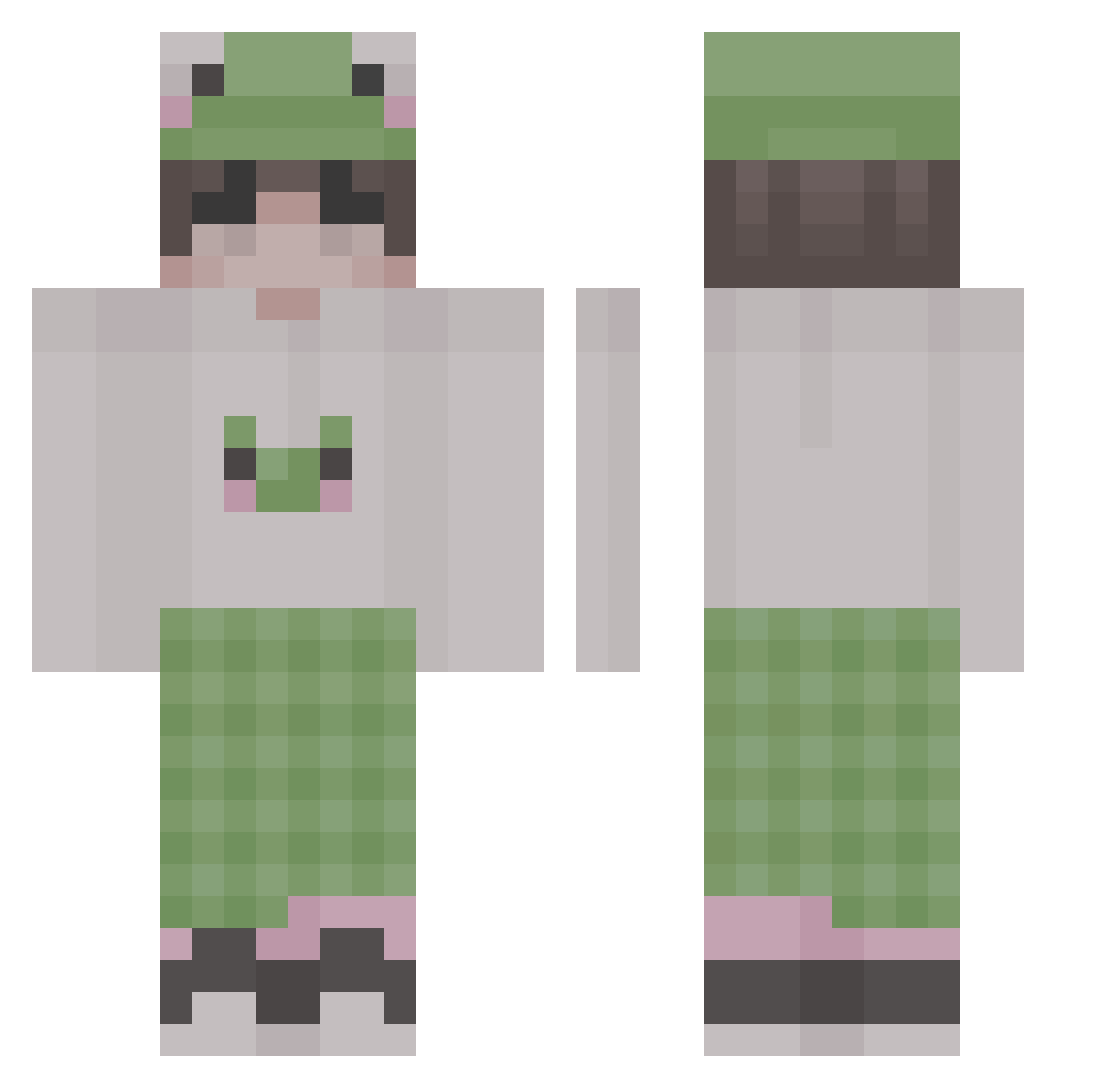
Minecraft skin of tuck_1080. Rotate the 3D model with your mouse or finger to view the skin from every angle, then download it as a PNG file and use it in Minecraft: Bedrock Edition or Java Edition for free. Rate the skin with stars to help other players find the best skins in our collection.
How to install the tuck_1080 skin
- Press the Download button above to save the skin as a PNG file.
- Minecraft: Bedrock Edition (PE): open the Dressing Room from the main menu (or tap your character → Edit Character), go to Classic Skins → Owned, press the + (new skin) button, choose the downloaded PNG and pick the Classic (Steve) model. Works on PC and mobile; consoles cannot import custom skins.
- Minecraft: Java Edition: open the Minecraft Launcher, go to the Skins tab, click New Skin, load the PNG, pick the Classic (Steve) model and press Save & Use. You can also upload it at minecraft.net → Profile → Change Skin.
The skin does not show up after import - what should I do?
Restart Minecraft and open the Dressing Room again - imported skins sometimes appear only after a restart. Also make sure you selected the imported skin and picked the Classic (Steve) model.
Which model should I choose, Classic or Slim?
This skin is designed for the Classic (Steve) model. If you pick the wrong model, the arms of the skin will look stretched or squeezed.
Is this skin free to use?
Yes. Press Download, save the PNG file and use it in Minecraft: Bedrock Edition or Java Edition - no payment or registration needed. The skin also works on multiplayer servers and Realms.
More Frog Hat Minecraft skins
More skins
Looking for more? Go back to all Minecraft skins and check the top skins of the week, month and all time, or find any player's skin by nickname.