
 ElYisusXP CursedCreeper NastyWidIt CaptainDragon75 SpaceKingJ 1522_Jnsn PanVikx Blueshift9 Hoppin0 grafoman theAsianAmbition crafter476 WU_11 maxihuntermk Flameburst316 EgyptianSugar 2020knight Posidione Northblades buddyblaster420 Timb0o0 ArmoredBenopoly gaxombie talkinghead6 Nagelschaar RokaiThunder XxSolox NutMilk66 Clutchpowers05 Veggerser AGoombaKiller OutPizzadTheHut Xilveros Tainted_Renark Gate2006 MrAwesomeMan2 Wil_Wheaton AlonsoM N1gaa Clavixus NinjaDude8888 itz_dwakk Stormor08 Ex1tStrategy Patty2G ShuffleBot1214 Fillion21 DaSmitty93 King_Adaephos PeleMadness13 juliantimmermans Khrutho MrStef28 KRONOS_415 MasterCheek Dunnyjnr1707 DarkAngel542 RayzerQ Dragonhunt900 SpaceBloBB1
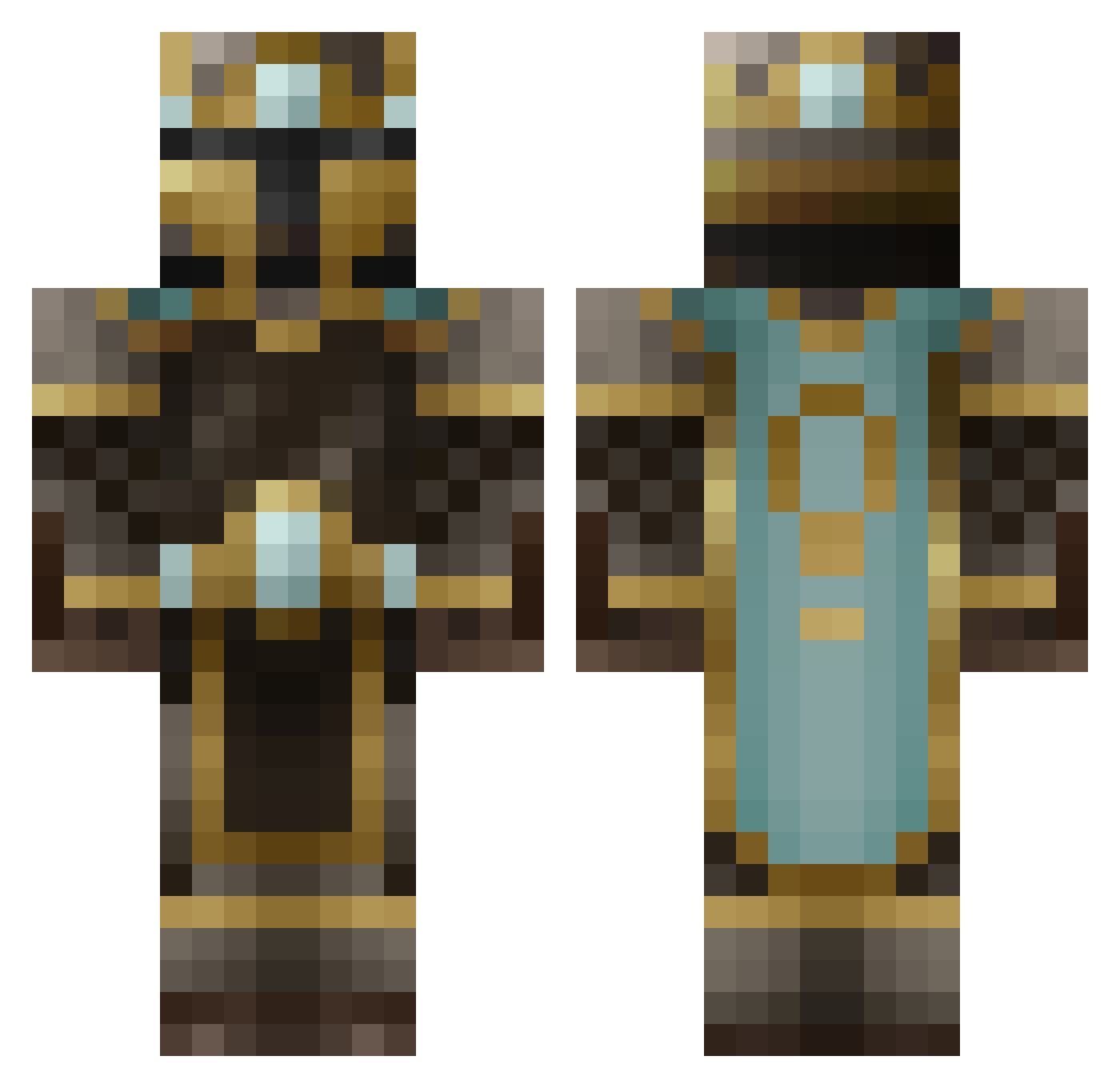
Minecraft skin of Kazookums. Rotate the 3D model with your mouse or finger to view the skin from every angle, then download it as a PNG file and use it in Minecraft: Bedrock Edition or Java Edition for free. Rate the skin with stars to help other players find the best skins in our collection.
How to install the Kazookums skin
- Press the Download button above to save the skin as a PNG file.
- Minecraft: Bedrock Edition (PE): open the Dressing Room from the main menu (or tap your character → Edit Character), go to Classic Skins → Owned, press the + (new skin) button, choose the downloaded PNG and pick the Classic (Steve) model. Works on PC and mobile; consoles cannot import custom skins.
- Minecraft: Java Edition: open the Minecraft Launcher, go to the Skins tab, click New Skin, load the PNG, pick the Classic (Steve) model and press Save & Use. You can also upload it at minecraft.net → Profile → Change Skin.
The skin does not show up after import - what should I do?
Restart Minecraft and open the Dressing Room again - imported skins sometimes appear only after a restart. Also make sure you selected the imported skin and picked the Classic (Steve) model.
Which model should I choose, Classic or Slim?
This skin is designed for the Classic (Steve) model. If you pick the wrong model, the arms of the skin will look stretched or squeezed.
Is this skin free to use?
Yes. Press Download, save the PNG file and use it in Minecraft: Bedrock Edition or Java Edition - no payment or registration needed. The skin also works on multiplayer servers and Realms.
More King Minecraft skins
More skins
Looking for more? Go back to all Minecraft skins and check the top skins of the week, month and all time, or find any player's skin by nickname.