
ICYmp_5 - Minecraft Skins & Skin History
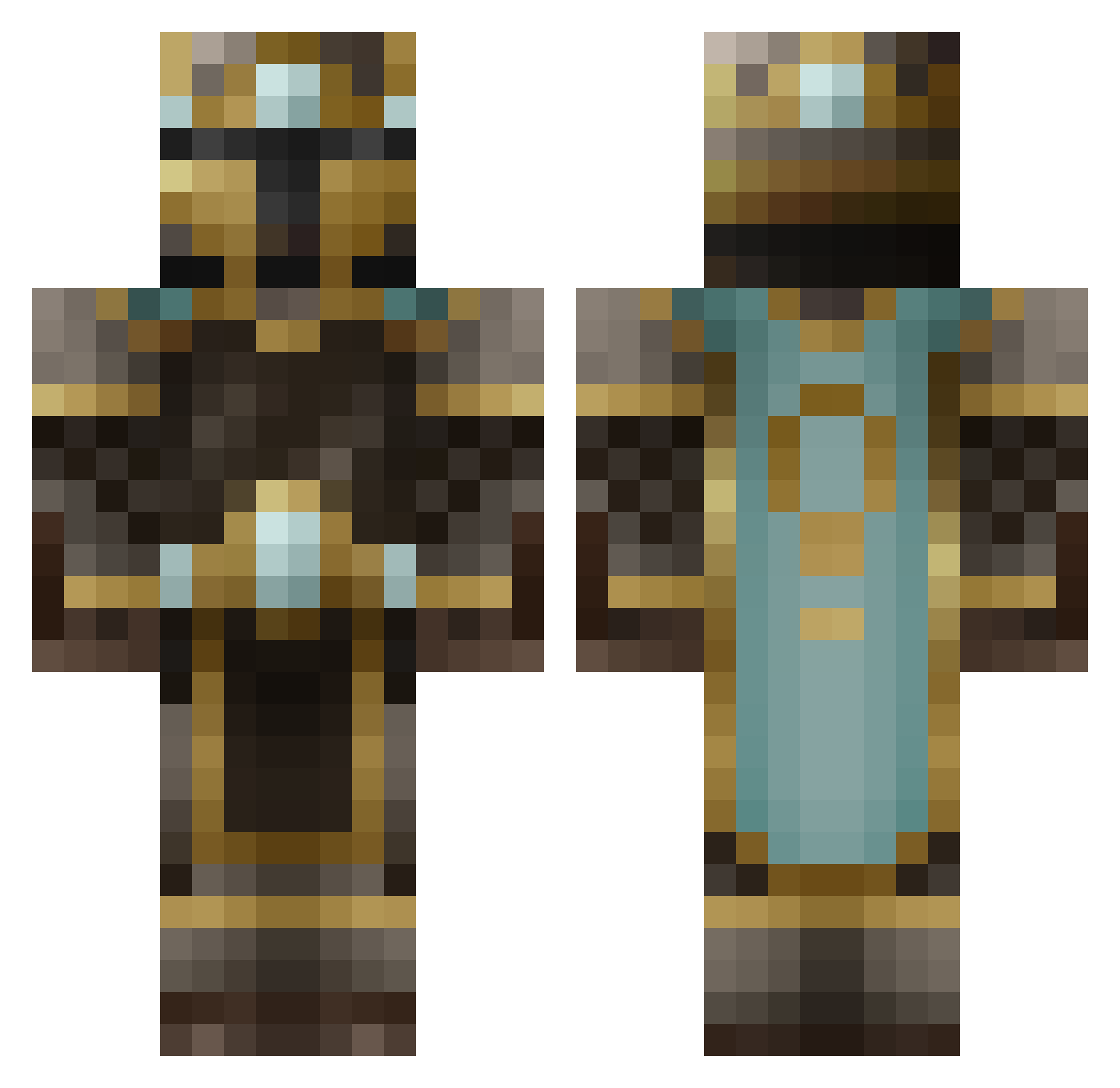
Current Minecraft skin of the player ICYmp_5, loaded from the official Mojang API. Rotate the 3D model with your mouse or finger, then download the skin as a PNG file and use it in Minecraft: Bedrock Edition or Java Edition for free. When ICYmp_5 changes their skin, this page updates automatically and the old skin stays in the history below.
Other players with this skin (250)
ICYmp_5 was the 245th player we have seen with this skin, first spotted on 08.11.2026. The same skin was seen on these players. Open a nickname to see their current skin and skin history.
 PotatatoGuy Luke_G_ Endergeneration gogowo McFisti Wilk7301 _trek Zepyulos LooksLikeRain17 TheAxon Fermonx QuicheMan Ibxkragar GioLionheart Grentsu Rayspy Androng ScorcherElf RagazzoFZ amayer46 HeyItsDoopey CplToast ThatBoi12345 Odss TheFartyDude sweag_muf CireinCroinSea Sleepy_Ghoul HighGeon Suprematic demonkiller510 Toba2010 Springgs WesternLaw tiktoktho hnyb4dg3r MarkGWatson Ar0ch3r quest007 R1s1ngDaWN MrMorenete RGannon828 Hod97 popcoin2930 BallsGaming1 PaksNaxe Gleb2014888 Spowen Thogold BugraTheGrey BasilJacks Kanciarito LORNIAL vlad87 Shammehboi highfivebrad Gustavc123 Avalend16 GalaxyWraithX gibbo6969
More King Minecraft skins
How to install the ICYmp_5 skin
- Press the Download button above to save the skin as a PNG file.
- Minecraft: Bedrock Edition (PE): open the Dressing Room from the main menu (or tap your character → Edit Character), go to Classic Skins → Owned, press the + (new skin) button, choose the downloaded PNG and pick the Classic (Steve) model. Works on PC and mobile; consoles cannot import custom skins.
- Minecraft: Java Edition: open the Minecraft Launcher, go to the Skins tab, click New Skin, load the PNG, pick the Classic (Steve) model and press Save & Use. You can also upload it at minecraft.net → Profile → Change Skin.
The skin does not show up after import - what should I do?
Restart Minecraft and open the Dressing Room again - imported skins sometimes appear only after a restart. Also make sure you selected the imported skin and picked the Classic (Steve) model.
Which model should I choose, Classic or Slim?
This skin is designed for the Classic (Steve) model. If you pick the wrong model, the arms of the skin will look stretched or squeezed.
Is the skin of ICYmp_5 free to download?
Yes. Press Download, save the PNG file and use it in Minecraft: Bedrock Edition or Java Edition - no payment or registration needed. The skin also works on multiplayer servers and Realms.
More skins
Looking for more? Go back to all Minecraft skins and check the top skins of the week, month and all time, or find any player's skin by nickname.