
 josipdadark Forgiv3nPlays caleb04 NincaTozbaa FJGamer_010 jitveli JoeyPlays_YT jakubik01 XxWERSGAMER55xX jaxmaxamillion Italo_Games Filys7 Amby3620 Lucamario04 feelinsinister derprofi288 154kg_kid XJakeTheSnakeX03 Lubod8 FairVidsYT Redfly35 SmLoZaN7 rareszx alfredhabash FuryAttacker131 Natsu_13 ll_lugge Jusi1607 ThunderHeart107 MRHC Professor1978 Jollyman21 ViboralAdams cameronomg Ice_LP91 Maki_XDD K1ngOVKILLZ Mcross xx_R3n3_xx21 mikagoex DesTrucTiveCL4N Fighterchoi kronk_69 Yeser_Gamer rodrigonarciso TheNoble14 faizal06 Miloszfelu Edzy51 noroxymorphone MachuGamingDX goncalo1414 Yuan_Yuannnnn ayeitsyaboi0 MicraN UmutBaba5334 fentanest7 Nixzn Deneria ExplorerMAP
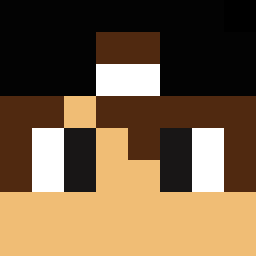
Minecraft skin of Fly_GamerBr. Rotate the 3D model with your mouse or finger to view the skin from every angle, then download it as a PNG file and use it in Minecraft: Bedrock Edition or Java Edition for free. Rate the skin with stars to help other players find the best skins in our collection.
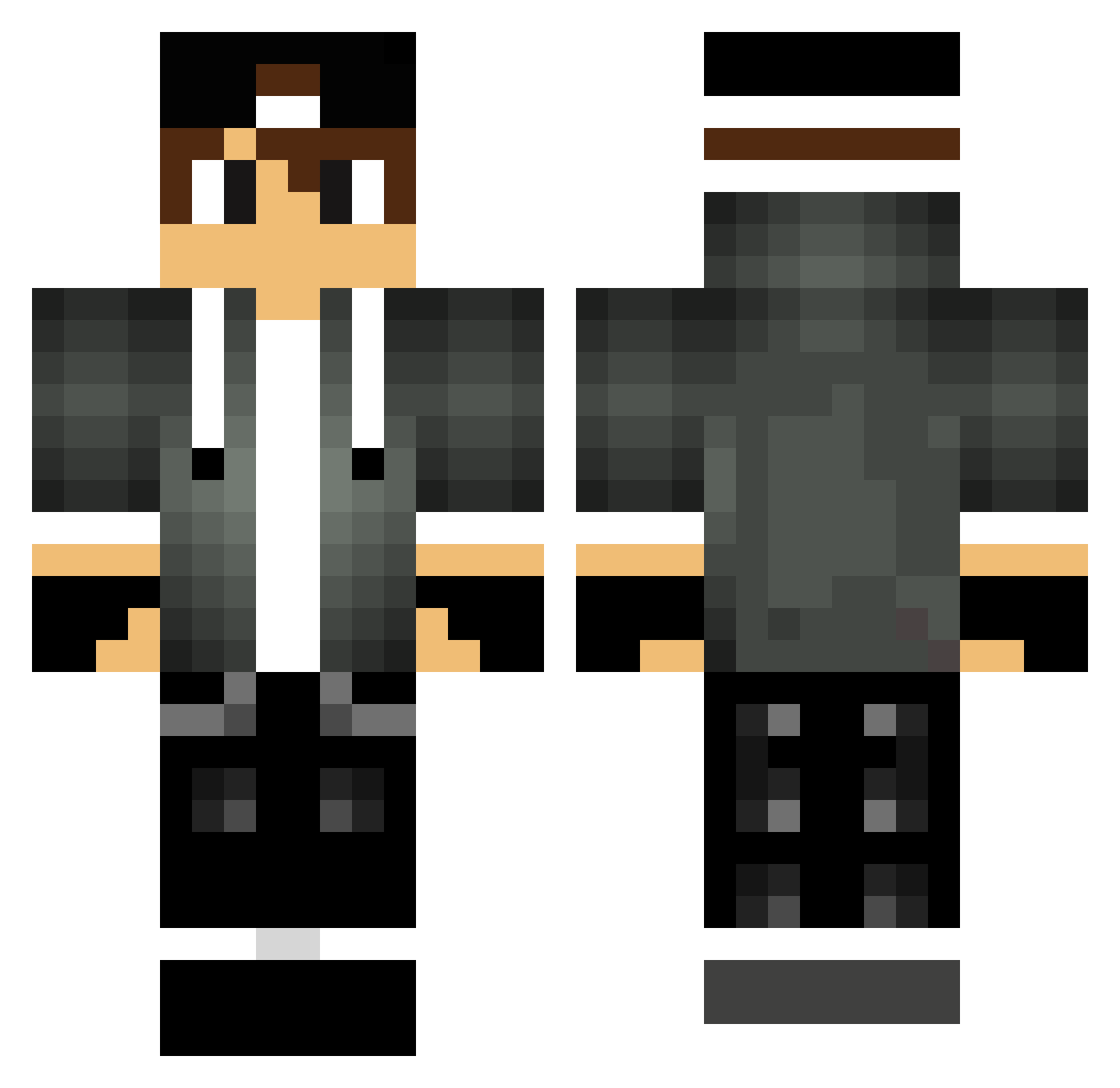
How to install the Fly_GamerBr skin
- Press the Download button above to save the skin as a PNG file.
- Minecraft: Bedrock Edition (PE): open the Dressing Room from the main menu (or tap your character → Edit Character), go to Classic Skins → Owned, press the + (new skin) button, choose the downloaded PNG and pick the Classic (Steve) model. Works on PC and mobile; consoles cannot import custom skins.
- Minecraft: Java Edition: open the Minecraft Launcher, go to the Skins tab, click New Skin, load the PNG, pick the Classic (Steve) model and press Save & Use. You can also upload it at minecraft.net → Profile → Change Skin.
The skin does not show up after import - what should I do?
Restart Minecraft and open the Dressing Room again - imported skins sometimes appear only after a restart. Also make sure you selected the imported skin and picked the Classic (Steve) model.
Which model should I choose, Classic or Slim?
This skin is designed for the Classic (Steve) model. If you pick the wrong model, the arms of the skin will look stretched or squeezed.
Is this skin free to use?
Yes. Press Download, save the PNG file and use it in Minecraft: Bedrock Edition or Java Edition - no payment or registration needed. The skin also works on multiplayer servers and Realms.
More Cap Minecraft skins
More skins
Looking for more? Go back to all Minecraft skins and check the top skins of the week, month and all time, or find any player's skin by nickname.