
 Tim_ix The_heartbeat10 Saucy_Something Over_Wolf_205 obsiCO dahyun09 yangchunlin Sterouzy quaness1 Brxgdd Vaantaa Togud BIGBUGI_ MC_Michau 19mvl HallowLxre _HaLp_ Matanchik titoop MrBraunies boopysloops TeinMare IxhBimsAli PhaKingSuPah pankebs Baru1105 t1tuss diestick EtherReaLz ILbro_10 Chungt 4me_Umi hits0block_ LuckyKRW BigChonker74 Zelopsy han0407 Monclaire1 GordoMagico Caracol_Brabo512 AH2020MD siddk_ N4D SurikL wnngk Junkee_ JULIAN_OKKOSTU parkgunmo maxgalaxy kiju_1101 mentosNIKE Remukk lAaaaaaaaaaa SILV3RZ To0bLe Stan_Stan Octane_Ex gkdms2331 ITS_wavy_ kcinho
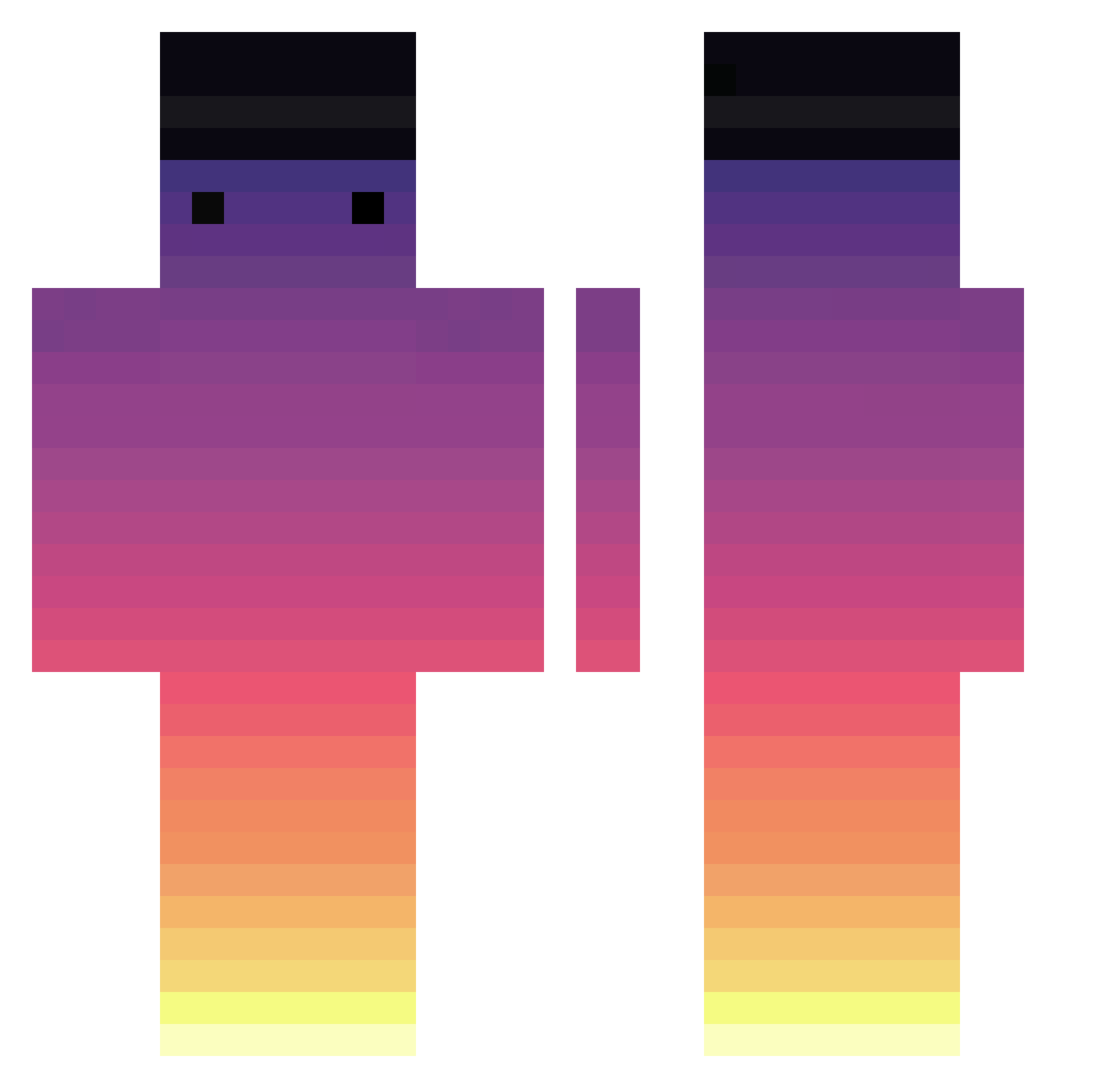
Minecraft skin of Donosaur85. Rotate the 3D model with your mouse or finger to view the skin from every angle, then download it as a PNG file and use it in Minecraft: Bedrock Edition or Java Edition for free. Rate the skin with stars to help other players find the best skins in our collection.
How to install the Donosaur85 skin
- Press the Download button above to save the skin as a PNG file.
- Minecraft: Bedrock Edition (PE): open the Dressing Room from the main menu (or tap your character → Edit Character), go to Classic Skins → Owned, press the + (new skin) button, choose the downloaded PNG and pick the Classic (Steve) model. Works on PC and mobile; consoles cannot import custom skins.
- Minecraft: Java Edition: open the Minecraft Launcher, go to the Skins tab, click New Skin, load the PNG, pick the Classic (Steve) model and press Save & Use. You can also upload it at minecraft.net → Profile → Change Skin.
The skin does not show up after import - what should I do?
Restart Minecraft and open the Dressing Room again - imported skins sometimes appear only after a restart. Also make sure you selected the imported skin and picked the Classic (Steve) model.
Which model should I choose, Classic or Slim?
This skin is designed for the Classic (Steve) model. If you pick the wrong model, the arms of the skin will look stretched or squeezed.
Is this skin free to use?
Yes. Press Download, save the PNG file and use it in Minecraft: Bedrock Edition or Java Edition - no payment or registration needed. The skin also works on multiplayer servers and Realms.
More skins
Looking for more? Go back to all Minecraft skins and check the top skins of the week, month and all time, or find any player's skin by nickname.