
 Qano xX_MH_XxYT_ _Netroxgraph_ LightSkinPvP derpy_pioxel DocHudsen kromantr5 NiclxsTBK ivz1337 ZMCVine OldCanadianJesus GhOsT_M8 Kenniboy44 LangPeel MWCI7S lirq guxt_ttv Hayte123 CamenPet Eingespiielt Vamzdiets lxtue Getali Sticky_Boi911 MrAlpina Sqble qZap uwudqrk harim0928 Goutsetsu forcitClick johyeon333 G0TAZELIRE reainiy Atorik MutantApe _YdrewBR1_ BLelle09 thePkzin_ JackieViolence justkill_ Kaynn__ Carvanee_ Butcherman76 gmxer_ Koskoo96 romulo9 SZW_AspectZ BaconBrain212 Ri0ku Krzemin1 _chanil_ PinkFlam TiredGold AbrnathyCornwall Sandiger ItsMoeBtw DontShootImGay RRRobbieRR 0701Sven
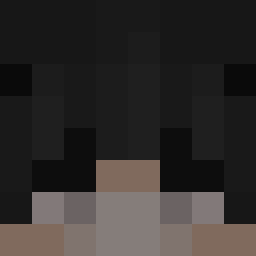
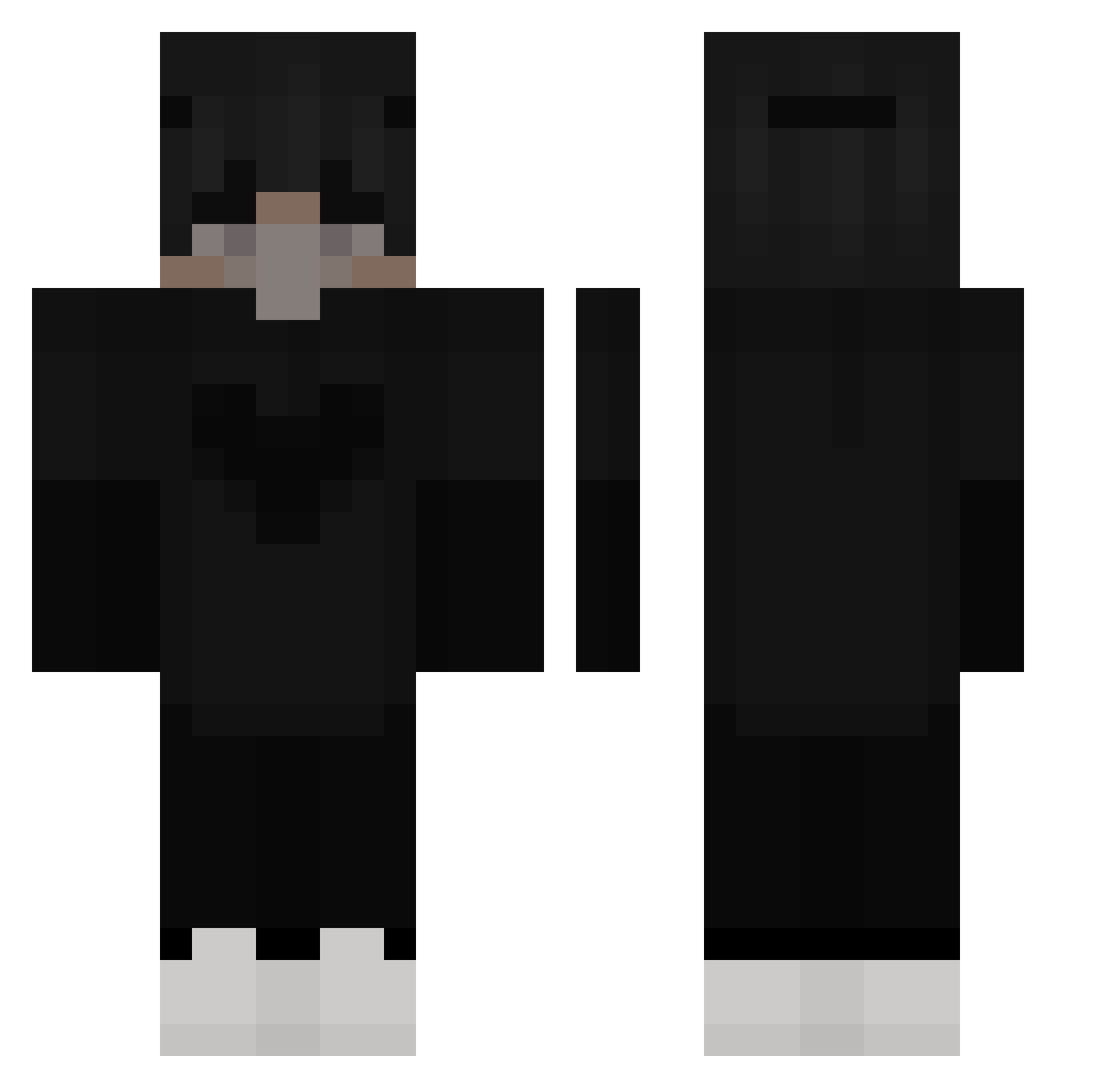
Minecraft skin of feelcha_rugi. Rotate the 3D model with your mouse or finger to view the skin from every angle, then download it as a PNG file and use it in Minecraft: Bedrock Edition or Java Edition for free. Rate the skin with stars to help other players find the best skins in our collection.
How to install the feelcha_rugi skin
- Press the Download button above to save the skin as a PNG file.
- Minecraft: Bedrock Edition (PE): open the Dressing Room from the main menu (or tap your character → Edit Character), go to Classic Skins → Owned, press the + (new skin) button, choose the downloaded PNG and pick the Classic (Steve) model. Works on PC and mobile; consoles cannot import custom skins.
- Minecraft: Java Edition: open the Minecraft Launcher, go to the Skins tab, click New Skin, load the PNG, pick the Classic (Steve) model and press Save & Use. You can also upload it at minecraft.net → Profile → Change Skin.
The skin does not show up after import - what should I do?
Restart Minecraft and open the Dressing Room again - imported skins sometimes appear only after a restart. Also make sure you selected the imported skin and picked the Classic (Steve) model.
Which model should I choose, Classic or Slim?
This skin is designed for the Classic (Steve) model. If you pick the wrong model, the arms of the skin will look stretched or squeezed.
Is this skin free to use?
Yes. Press Download, save the PNG file and use it in Minecraft: Bedrock Edition or Java Edition - no payment or registration needed. The skin also works on multiplayer servers and Realms.
More Heart Minecraft skins
More skins
Looking for more? Go back to all Minecraft skins and check the top skins of the week, month and all time, or find any player's skin by nickname.