
 Gagatebayo Bluberryfarm eran13 ___Pocky___ Tonysst2 Marcelina17 ShawnOnMyLawn josegpnlz molranamu BulRyang WhiteSn0rlax comput3rwiz _Gobroyol_ Oppaimaru WinGod_ZF dojjja 68aw Salty_Ginger69 Alventure JinHyun2 Dark_Ken_77 Jehee2013 Alfiegaming1010 Kuroi4U Whirlwind_1122 K_LUMP xZer0x_x Barnett10 oolongteaaa D_Y_ Mahoooo I_am_Gecko Ronnie__ ozay3444 RQ_AQ alrxed Takumo1203 el_makina smpbean SJLmao mebi4 xylmoira zachxxy EymenNetwork0 Gysnev OniSephi TeoD08 HyVeeNT Xi_aa Daira_Doo viin Cyanide_kv Maulerrx frrb Scarletnexuseve KHAN_000 pepka2 Fxuan0130 Coralitt LiangZhan
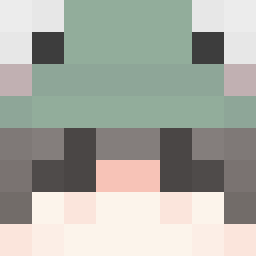
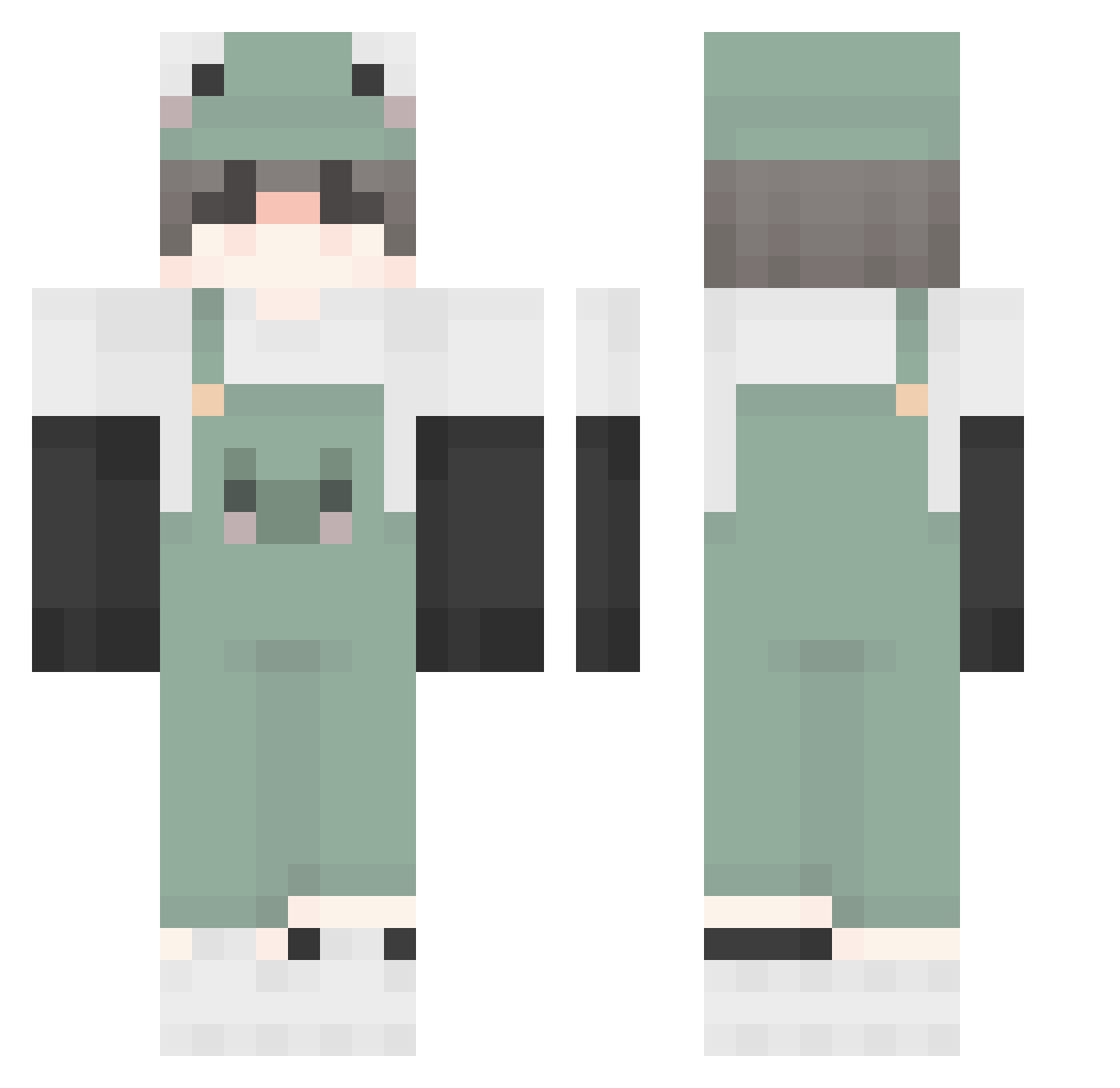
Minecraft skin of carlos229. Rotate the 3D model with your mouse or finger to view the skin from every angle, then download it as a PNG file and use it in Minecraft: Bedrock Edition or Java Edition for free. Rate the skin with stars to help other players find the best skins in our collection.
How to install the carlos229 skin
- Press the Download button above to save the skin as a PNG file.
- Minecraft: Bedrock Edition (PE): open the Dressing Room from the main menu (or tap your character → Edit Character), go to Classic Skins → Owned, press the + (new skin) button, choose the downloaded PNG and pick the Classic (Steve) model. Works on PC and mobile; consoles cannot import custom skins.
- Minecraft: Java Edition: open the Minecraft Launcher, go to the Skins tab, click New Skin, load the PNG, pick the Classic (Steve) model and press Save & Use. You can also upload it at minecraft.net → Profile → Change Skin.
The skin does not show up after import - what should I do?
Restart Minecraft and open the Dressing Room again - imported skins sometimes appear only after a restart. Also make sure you selected the imported skin and picked the Classic (Steve) model.
Which model should I choose, Classic or Slim?
This skin is designed for the Classic (Steve) model. If you pick the wrong model, the arms of the skin will look stretched or squeezed.
Is this skin free to use?
Yes. Press Download, save the PNG file and use it in Minecraft: Bedrock Edition or Java Edition - no payment or registration needed. The skin also works on multiplayer servers and Realms.
More Frog Minecraft skins
More skins
Looking for more? Go back to all Minecraft skins and check the top skins of the week, month and all time, or find any player's skin by nickname.