
 ArtIV4Him Just_Kerem Brian2684_HK rayyanxo _2inchesisenough V1ct0rla CertaFR shoebomb1 Bolt4000 Mike3241 quazeeee Iamthepp Hydricia Terkoiz Bravo_Six_ EpicBlob69 ENDY52 revinsd Joshy_7 notXylene Cracker_121 kailegolover8870 lifeisgood9007 Liamlester20123 godmaster444 Saul_Johnson KennyHong1 hal3yy stogian ginkking Annikaenya AidenGaming123 Suveli starfan_13 Lucam228 aryavTHEpro herobrock CeKo_1 Nimo385_ Perterrefacio Ellisman332 megafrank69 IT17 Armyte RealStrandedpie BennyRay99999 txm870 kake441 Vraj1470 cyokobo666 Modred15 Alexei_Navaliniy Wacking BleachDrinker87 frederik241212 WarVet69 NillyBaby poeperdiepoep Sea_Rider SpeggatiMan
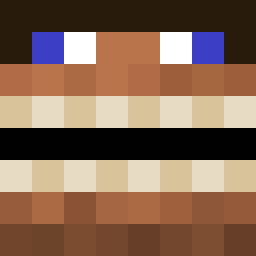
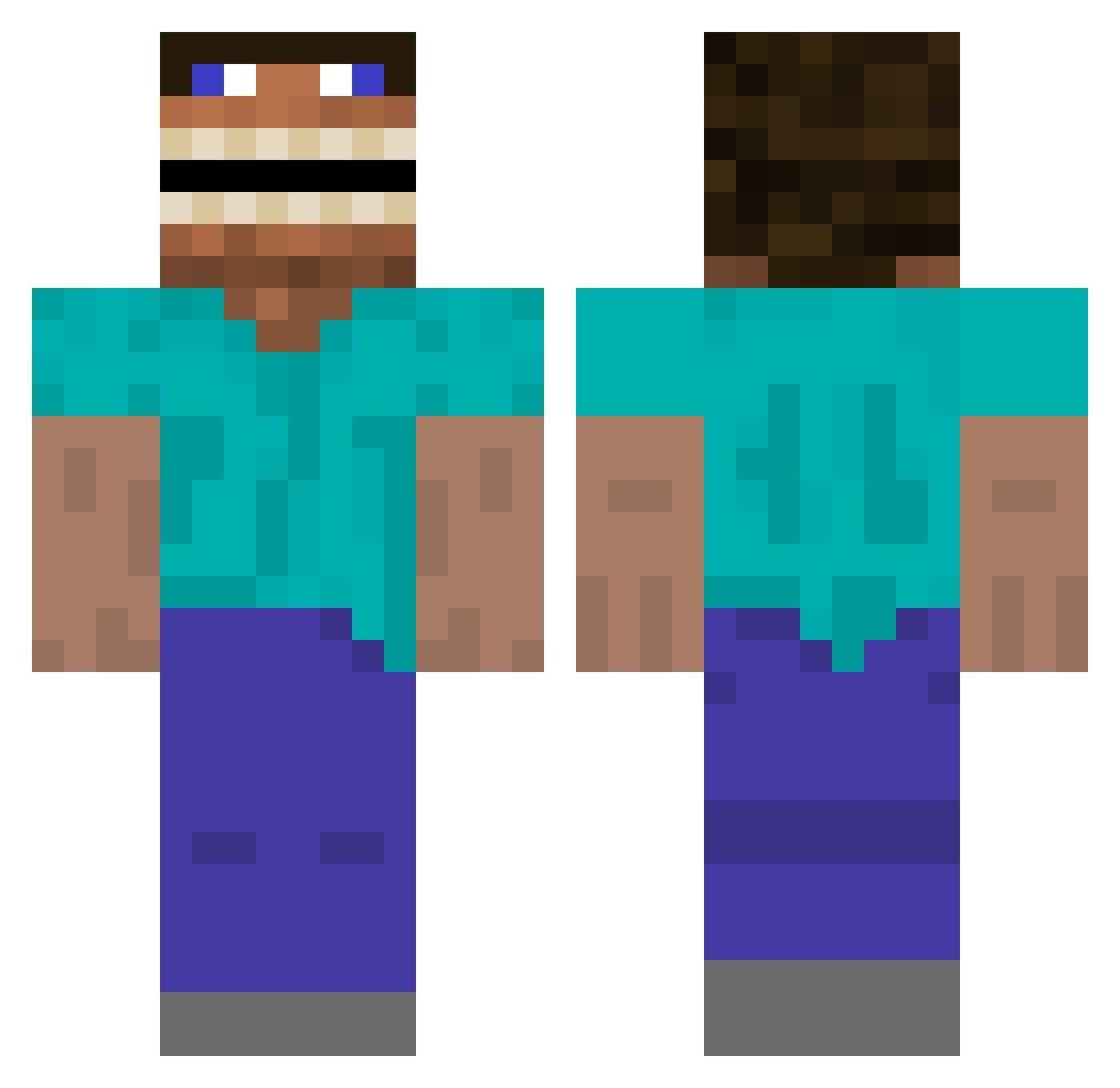
Minecraft skin of Kathrino22. Rotate the 3D model with your mouse or finger to view the skin from every angle, then download it as a PNG file and use it in Minecraft: Bedrock Edition or Java Edition for free. Rate the skin with stars to help other players find the best skins in our collection.
How to install the Kathrino22 skin
- Press the Download button above to save the skin as a PNG file.
- Minecraft: Bedrock Edition (PE): open the Dressing Room from the main menu (or tap your character → Edit Character), go to Classic Skins → Owned, press the + (new skin) button, choose the downloaded PNG and pick the Classic (Steve) model. Works on PC and mobile; consoles cannot import custom skins.
- Minecraft: Java Edition: open the Minecraft Launcher, go to the Skins tab, click New Skin, load the PNG, pick the Classic (Steve) model and press Save & Use. You can also upload it at minecraft.net → Profile → Change Skin.
The skin does not show up after import - what should I do?
Restart Minecraft and open the Dressing Room again - imported skins sometimes appear only after a restart. Also make sure you selected the imported skin and picked the Classic (Steve) model.
Which model should I choose, Classic or Slim?
This skin is designed for the Classic (Steve) model. If you pick the wrong model, the arms of the skin will look stretched or squeezed.
Is this skin free to use?
Yes. Press Download, save the PNG file and use it in Minecraft: Bedrock Edition or Java Edition - no payment or registration needed. The skin also works on multiplayer servers and Realms.
More Funny Minecraft skins
More skins
Looking for more? Go back to all Minecraft skins and check the top skins of the week, month and all time, or find any player's skin by nickname.