
spiderblox1o1 - Minecraft Skins & Skin History
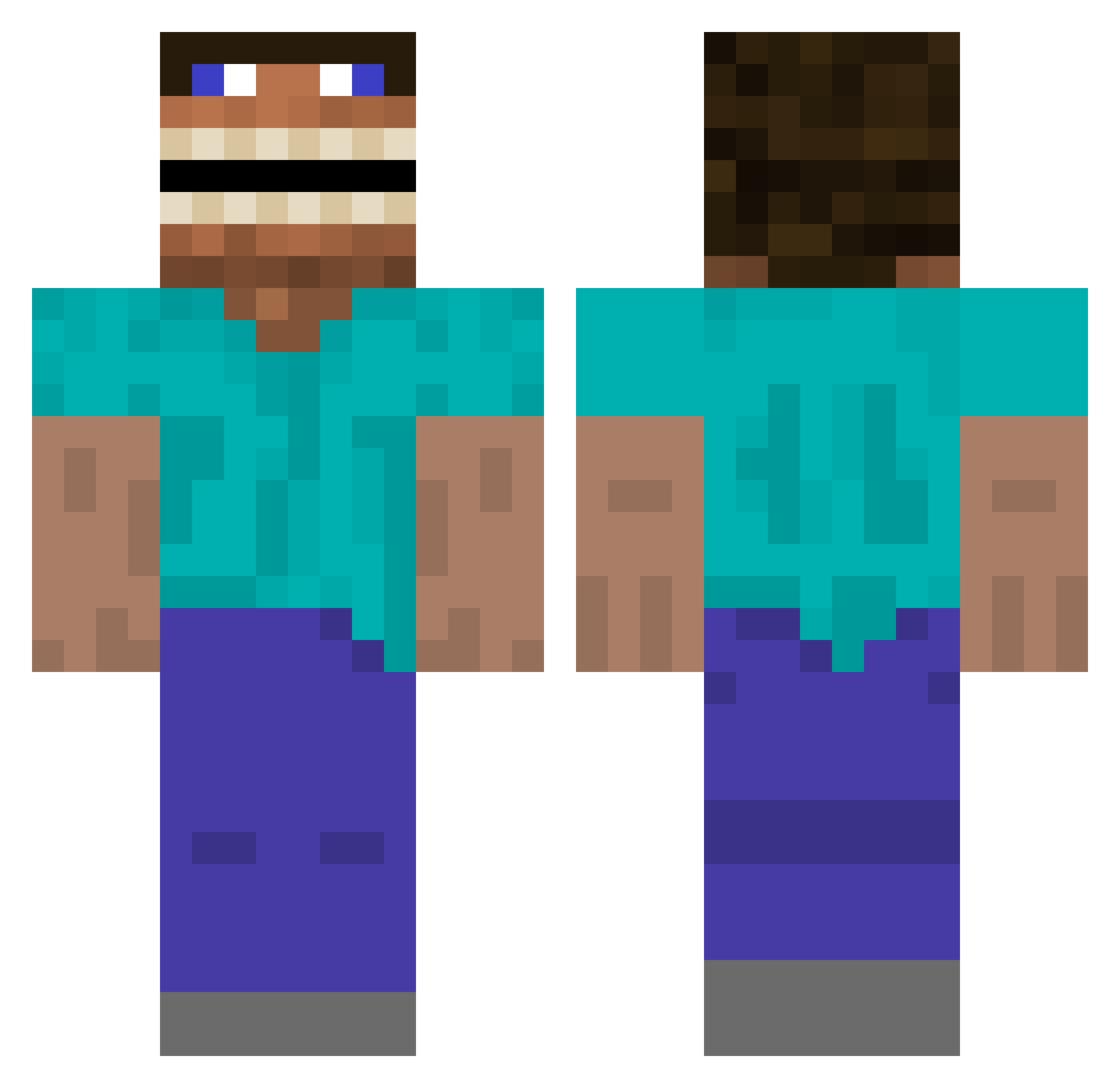
Current Minecraft skin of the player spiderblox1o1, loaded from the official Mojang API. Rotate the 3D model with your mouse or finger, then download the skin as a PNG file and use it in Minecraft: Bedrock Edition or Java Edition for free. When spiderblox1o1 changes their skin, this page updates automatically and the old skin stays in the history below.
Other players with this skin (497)
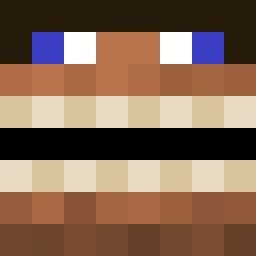
spiderblox1o1 was the 481st player we have seen with this skin, first spotted on 15.11.2026. The same skin was seen on these players. Open a nickname to see their current skin and skin history.
 MatzahGod D3adB0nes NatyCZ08 Ribanbelle Lokelok lazyTitan65 BIGChuckus supermegladon10 BefKoningBent69 Bleuves BigPapaJJP nipvex boogiewoogie2738 MrTacticalBacon dougmadlad CivilAbyss xatzinio XDwilly3359 spazz082902 Makooo123321 zCastro7 robobertoo nont1026 Dre710420 Brotpilot300 Gts3M Disperagioia pilarv DKminbror Vmanix Exiquix Barraskeda TheAfrican Microassassin JoseRicky69 Johnpaul987 emreisblue Bear20024 DStormM zonthe Joe_gg YxNG_KUYA tikashiniiya g0ldfissh najman321 LeavesMC BorjaGr Yalias12 slytendenciez A1BYN0 mrschipz AssuranceGratis zxrn_33 BlockBert2 Oaxchlan Parkzia Schlinkening Frazza001 Radoslavos sylpol
More Funny Minecraft skins
How to install the spiderblox1o1 skin
- Press the Download button above to save the skin as a PNG file.
- Minecraft: Bedrock Edition (PE): open the Dressing Room from the main menu (or tap your character → Edit Character), go to Classic Skins → Owned, press the + (new skin) button, choose the downloaded PNG and pick the Classic (Steve) model. Works on PC and mobile; consoles cannot import custom skins.
- Minecraft: Java Edition: open the Minecraft Launcher, go to the Skins tab, click New Skin, load the PNG, pick the Classic (Steve) model and press Save & Use. You can also upload it at minecraft.net → Profile → Change Skin.
The skin does not show up after import - what should I do?
Restart Minecraft and open the Dressing Room again - imported skins sometimes appear only after a restart. Also make sure you selected the imported skin and picked the Classic (Steve) model.
Which model should I choose, Classic or Slim?
This skin is designed for the Classic (Steve) model. If you pick the wrong model, the arms of the skin will look stretched or squeezed.
Is the skin of spiderblox1o1 free to download?
Yes. Press Download, save the PNG file and use it in Minecraft: Bedrock Edition or Java Edition - no payment or registration needed. The skin also works on multiplayer servers and Realms.
More skins
Looking for more? Go back to all Minecraft skins and check the top skins of the week, month and all time, or find any player's skin by nickname.