
 Kreeper7 gas007 Enderboss08_ k8bv Miln67 Reyes_L dayofdarkness MAVasja mirego91 LongTwilight DabbingDuck LaPufflet jonbron ElConvict elwing32 OBlackEtiO MYRain369 smieszneznazki Aento LuckyLenni Catgamer0123 LilShaqOG I_WILL_TAKE_YOU triivlt surpsqurlcu jojospeedy Troop_Extreme _EnderSpark Dazfa GOPODIEGO9 bob26140 gggkf Dblue67 FlipperLaBaleine Leo_xx0509 GaijinHatesMe OldGu ZoroDD InVictus1921 WonderfulAK Cam011018 NVSTE YunGongShui Onyx_Moon jimmyKG funtimess Krantania scareyharbor23 xXBlockbuster1Xx xiaomuo ANT3RA timeeler chrispluvi Yoshidab4k Jesorak HoiN1953 Bone_Chaj Olivernl Aetherial_Mist Zwuhuan
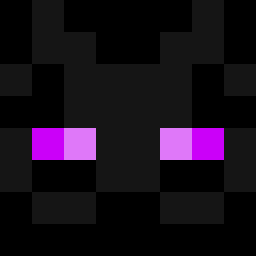
Minecraft skin of DragonLivingPost. Rotate the 3D model with your mouse or finger to view the skin from every angle, then download it as a PNG file and use it in Minecraft: Bedrock Edition or Java Edition for free. Rate the skin with stars to help other players find the best skins in our collection.
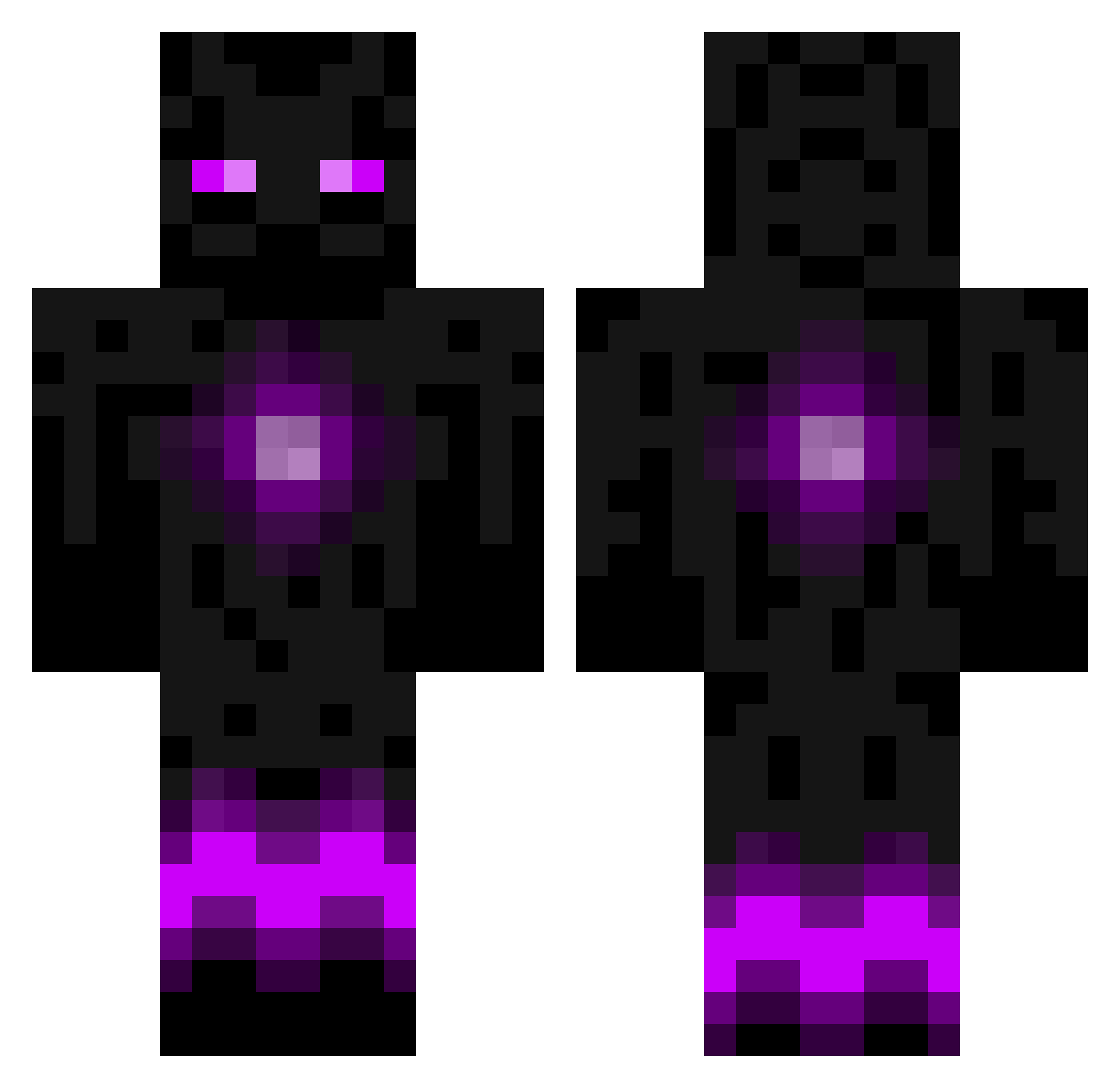
How to install the DragonLivingPost skin
- Press the Download button above to save the skin as a PNG file.
- Minecraft: Bedrock Edition (PE): open the Dressing Room from the main menu (or tap your character → Edit Character), go to Classic Skins → Owned, press the + (new skin) button, choose the downloaded PNG and pick the Classic (Steve) model. Works on PC and mobile; consoles cannot import custom skins.
- Minecraft: Java Edition: open the Minecraft Launcher, go to the Skins tab, click New Skin, load the PNG, pick the Classic (Steve) model and press Save & Use. You can also upload it at minecraft.net → Profile → Change Skin.
The skin does not show up after import - what should I do?
Restart Minecraft and open the Dressing Room again - imported skins sometimes appear only after a restart. Also make sure you selected the imported skin and picked the Classic (Steve) model.
Which model should I choose, Classic or Slim?
This skin is designed for the Classic (Steve) model. If you pick the wrong model, the arms of the skin will look stretched or squeezed.
Is this skin free to use?
Yes. Press Download, save the PNG file and use it in Minecraft: Bedrock Edition or Java Edition - no payment or registration needed. The skin also works on multiplayer servers and Realms.
More Enderman Minecraft skins
More skins
Looking for more? Go back to all Minecraft skins and check the top skins of the week, month and all time, or find any player's skin by nickname.