
 Zeroxism iplayMCtogroom Triss_M Smiffaay FlawLessRek BakaKimochi Vanilka777 Polper112 ZunLise ChineseMustard CreativeBuilder BromHD _JulianSkillz_ zediye mtp321 STORMGrim_G2G spaceninja08 LarryK Itz_Joralz11_ snakebite400 xD4rks Rulersalt3 Awesome_Guy225 Razz6549 tannerbrenton dawsoneills09 AdamPizzi JustMischa Eddie1510 GarY_OtaKu TheBullen OliverObsidian KayZerGG combatnaj Daan1205 iSoul95 BroStarTv rage_endpro shrededmoney minemasternate Vejii Reaper2013SW RealHdGamer ElNegrio Egrimon Sumptary snake25250 SietseGrommen JokerYuan Drenski_ AJjosa DiamondCreeper25 tynnyri2002 y1026 FlashyFelix TunageTV CMParisFTW LewisTheCrafter creeperfabi MaxaimTTV
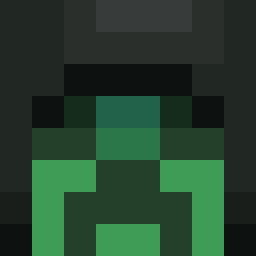
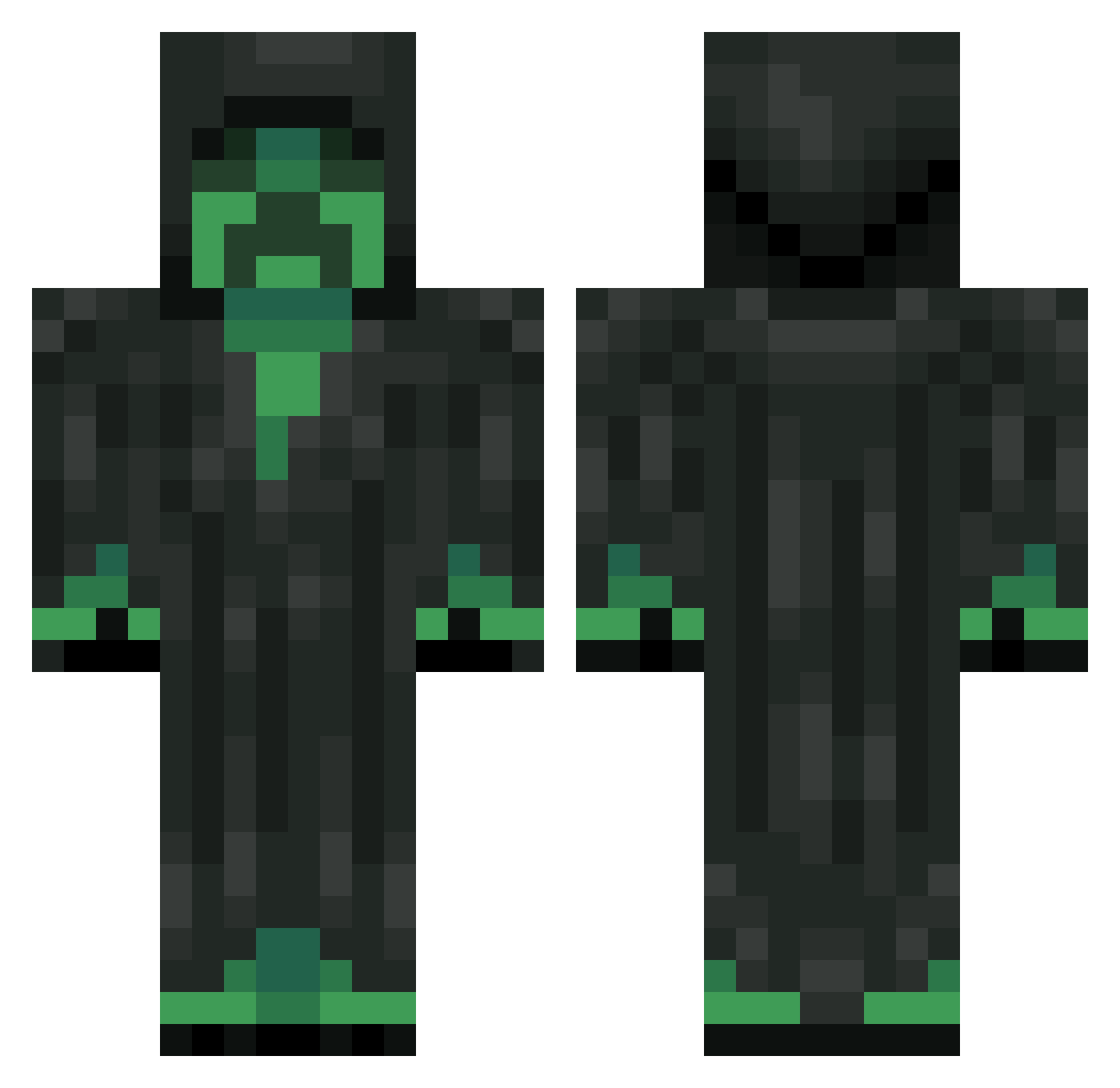
Minecraft skin of womhom. Rotate the 3D model with your mouse or finger to view the skin from every angle, then download it as a PNG file and use it in Minecraft: Bedrock Edition or Java Edition for free. Rate the skin with stars to help other players find the best skins in our collection.
How to install the womhom skin
- Press the Download button above to save the skin as a PNG file.
- Minecraft: Bedrock Edition (PE): open the Dressing Room from the main menu (or tap your character → Edit Character), go to Classic Skins → Owned, press the + (new skin) button, choose the downloaded PNG and pick the Classic (Steve) model. Works on PC and mobile; consoles cannot import custom skins.
- Minecraft: Java Edition: open the Minecraft Launcher, go to the Skins tab, click New Skin, load the PNG, pick the Classic (Steve) model and press Save & Use. You can also upload it at minecraft.net → Profile → Change Skin.
The skin does not show up after import - what should I do?
Restart Minecraft and open the Dressing Room again - imported skins sometimes appear only after a restart. Also make sure you selected the imported skin and picked the Classic (Steve) model.
Which model should I choose, Classic or Slim?
This skin is designed for the Classic (Steve) model. If you pick the wrong model, the arms of the skin will look stretched or squeezed.
Is this skin free to use?
Yes. Press Download, save the PNG file and use it in Minecraft: Bedrock Edition or Java Edition - no payment or registration needed. The skin also works on multiplayer servers and Realms.
More Grim Reaper Minecraft skins
More skins
Looking for more? Go back to all Minecraft skins and check the top skins of the week, month and all time, or find any player's skin by nickname.