
 Koenig_Maggus mtrbode P_lucari amirinator DavizinOttin MarumaGamer JonisMakaronis szymon4422 YuyaOtsu Derves So_totch Becha01 dsmpkai Min_sec TheMichellinman Voltt_ xklane Fingerduke1 arabadanatladi CH4RL1EE M7mdArtist Guardbenr ItsYoBoiLuke NarutaZero AnoxOPS volkiye Elkkua_ NTmrtinss Mikaczu337 ghoulzer _w23 LukasTambour GGlavirgule Kyzarou Jkneee EeKin vmgameplay xXJakeOzaXx Piro_12 ColbyGamerMC Rainy312 Power2__14 Adolf_Mussolini hazeox alaoban6 mineExpert08 CompleteB Mathys_BR robojasa Iamnotnamedsapna dpwseb de1ightFu1 Lulee_ W4trox iPadakin _Hunter05 Dusty129 Spindrift Curtos987 Profano_
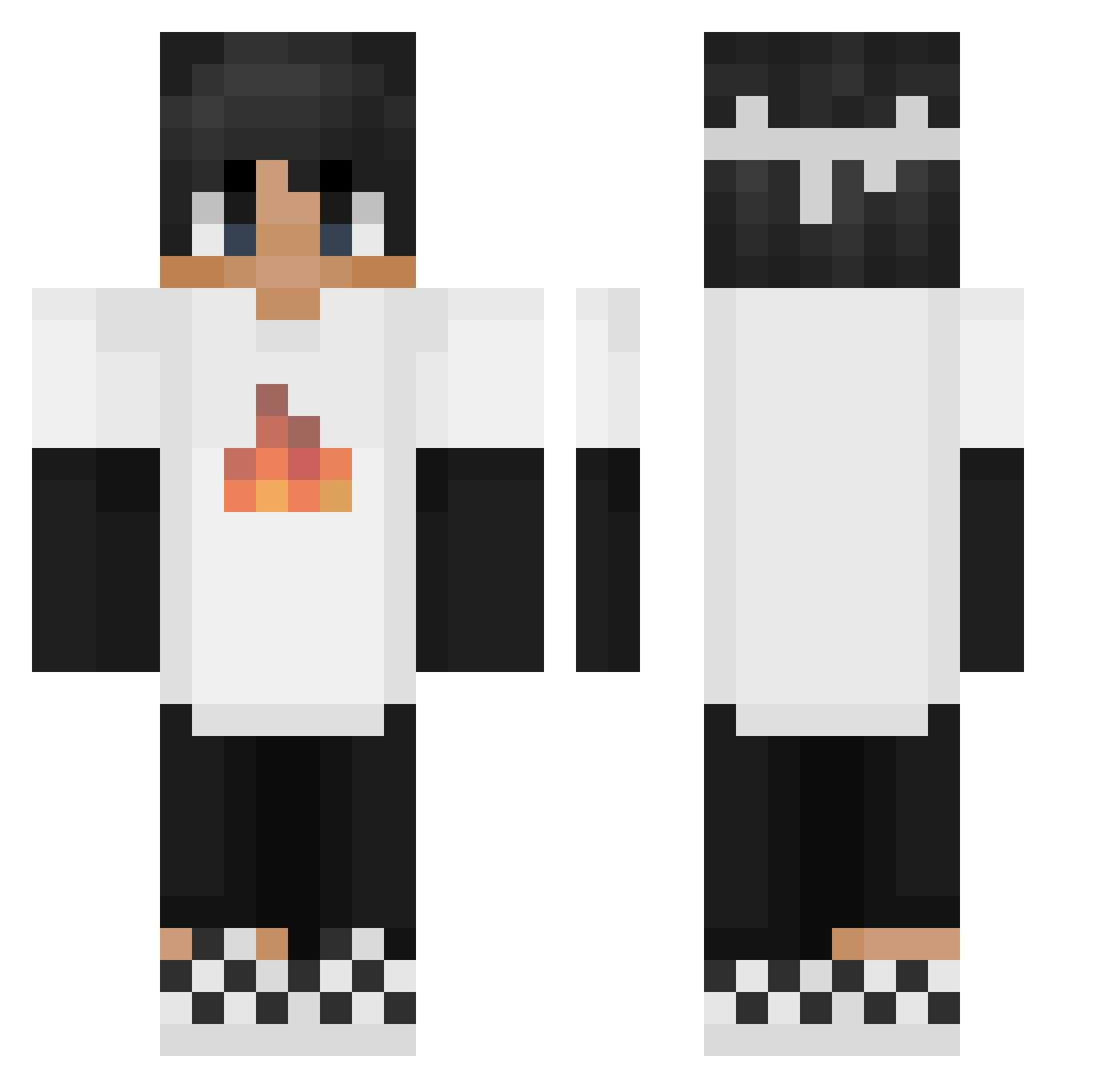
Minecraft skin of Mo_Qi0116. Rotate the 3D model with your mouse or finger to view the skin from every angle, then download it as a PNG file and use it in Minecraft: Bedrock Edition or Java Edition for free. Rate the skin with stars to help other players find the best skins in our collection.
How to install the Mo_Qi0116 skin
- Press the Download button above to save the skin as a PNG file.
- Minecraft: Bedrock Edition (PE): open the Dressing Room from the main menu (or tap your character → Edit Character), go to Classic Skins → Owned, press the + (new skin) button, choose the downloaded PNG and pick the Classic (Steve) model. Works on PC and mobile; consoles cannot import custom skins.
- Minecraft: Java Edition: open the Minecraft Launcher, go to the Skins tab, click New Skin, load the PNG, pick the Classic (Steve) model and press Save & Use. You can also upload it at minecraft.net → Profile → Change Skin.
The skin does not show up after import - what should I do?
Restart Minecraft and open the Dressing Room again - imported skins sometimes appear only after a restart. Also make sure you selected the imported skin and picked the Classic (Steve) model.
Which model should I choose, Classic or Slim?
This skin is designed for the Classic (Steve) model. If you pick the wrong model, the arms of the skin will look stretched or squeezed.
Is this skin free to use?
Yes. Press Download, save the PNG file and use it in Minecraft: Bedrock Edition or Java Edition - no payment or registration needed. The skin also works on multiplayer servers and Realms.
More Checkerboard Shoes Minecraft skins
See all 47 Checkerboard Shoes skins
More skins
Looking for more? Go back to all Minecraft skins and check the top skins of the week, month and all time, or find any player's skin by nickname.