
 Lox_in_a_box TheV1Fan v3rd4nt turinhorse Tancredis BoyPupz ImperialZat Astro7474 Turntechgodhead1 SerraraMayfield CheesyBod07 paint_dealer thatguynameddrip MiculBandit W1ldPr1zes Doodlenoodle34 chtulhu_37 Sypralame KnightinYellow vladik_327 ReaperPhageIX iamapersonhello yee_its_roman ThedarkKitsune5 canikoff NekoPowder PPhenox pep_per_o_ni Mathue_ SirPootsman JaRaRo goorod MysticRaikiri Scale5 ShalomSteve PM_Real SkaterBoiGoblin ThundrDome rens_yoitsme Jackhammer1452 JMackGenesis MortisMari Rac00nJesus filegetcat kopmniee madorce RDenn1 ScarScor GoldenGam3r Dorashil GoomyKazoomy yetanothermcer Bucket_of_bred ScrpMtlAlchemist Gareden Abrubtnewt ArbeRBOI9482 simonne76 1_iz_phantom matt25417
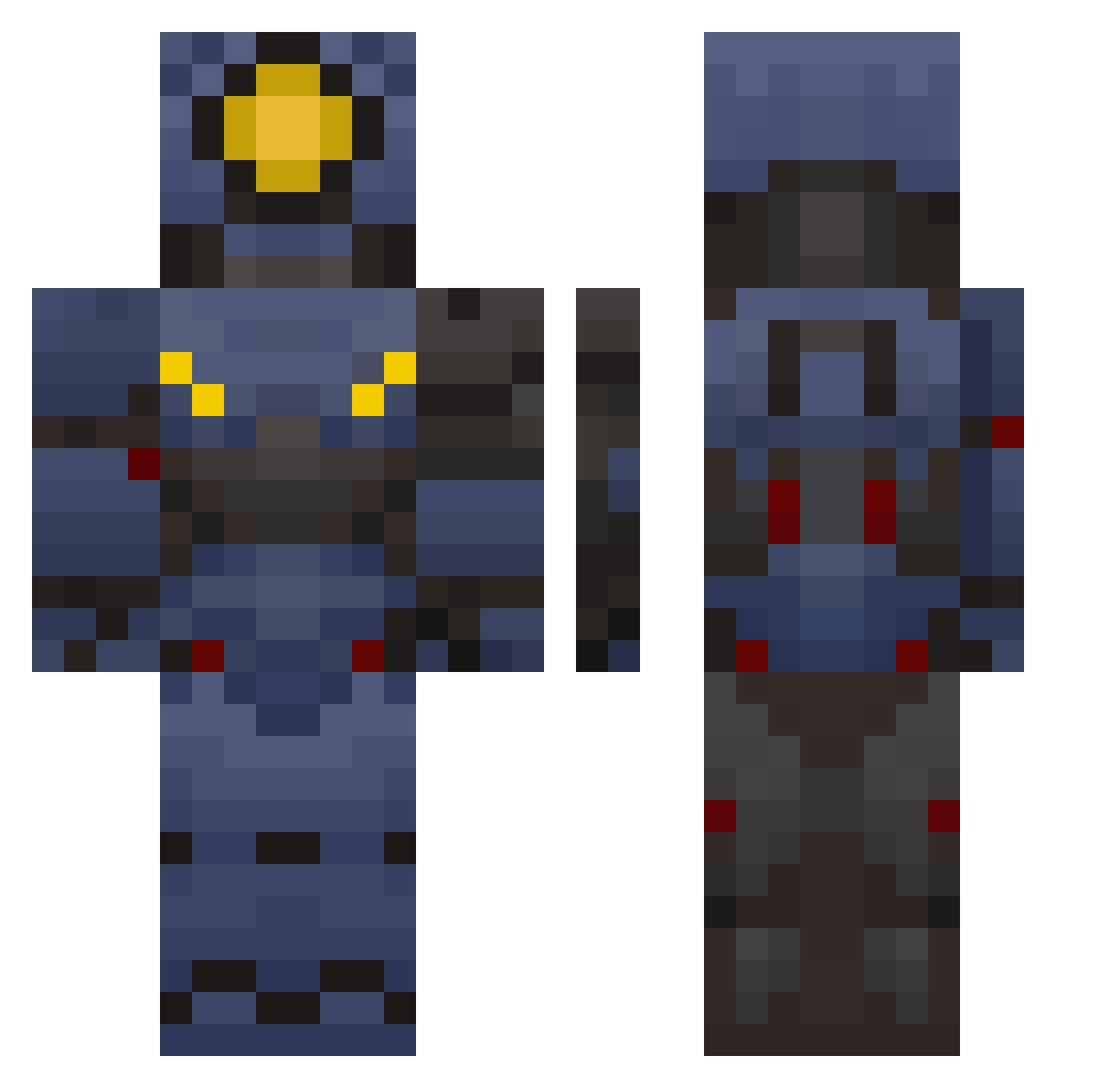
Minecraft skin of KingMewnos22. Rotate the 3D model with your mouse or finger to view the skin from every angle, then download it as a PNG file and use it in Minecraft: Bedrock Edition or Java Edition for free. Rate the skin with stars to help other players find the best skins in our collection.
How to install the KingMewnos22 skin
- Press the Download button above to save the skin as a PNG file.
- Minecraft: Bedrock Edition (PE): open the Dressing Room from the main menu (or tap your character → Edit Character), go to Classic Skins → Owned, press the + (new skin) button, choose the downloaded PNG and pick the Classic (Steve) model. Works on PC and mobile; consoles cannot import custom skins.
- Minecraft: Java Edition: open the Minecraft Launcher, go to the Skins tab, click New Skin, load the PNG, pick the Classic (Steve) model and press Save & Use. You can also upload it at minecraft.net → Profile → Change Skin.
The skin does not show up after import - what should I do?
Restart Minecraft and open the Dressing Room again - imported skins sometimes appear only after a restart. Also make sure you selected the imported skin and picked the Classic (Steve) model.
Which model should I choose, Classic or Slim?
This skin is designed for the Classic (Steve) model. If you pick the wrong model, the arms of the skin will look stretched or squeezed.
Is this skin free to use?
Yes. Press Download, save the PNG file and use it in Minecraft: Bedrock Edition or Java Edition - no payment or registration needed. The skin also works on multiplayer servers and Realms.
More V1 Minecraft skins
More skins
Looking for more? Go back to all Minecraft skins and check the top skins of the week, month and all time, or find any player's skin by nickname.