
 mrBuckets mulanv2 Naylen93 szymxiO leSilexxx JolTJack jeyka1 szaniuuu SantGoldenBoy akaBad_ ahnncd Rei_0321 izanbal faceless_mode Alinca31 jmo_023 El_Miro_ callmejooni albatrosalbin deigopg DekSATO Mr3asal Wazaee bendeadi RouEight smilyweevil YN1007 YUSUFGAMING LeadMed DankAnneFrankPVP F1ogZ Shuurki kauky05 TheRealDeal173 tobal999999999 danielaga Hincusiek Freeclapz8000 biowk1 Clavy90 D7IIM baber1234 H15042 Zyro00 Rosst_13 __UIOP__ NXXDD657 beno6969 s6avant Niicogo L0w0ngBearlc2_ kanoks1k wondtem Eddie1219 Kyuumylove Menteloca00 L_ia_m mswiftxcx LightningMan126 zennnnnnnnnnnnn5
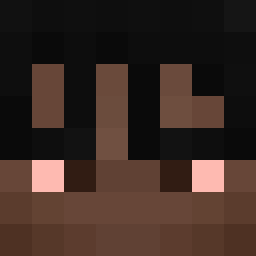
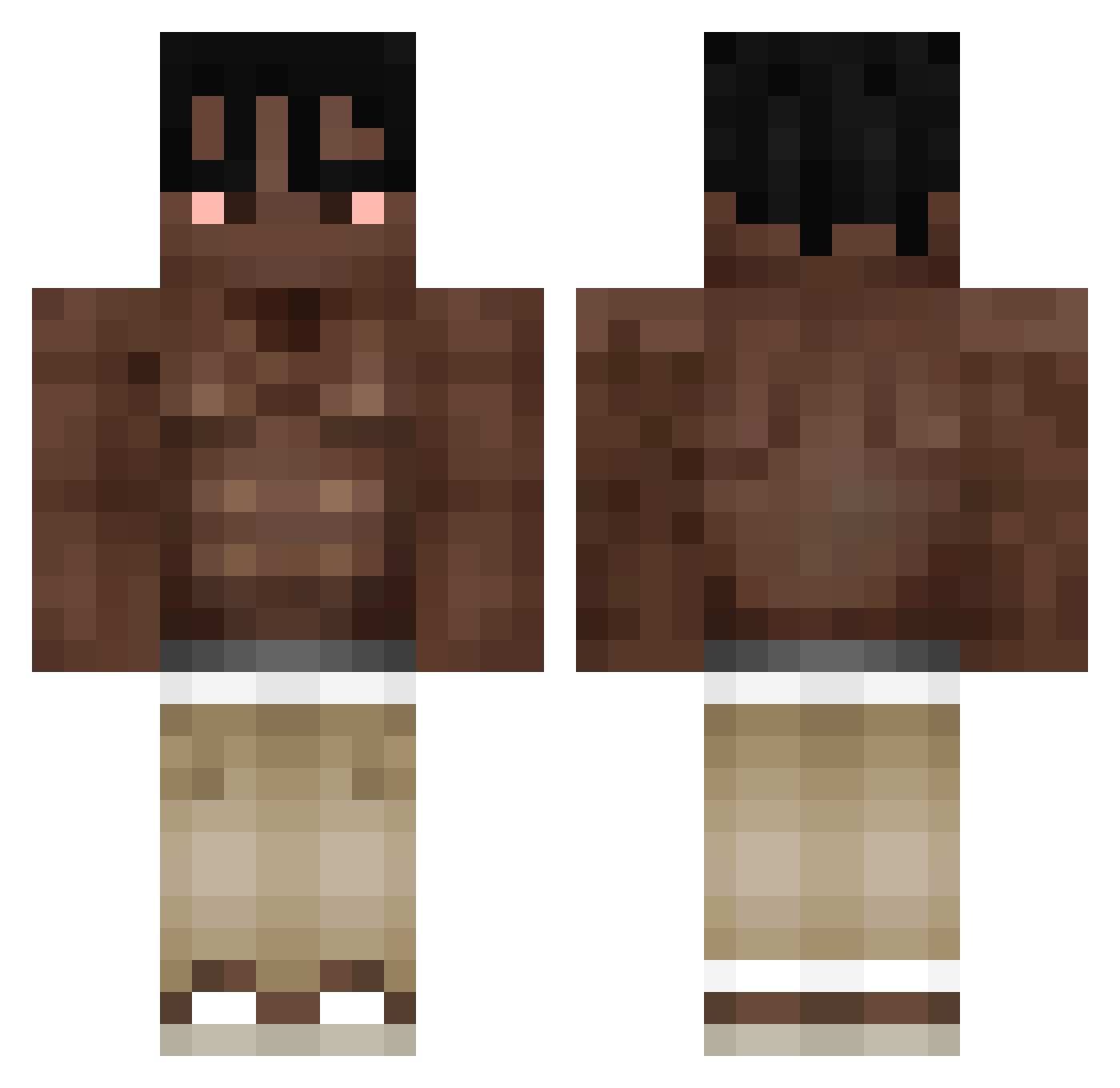
Minecraft skin of chacerzz. Rotate the 3D model with your mouse or finger to view the skin from every angle, then download it as a PNG file and use it in Minecraft: Bedrock Edition or Java Edition for free. Rate the skin with stars to help other players find the best skins in our collection.
How to install the chacerzz skin
- Press the Download button above to save the skin as a PNG file.
- Minecraft: Bedrock Edition (PE): open the Dressing Room from the main menu (or tap your character → Edit Character), go to Classic Skins → Owned, press the + (new skin) button, choose the downloaded PNG and pick the Classic (Steve) model. Works on PC and mobile; consoles cannot import custom skins.
- Minecraft: Java Edition: open the Minecraft Launcher, go to the Skins tab, click New Skin, load the PNG, pick the Classic (Steve) model and press Save & Use. You can also upload it at minecraft.net → Profile → Change Skin.
The skin does not show up after import - what should I do?
Restart Minecraft and open the Dressing Room again - imported skins sometimes appear only after a restart. Also make sure you selected the imported skin and picked the Classic (Steve) model.
Which model should I choose, Classic or Slim?
This skin is designed for the Classic (Steve) model. If you pick the wrong model, the arms of the skin will look stretched or squeezed.
Is this skin free to use?
Yes. Press Download, save the PNG file and use it in Minecraft: Bedrock Edition or Java Edition - no payment or registration needed. The skin also works on multiplayer servers and Realms.
More Shirtless Minecraft skins
More skins
Looking for more? Go back to all Minecraft skins and check the top skins of the week, month and all time, or find any player's skin by nickname.