
 nappyxd TPalto abriellemp nosoupforyou143 FeDrick00 sagivnasi KR_dime Budweiser_Man lubiecement123 ehdghks141 Grifter32 L1keCc Nalhun_ FabRico07 LucasLeonardo zizon29 Balzer2017 Inosukebb MetalAsh20 _R0BlN_ ArousedAcorn SuperGetAway Escak Armadillegg In0sukee terrorwalker345 DarkHuunter ZbalaRodez Sandokan799 Mauser111 ToshiRoProMaster Mi43Hi Lanster Inosuke_Desu iemakai Ricrd Luiix_ Snowcrowx babo_merong AZOVx lolly_corny TioHellix psocio BIR4G ShadeHC CarpinchoFurioso iNgl05 Piggietheone charlis_ CommanderChicken elmafias96 Bio_117 dominbikcz PedroPineiro23 ayozmo Aloha_1812 DevanMC Inosuke519 jamh99 Beer4U
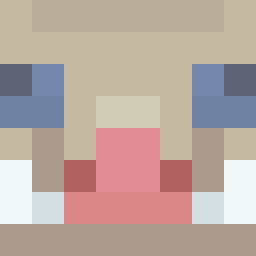
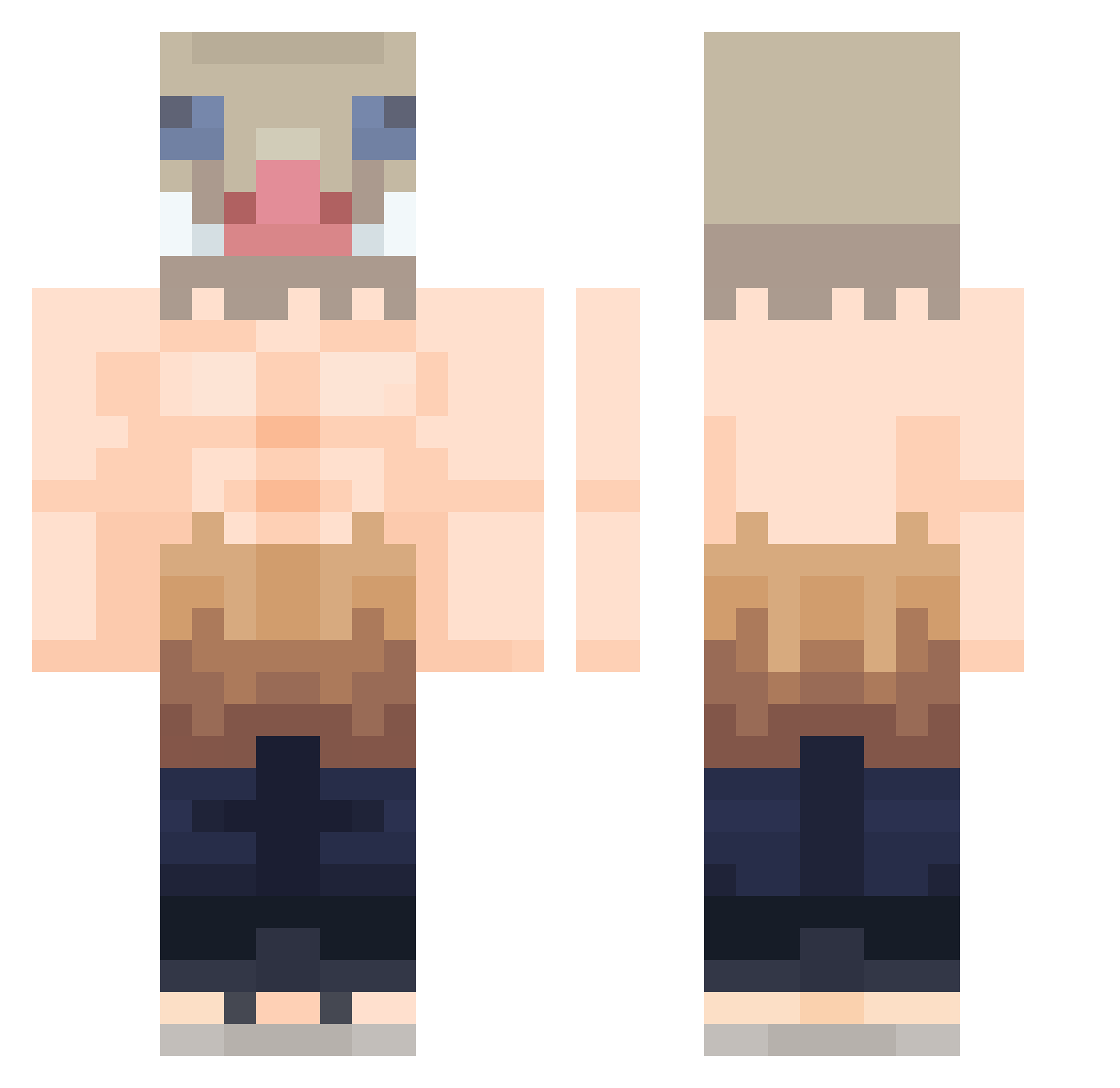
Minecraft skin of Pumbalighe. Rotate the 3D model with your mouse or finger to view the skin from every angle, then download it as a PNG file and use it in Minecraft: Bedrock Edition or Java Edition for free. Rate the skin with stars to help other players find the best skins in our collection.
How to install the Pumbalighe skin
- Press the Download button above to save the skin as a PNG file.
- Minecraft: Bedrock Edition (PE): open the Dressing Room from the main menu (or tap your character → Edit Character), go to Classic Skins → Owned, press the + (new skin) button, choose the downloaded PNG and pick the Classic (Steve) model. Works on PC and mobile; consoles cannot import custom skins.
- Minecraft: Java Edition: open the Minecraft Launcher, go to the Skins tab, click New Skin, load the PNG, pick the Classic (Steve) model and press Save & Use. You can also upload it at minecraft.net → Profile → Change Skin.
The skin does not show up after import - what should I do?
Restart Minecraft and open the Dressing Room again - imported skins sometimes appear only after a restart. Also make sure you selected the imported skin and picked the Classic (Steve) model.
Which model should I choose, Classic or Slim?
This skin is designed for the Classic (Steve) model. If you pick the wrong model, the arms of the skin will look stretched or squeezed.
Is this skin free to use?
Yes. Press Download, save the PNG file and use it in Minecraft: Bedrock Edition or Java Edition - no payment or registration needed. The skin also works on multiplayer servers and Realms.
More Boar Mask Minecraft skins
More skins
Looking for more? Go back to all Minecraft skins and check the top skins of the week, month and all time, or find any player's skin by nickname.