
 Bobkacior Li_jingping Nes597 Wistoriaaa Honeychick Sparrow22503 junpoogh daeun0813 Mashari2 ZERZx Niels_Nedl0bsr0r Quacky851 Manbgo Erbschaft sqfu Smelly_12 Bageta069 LiMingZaiYanQian Multix97 LOOE_27 Frost_Byte4577 UmarmingDuck bookssman Rudis22 jiong777 duckylover2099 Nobody307 gerarmen SoulKnightTH JimmyDieGrille01 Mr_Fawg okayalura MrLyro MMNDarkiller Kadelabel duck0078 MRNO42O DucklingEmpr deepfriedmcrib Zowqi viviza0 Racool501 JLisPro LunarShy MistyVal_12 KimCrumble allu99 matisnus BayBiker423 Sunski__ hhh3617 paulmart7 MuhveliPuhveli BoxingBeans Le_Nayrod colamity_yt oddolivv He1kk1NE ViLGG23 ADREAM6892
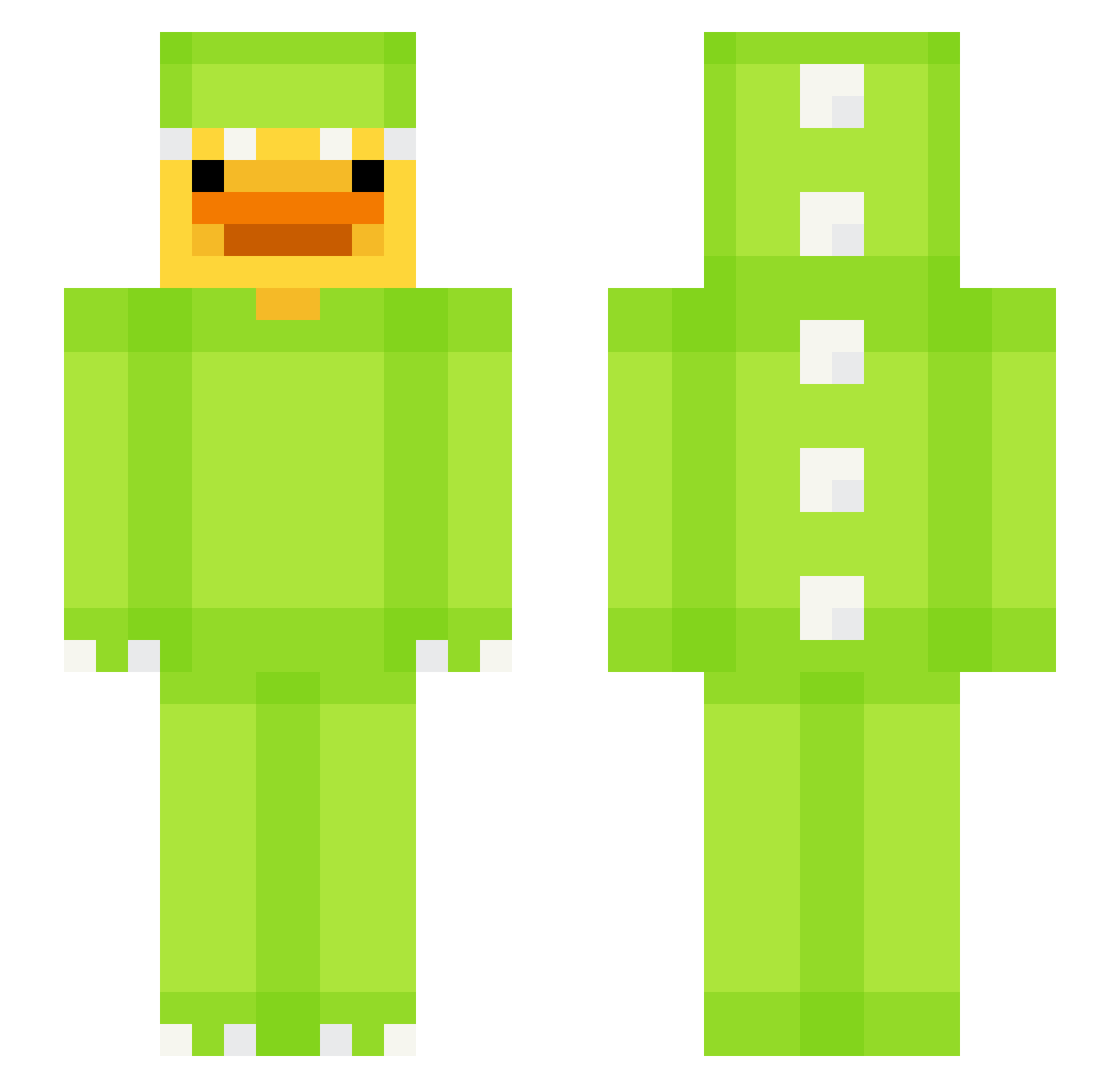
Minecraft skin of vuseor. Rotate the 3D model with your mouse or finger to view the skin from every angle, then download it as a PNG file and use it in Minecraft: Bedrock Edition or Java Edition for free. Rate the skin with stars to help other players find the best skins in our collection.
How to install the vuseor skin
- Press the Download button above to save the skin as a PNG file.
- Minecraft: Bedrock Edition (PE): open the Dressing Room from the main menu (or tap your character → Edit Character), go to Classic Skins → Owned, press the + (new skin) button, choose the downloaded PNG and pick the Slim (Alex) model. Works on PC and mobile; consoles cannot import custom skins.
- Minecraft: Java Edition: open the Minecraft Launcher, go to the Skins tab, click New Skin, load the PNG, pick the Slim (Alex) model and press Save & Use. You can also upload it at minecraft.net → Profile → Change Skin.
The skin does not show up after import - what should I do?
Restart Minecraft and open the Dressing Room again - imported skins sometimes appear only after a restart. Also make sure you selected the imported skin and picked the Slim (Alex) model.
Which model should I choose, Classic or Slim?
This skin is designed for the Slim (Alex) model. If you pick the wrong model, the arms of the skin will look stretched or squeezed.
Is this skin free to use?
Yes. Press Download, save the PNG file and use it in Minecraft: Bedrock Edition or Java Edition - no payment or registration needed. The skin also works on multiplayer servers and Realms.
More Dinosaur Kigurumi Minecraft skins
See all 405 Dinosaur Kigurumi skins
More skins
Looking for more? Go back to all Minecraft skins and check the top skins of the week, month and all time, or find any player's skin by nickname.