
 OnamiSen LImur12343 8wD8c4MpXEipPPVg Darth_S1dious regysan DemanHoven GinoFlying DOGEKB SpicySorbet Dihmoh GiantSloth999 SiLENCE_420 Mentasu italoalvesvieira HipsDontLi3 Diogiaz1 SouSou707 Nixi_1 xiaoyaoOHO ASTRAL113 ErikSander34 Rimru01 oootek ThunderBow56 The_Vayde AboundingEnd Raphatonn Rimuruzin_ Horizone23 Cynemund Asm0daeus22 Turkish8joh Shia_yu minimum0607 Argothapro46 seanlovesJesus LDS_Gabriel furijo9 BKLOV Tooooouming Danox_48 JustNatsukiii invicto673 Jari_Cadell UtopianSiren91 Blackoops2030 IchBinDER_Max Herobrine_XI shipscrew Johnykill GavinMS Yukicracked23 Kronkisco _TowoT_ Lord613 King_Mattachoooo Noira123 CactusF999 oyu323 Lucymulin13
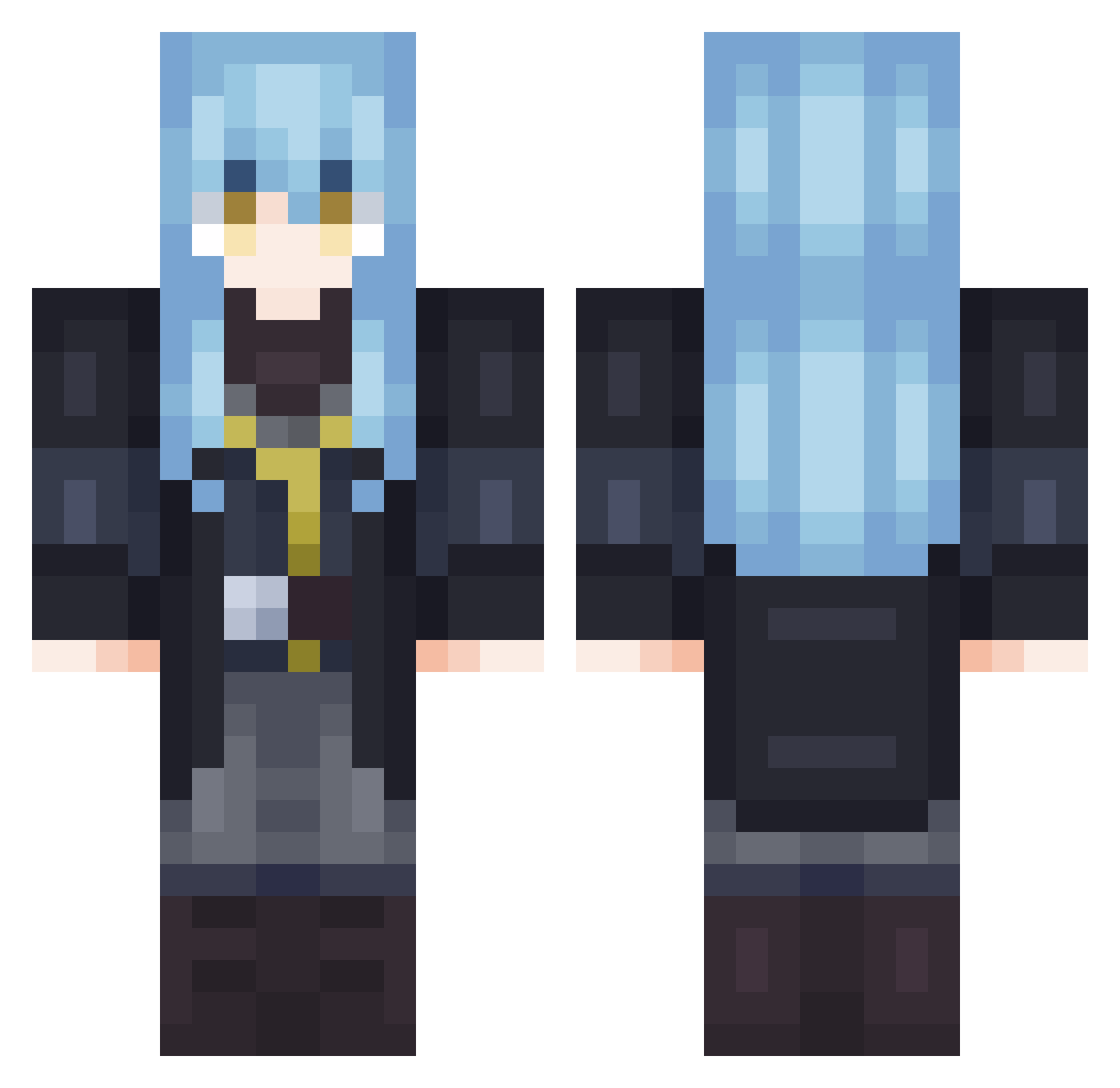
Minecraft skin of Pasha1239. Rotate the 3D model with your mouse or finger to view the skin from every angle, then download it as a PNG file and use it in Minecraft: Bedrock Edition or Java Edition for free. Rate the skin with stars to help other players find the best skins in our collection.
How to install the Pasha1239 skin
- Press the Download button above to save the skin as a PNG file.
- Minecraft: Bedrock Edition (PE): open the Dressing Room from the main menu (or tap your character → Edit Character), go to Classic Skins → Owned, press the + (new skin) button, choose the downloaded PNG and pick the Classic (Steve) model. Works on PC and mobile; consoles cannot import custom skins.
- Minecraft: Java Edition: open the Minecraft Launcher, go to the Skins tab, click New Skin, load the PNG, pick the Classic (Steve) model and press Save & Use. You can also upload it at minecraft.net → Profile → Change Skin.
The skin does not show up after import - what should I do?
Restart Minecraft and open the Dressing Room again - imported skins sometimes appear only after a restart. Also make sure you selected the imported skin and picked the Classic (Steve) model.
Which model should I choose, Classic or Slim?
This skin is designed for the Classic (Steve) model. If you pick the wrong model, the arms of the skin will look stretched or squeezed.
Is this skin free to use?
Yes. Press Download, save the PNG file and use it in Minecraft: Bedrock Edition or Java Edition - no payment or registration needed. The skin also works on multiplayer servers and Realms.
More Rimuru Tempest Minecraft skins
See all 255 Rimuru Tempest skins
More skins
Looking for more? Go back to all Minecraft skins and check the top skins of the week, month and all time, or find any player's skin by nickname.