
 MocrystLipvingue mohax_38 finalkamenrider Jay211TT marcelinho1420 Eul_Ga GiveMeDirtPls Roppsi9 RyzenMaster99 Kelicornix OrangeCubeism Cumja nerccc Hibbystew7 kalaedovv minionx99 RussianHacker05 Keinste tope47 FiLiN777 Kellen_O youlingdz Steven_dieSpinne Espineli PLaye98 Pjoterrr GhostCoil kRi5t0FFer Balexfire Novons BrixRegelt tobey27766 Elbibohini Zvezdochka_ll Primal_Earth ParkJeongIn06 markyOG CryoLeMatelot Hydrophobophobia Sokovow modonger412 bendlawful NStumpy92 Oxre Xx_FJ_xX monkeyking_87 PierreStinkt ToningSoda Markymark17 i1Abdullahx Cuezta Slymontt Torex Shohjaxon Hailey_Barben Branteboy moueenen Leapskate Exe404 GetulioNargas22
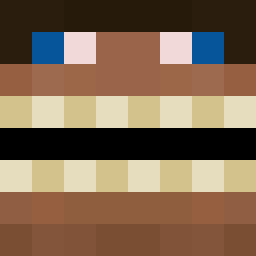
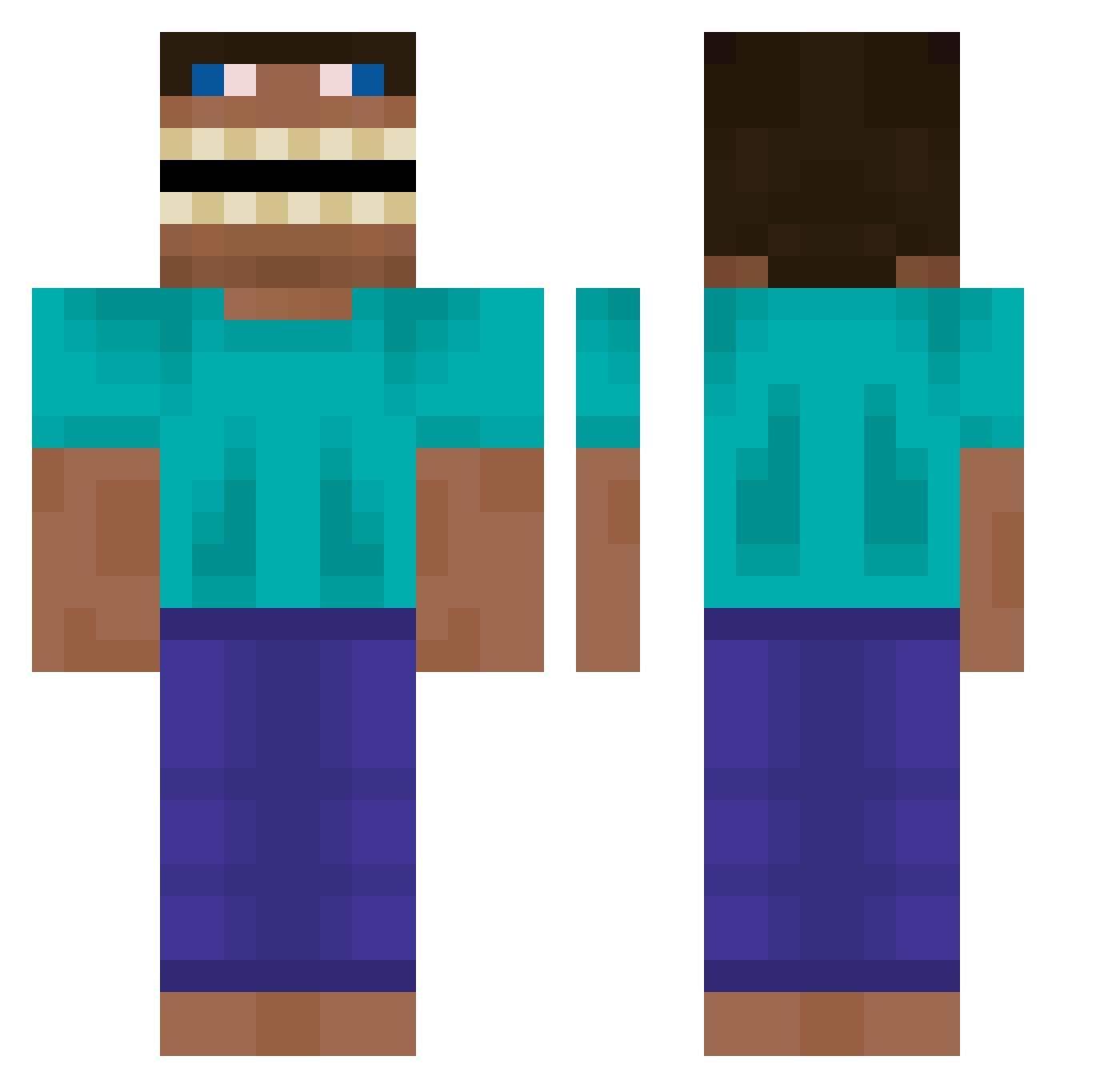
Minecraft skin of titanic878787. Rotate the 3D model with your mouse or finger to view the skin from every angle, then download it as a PNG file and use it in Minecraft: Bedrock Edition or Java Edition for free. Rate the skin with stars to help other players find the best skins in our collection.
How to install the titanic878787 skin
- Press the Download button above to save the skin as a PNG file.
- Minecraft: Bedrock Edition (PE): open the Dressing Room from the main menu (or tap your character → Edit Character), go to Classic Skins → Owned, press the + (new skin) button, choose the downloaded PNG and pick the Classic (Steve) model. Works on PC and mobile; consoles cannot import custom skins.
- Minecraft: Java Edition: open the Minecraft Launcher, go to the Skins tab, click New Skin, load the PNG, pick the Classic (Steve) model and press Save & Use. You can also upload it at minecraft.net → Profile → Change Skin.
The skin does not show up after import - what should I do?
Restart Minecraft and open the Dressing Room again - imported skins sometimes appear only after a restart. Also make sure you selected the imported skin and picked the Classic (Steve) model.
Which model should I choose, Classic or Slim?
This skin is designed for the Classic (Steve) model. If you pick the wrong model, the arms of the skin will look stretched or squeezed.
Is this skin free to use?
Yes. Press Download, save the PNG file and use it in Minecraft: Bedrock Edition or Java Edition - no payment or registration needed. The skin also works on multiplayer servers and Realms.
More Funny Minecraft skins
More skins
Looking for more? Go back to all Minecraft skins and check the top skins of the week, month and all time, or find any player's skin by nickname.