
 ahswr GangSir2 HIKAKINTV_Mcchc Shell_boy RayFze Strategic_82 rocaeterna2203 alipro3000 Mettalica BeiIhmSein Mr_Mickey_Mouse Emil7508 LuxJTK HaskiGud lichewn zzKiru _Darkness_21 09hp C00LKIID357 KochamStupeczki DanielGG2019 Jorinski2023 WNSTL BL3SSD_ AjA123 CartCarried HypebeastGenji Flynn_1L kolololololooll ilyenzz afiieel ptaltsCWOcd EzToK1ll Mc_Leplexo _Eisregen_ e1i2TR benja2445 haisee77 HUJIAXING notmarcinek itzpradaa CositaHermosa synxisurcrush federfalke15301 chilgei69 _xcali _K1yoshi WhiteMefa NitramH1 DreambyYT Avatar_Nyx Riatbl nawafxr3b iamkeyos TwisAle AbdurrahmanCAN dani_242 PierceBoy Jasmin200407 saitoxp
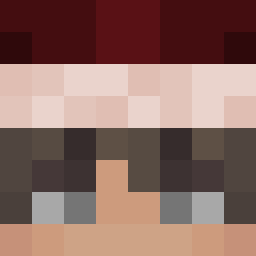
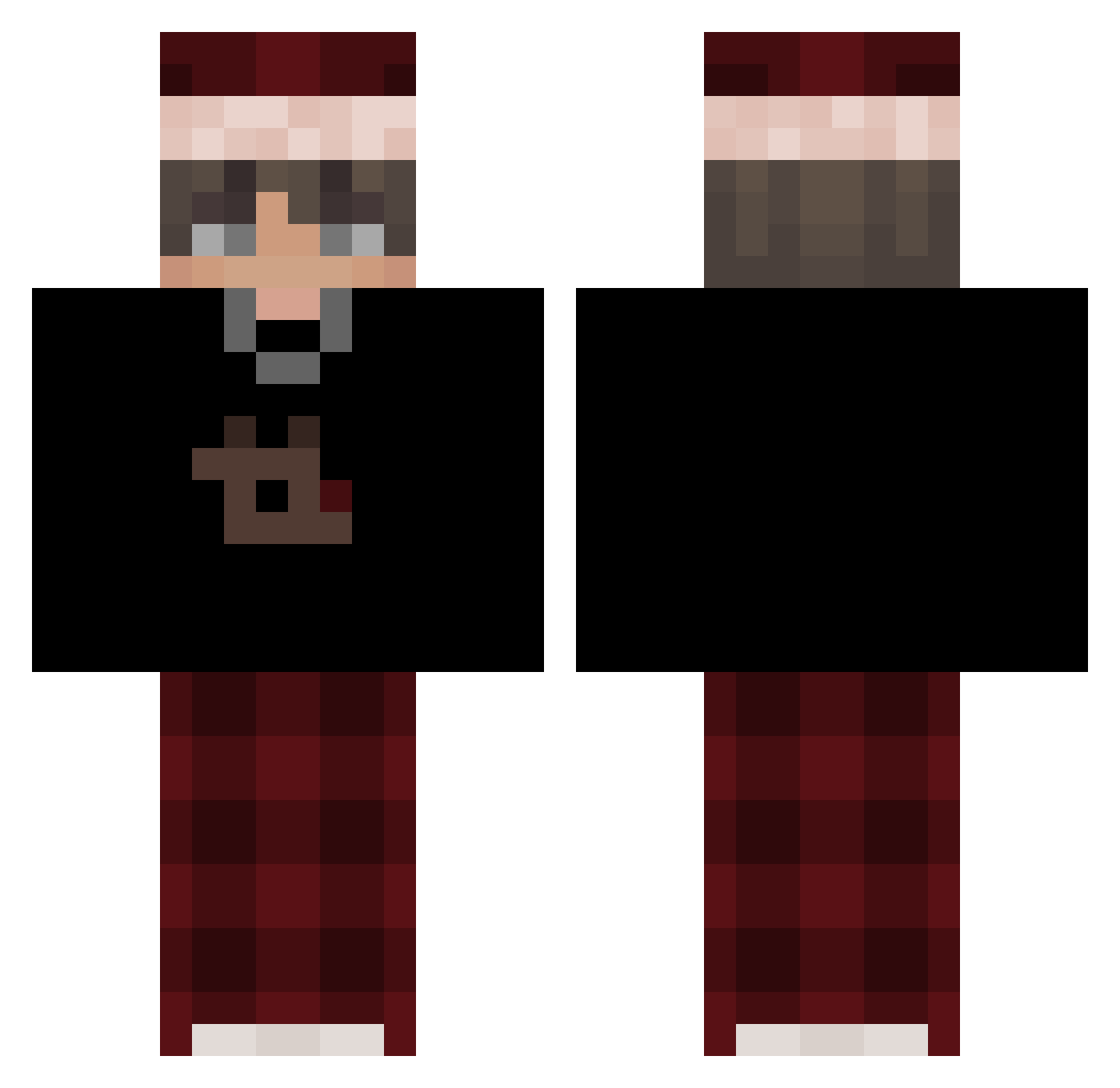
Minecraft skin of AkazaMoon3. Rotate the 3D model with your mouse or finger to view the skin from every angle, then download it as a PNG file and use it in Minecraft: Bedrock Edition or Java Edition for free. Rate the skin with stars to help other players find the best skins in our collection.
How to install the AkazaMoon3 skin
- Press the Download button above to save the skin as a PNG file.
- Minecraft: Bedrock Edition (PE): open the Dressing Room from the main menu (or tap your character → Edit Character), go to Classic Skins → Owned, press the + (new skin) button, choose the downloaded PNG and pick the Classic (Steve) model. Works on PC and mobile; consoles cannot import custom skins.
- Minecraft: Java Edition: open the Minecraft Launcher, go to the Skins tab, click New Skin, load the PNG, pick the Classic (Steve) model and press Save & Use. You can also upload it at minecraft.net → Profile → Change Skin.
The skin does not show up after import - what should I do?
Restart Minecraft and open the Dressing Room again - imported skins sometimes appear only after a restart. Also make sure you selected the imported skin and picked the Classic (Steve) model.
Which model should I choose, Classic or Slim?
This skin is designed for the Classic (Steve) model. If you pick the wrong model, the arms of the skin will look stretched or squeezed.
Is this skin free to use?
Yes. Press Download, save the PNG file and use it in Minecraft: Bedrock Edition or Java Edition - no payment or registration needed. The skin also works on multiplayer servers and Realms.
More Santa Hat Minecraft skins
More skins
Looking for more? Go back to all Minecraft skins and check the top skins of the week, month and all time, or find any player's skin by nickname.