
Dealkis_ - Minecraft Skins & Skin History
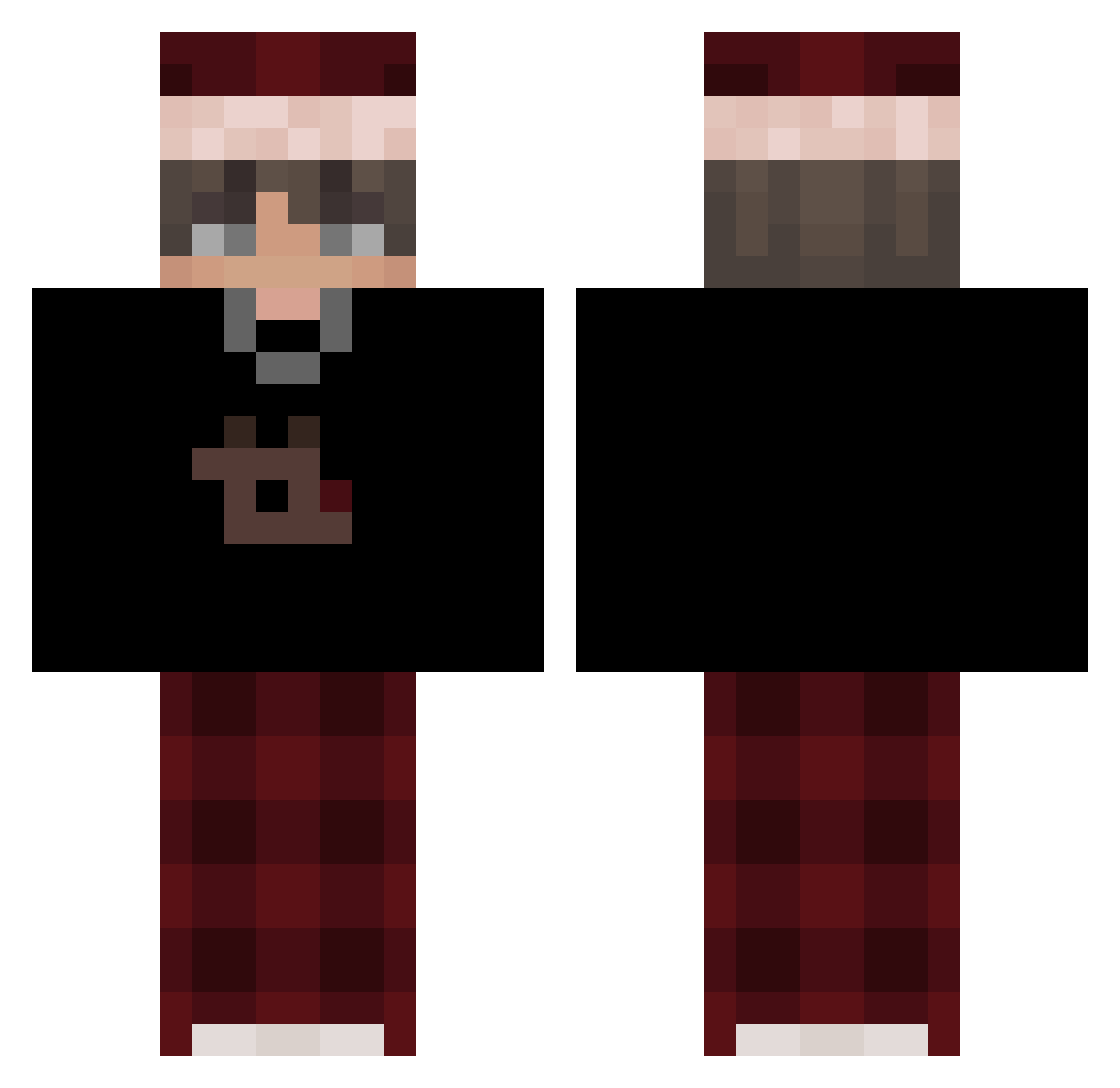
Current Minecraft skin of the player Dealkis_, loaded from the official Mojang API. Rotate the 3D model with your mouse or finger, then download the skin as a PNG file and use it in Minecraft: Bedrock Edition or Java Edition for free. When Dealkis_ changes their skin, this page updates automatically and the old skin stays in the history below.
Other players with this skin (636)
Dealkis_ was the 593rd player we have seen with this skin, first spotted on 03.11.2026. The same skin was seen on these players. Open a nickname to see their current skin and skin history.
 LFiVe220 PAF2010L ImNotN1ko MonkeyNinja4711 FOXES2459 Yasoxit Simple238800 sfnm OBSun_ Fxbinski MrMine905 Twixfinity zcxv__ 1Zabcia Lqzf Slitean MlodyWozny129 Santx_22_23 bercik3391 EzekHQ derechtebrauni BasharIsHere kenzofire12 duch_puszczy 200Laaa genxelle MangoFracht2211 Rcore03 PLTV demozkaHL LinhakYrL1228 hobbyhack TH3D0GM4N Stangs788 ItzKurshumix Mav3nn FreeRehturn Loitsu77 lukanero7 GDDEN XxXCurSedXxX Arsxbac Fully23 Reedix81 michalek32 xiaobao0582 mmmvvvv Deantjuh RealYoDrake Chos1nOne Awyy TheUnall Legends4556 Aibatyr Kelto_ Niklas6068 notoriousleaf jesus250 oskaryay1 Adderallll
More Santa Hat Minecraft skins
How to install the Dealkis_ skin
- Press the Download button above to save the skin as a PNG file.
- Minecraft: Bedrock Edition (PE): open the Dressing Room from the main menu (or tap your character → Edit Character), go to Classic Skins → Owned, press the + (new skin) button, choose the downloaded PNG and pick the Classic (Steve) model. Works on PC and mobile; consoles cannot import custom skins.
- Minecraft: Java Edition: open the Minecraft Launcher, go to the Skins tab, click New Skin, load the PNG, pick the Classic (Steve) model and press Save & Use. You can also upload it at minecraft.net → Profile → Change Skin.
The skin does not show up after import - what should I do?
Restart Minecraft and open the Dressing Room again - imported skins sometimes appear only after a restart. Also make sure you selected the imported skin and picked the Classic (Steve) model.
Which model should I choose, Classic or Slim?
This skin is designed for the Classic (Steve) model. If you pick the wrong model, the arms of the skin will look stretched or squeezed.
Is the skin of Dealkis_ free to download?
Yes. Press Download, save the PNG file and use it in Minecraft: Bedrock Edition or Java Edition - no payment or registration needed. The skin also works on multiplayer servers and Realms.
More skins
Looking for more? Go back to all Minecraft skins and check the top skins of the week, month and all time, or find any player's skin by nickname.