
 yummy1027 junttttt Enfj_t_10 hybriSpain LegenDeryYT junminjin Justhight tlqkfalcls Seok121 BulTo_ggg RYAN_KSH Hjux___ Elevema Maydays_ Falling_star12 UNYSEA K_D_H1126 Secrt_JuJu_ minigun1014 5_5_5_5_5 DANJAD YOU___say 55555_jjang 555S5_5S555 HCCHO0325 Bear_08 5555S_55555 ti5ger SoloZ1112 passion7640 five__55555 Rog_Ggum0517 Jamie06021224 hard0726 MineTangle _korean77_ Korealil ENDERDRAGAN7 ssfame chuchu3221 wldnd0607 MangoPVP13345 Teamkill0520 kimyws12 dhs0906 eliasmessi minjun29 juwonDDl GRUNT1234 chasiii nowayisthatdiddy ViewedGame86450 meteor_112 hablue2011 Zefxr choooi _Hyper3 SS555_55555 jominho107 Ejjung_
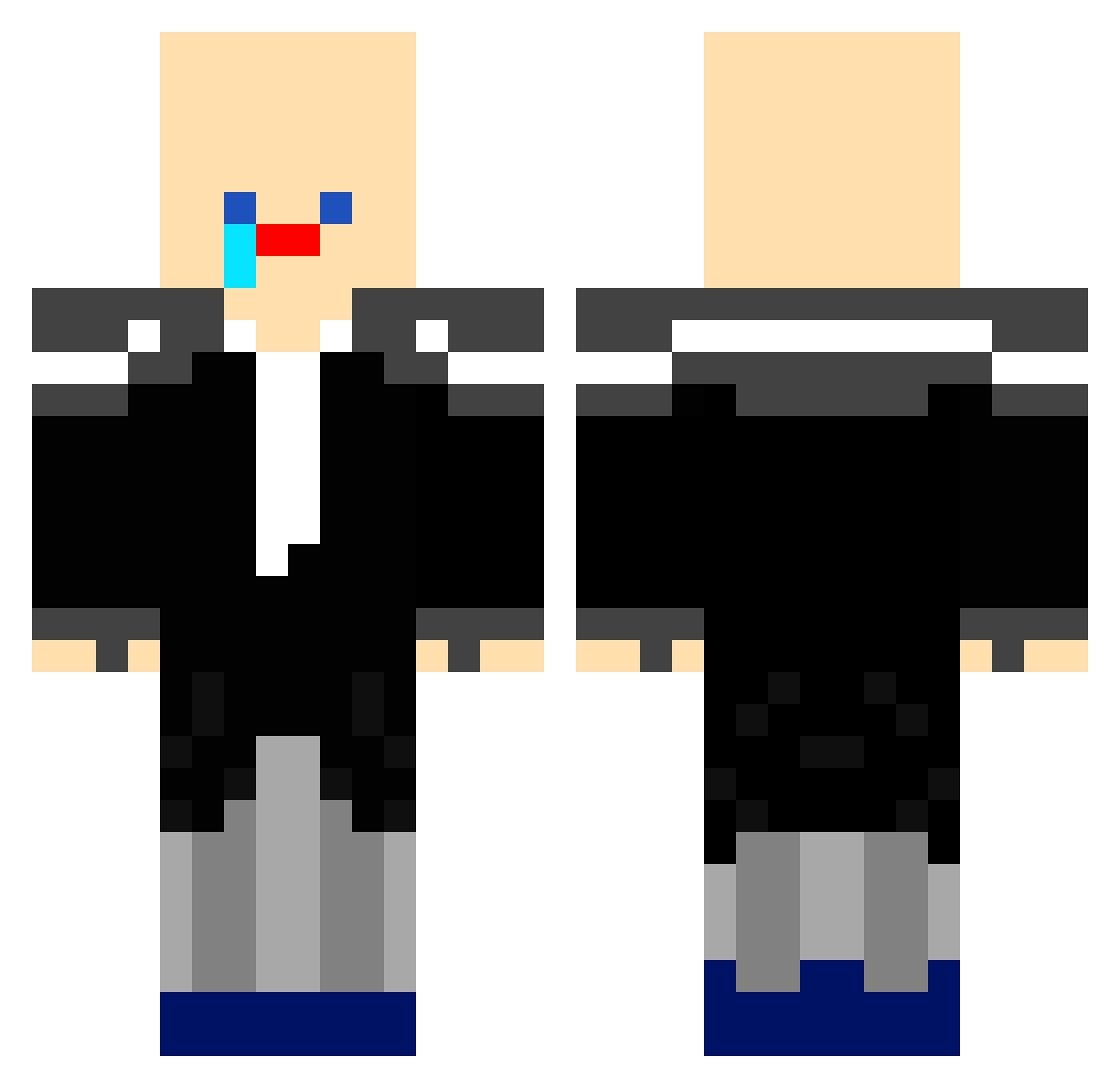
Minecraft skin of i55555_55555. Rotate the 3D model with your mouse or finger to view the skin from every angle, then download it as a PNG file and use it in Minecraft: Bedrock Edition or Java Edition for free. Rate the skin with stars to help other players find the best skins in our collection.
How to install the i55555_55555 skin
- Press the Download button above to save the skin as a PNG file.
- Minecraft: Bedrock Edition (PE): open the Dressing Room from the main menu (or tap your character → Edit Character), go to Classic Skins → Owned, press the + (new skin) button, choose the downloaded PNG and pick the Classic (Steve) model. Works on PC and mobile; consoles cannot import custom skins.
- Minecraft: Java Edition: open the Minecraft Launcher, go to the Skins tab, click New Skin, load the PNG, pick the Classic (Steve) model and press Save & Use. You can also upload it at minecraft.net → Profile → Change Skin.
The skin does not show up after import - what should I do?
Restart Minecraft and open the Dressing Room again - imported skins sometimes appear only after a restart. Also make sure you selected the imported skin and picked the Classic (Steve) model.
Which model should I choose, Classic or Slim?
This skin is designed for the Classic (Steve) model. If you pick the wrong model, the arms of the skin will look stretched or squeezed.
Is this skin free to use?
Yes. Press Download, save the PNG file and use it in Minecraft: Bedrock Edition or Java Edition - no payment or registration needed. The skin also works on multiplayer servers and Realms.
More skins
Looking for more? Go back to all Minecraft skins and check the top skins of the week, month and all time, or find any player's skin by nickname.