
 CheeseIsYum MrTaberman Pie00000 Fistie0 OhFlame FeBro Cokwr LEMONHECKER I_Need_Beans HangryBlueBean charlton_blanks MedaevalFreak Perschlaps DoubleGio2 Gamerman19 BopAdabony ilybakedbeans nattomilku colossusrex SmileyMcgee8888 KerThug OneTrueColour JSPT1234 Blueshift25 mplack Yobthing Big_Balls7 MrModest101 SirPreciliano UknownSpongeBob EvonMusk Dirty_dan3419 Jigsaw22 Ximphia Gurtrude oCess GwynG iamnew386 sp0ingus Meatman162 GUSSATOR Slyfincleton LechugaFuerte Tassinique itsLukeLambert LeproticFella Zythactheoracle Owlbandaid Big_Juicy_ aldenator18 thelamper TheGrimStreaker Hghghjk Thinking__ dragonkillerend CurrySON TheSoldier9298 Jiggins1999 koolaidman69420 1eBEAN
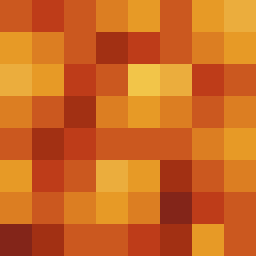
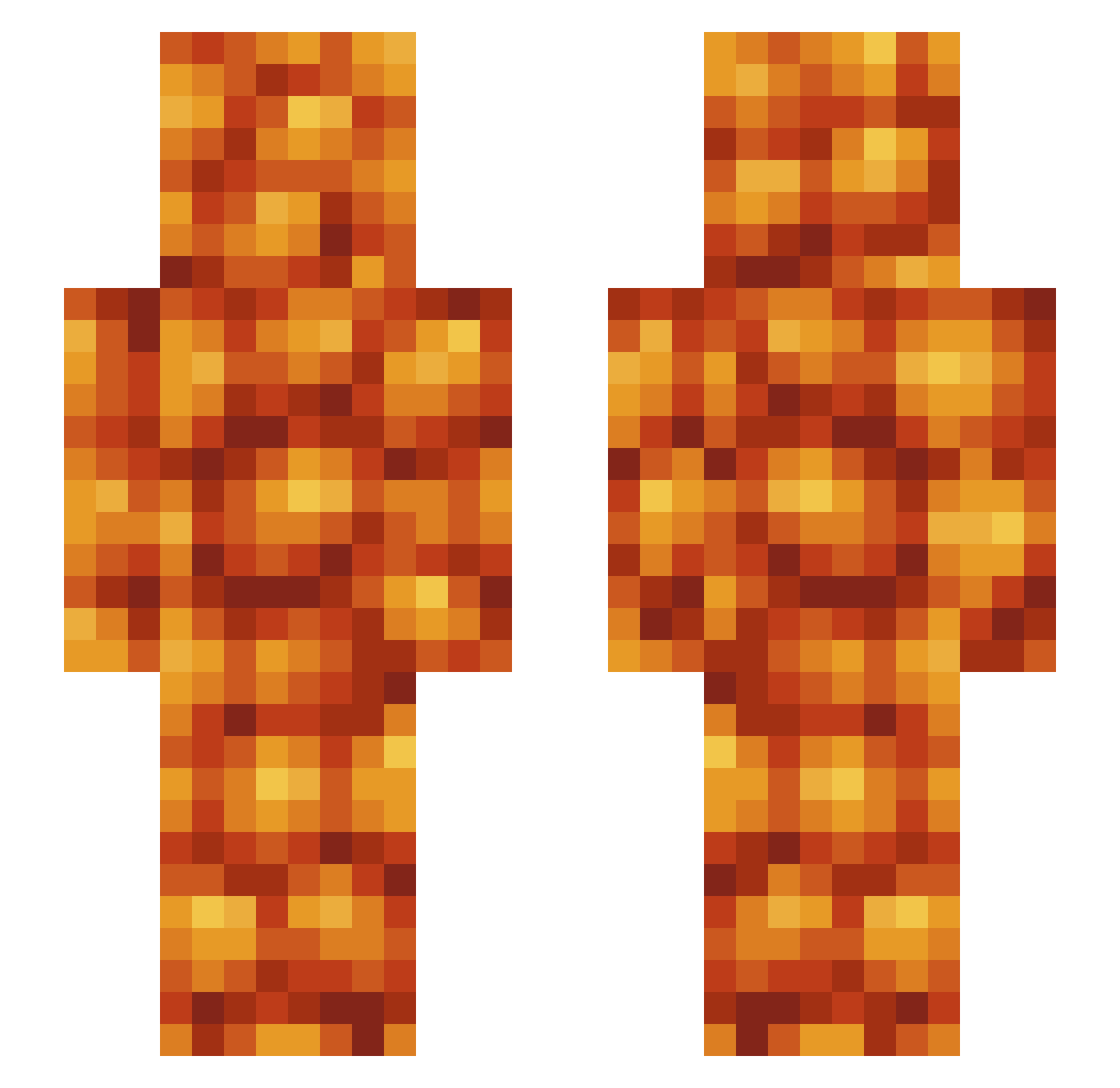
Minecraft skin of h777hk. Rotate the 3D model with your mouse or finger to view the skin from every angle, then download it as a PNG file and use it in Minecraft: Bedrock Edition or Java Edition for free. Rate the skin with stars to help other players find the best skins in our collection.
How to install the h777hk skin
- Press the Download button above to save the skin as a PNG file.
- Minecraft: Bedrock Edition (PE): open the Dressing Room from the main menu (or tap your character → Edit Character), go to Classic Skins → Owned, press the + (new skin) button, choose the downloaded PNG and pick the Slim (Alex) model. Works on PC and mobile; consoles cannot import custom skins.
- Minecraft: Java Edition: open the Minecraft Launcher, go to the Skins tab, click New Skin, load the PNG, pick the Slim (Alex) model and press Save & Use. You can also upload it at minecraft.net → Profile → Change Skin.
The skin does not show up after import - what should I do?
Restart Minecraft and open the Dressing Room again - imported skins sometimes appear only after a restart. Also make sure you selected the imported skin and picked the Slim (Alex) model.
Which model should I choose, Classic or Slim?
This skin is designed for the Slim (Alex) model. If you pick the wrong model, the arms of the skin will look stretched or squeezed.
Is this skin free to use?
Yes. Press Download, save the PNG file and use it in Minecraft: Bedrock Edition or Java Edition - no payment or registration needed. The skin also works on multiplayer servers and Realms.
More Baked Beans Minecraft skins
More skins
Looking for more? Go back to all Minecraft skins and check the top skins of the week, month and all time, or find any player's skin by nickname.