
 BasXW delolama morgannicolee Gabby0081 Arkonien alliekaye13 LUTHER95 Jazzz17 SleepySlyss Tothiris ikiteiruu alarowo harukool yujun_123 chipp_zanuff1 Schneckie_XD K_drag0n razzberrylaces dls6 lauragg22 Malo1023 S1akura NerdyGirlSarah XJZG00 mhr921 krabby_pabby Somsehyang Sapphire8010 SyeMi Exycutive Digas007 Aries_12_ Vizoee Justine104 kiwuauaa inskyyy maybesaveme Ulia17 Elisatko_o KittyDesync_wav asdwqedfvxz Kaxuuu Feetka Crusoe2019 Trisha0204 Lana_Kim FoxTarts sbbb1235 tonifoxy OblivJ kureaoqo Vvvaanessa LumosLily hananoi00 uumr kkng78 jumilan Smartyx02 sarangame AshKitsune
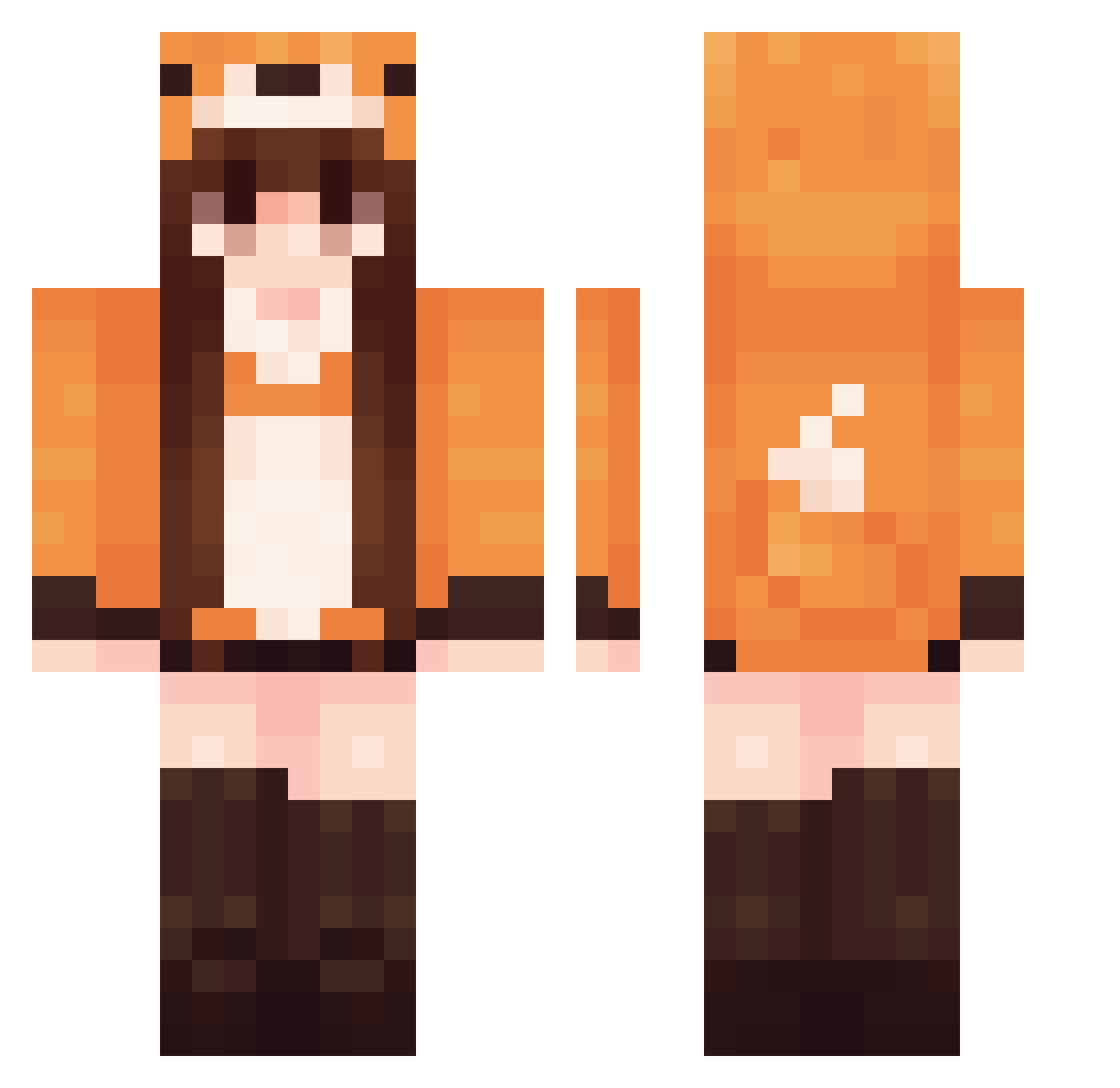
Minecraft skin of kitune_sensei. Rotate the 3D model with your mouse or finger to view the skin from every angle, then download it as a PNG file and use it in Minecraft: Bedrock Edition or Java Edition for free. Rate the skin with stars to help other players find the best skins in our collection.
How to install the kitune_sensei skin
- Press the Download button above to save the skin as a PNG file.
- Minecraft: Bedrock Edition (PE): open the Dressing Room from the main menu (or tap your character → Edit Character), go to Classic Skins → Owned, press the + (new skin) button, choose the downloaded PNG and pick the Classic (Steve) model. Works on PC and mobile; consoles cannot import custom skins.
- Minecraft: Java Edition: open the Minecraft Launcher, go to the Skins tab, click New Skin, load the PNG, pick the Classic (Steve) model and press Save & Use. You can also upload it at minecraft.net → Profile → Change Skin.
The skin does not show up after import - what should I do?
Restart Minecraft and open the Dressing Room again - imported skins sometimes appear only after a restart. Also make sure you selected the imported skin and picked the Classic (Steve) model.
Which model should I choose, Classic or Slim?
This skin is designed for the Classic (Steve) model. If you pick the wrong model, the arms of the skin will look stretched or squeezed.
Is this skin free to use?
Yes. Press Download, save the PNG file and use it in Minecraft: Bedrock Edition or Java Edition - no payment or registration needed. The skin also works on multiplayer servers and Realms.
More Fox Tail Minecraft skins
More skins
Looking for more? Go back to all Minecraft skins and check the top skins of the week, month and all time, or find any player's skin by nickname.