
 pspspp Munlack MSMSMSMS0930 Bouk_TeachX SANGJUN1234 KidStone1228 girlgay tq82 ganji_jagsal BIGON_08 kikiboy1112 snrnsnrn kimms2465 Jeonjiwon_7 MCmuyeon Garam05 dasima03 sungho7157 I_ceBear kilhjk0092 JOOMAN123 Hwan_o pabado H_O_R_A_N_G UmJunsik1005 wook_1228 KingYJS shin_jihun Radotank HATSUNEDUSIC IAMGGOCHU van1080 chicken_siuuuuuu OnlyLuna_ superpp892 nomuhyun58774485 Lucky_Mouse_ sunghabeen leecel yunjiking kjw3986na qhdgkVillage ssssse1254 juntaek1422 yon1233 Joe09876 eungchan Hsinp YANGGANG1 BandaMit JaziPower XuRyXuRy fakedieee Overtaxx allahu_akbaru taeyeon0808 WHITENESS0404 Monyong0207 Rubber_Box hyunwoo_cho1
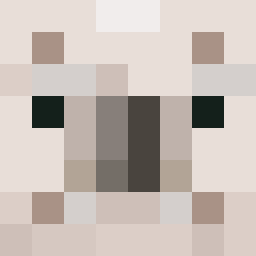
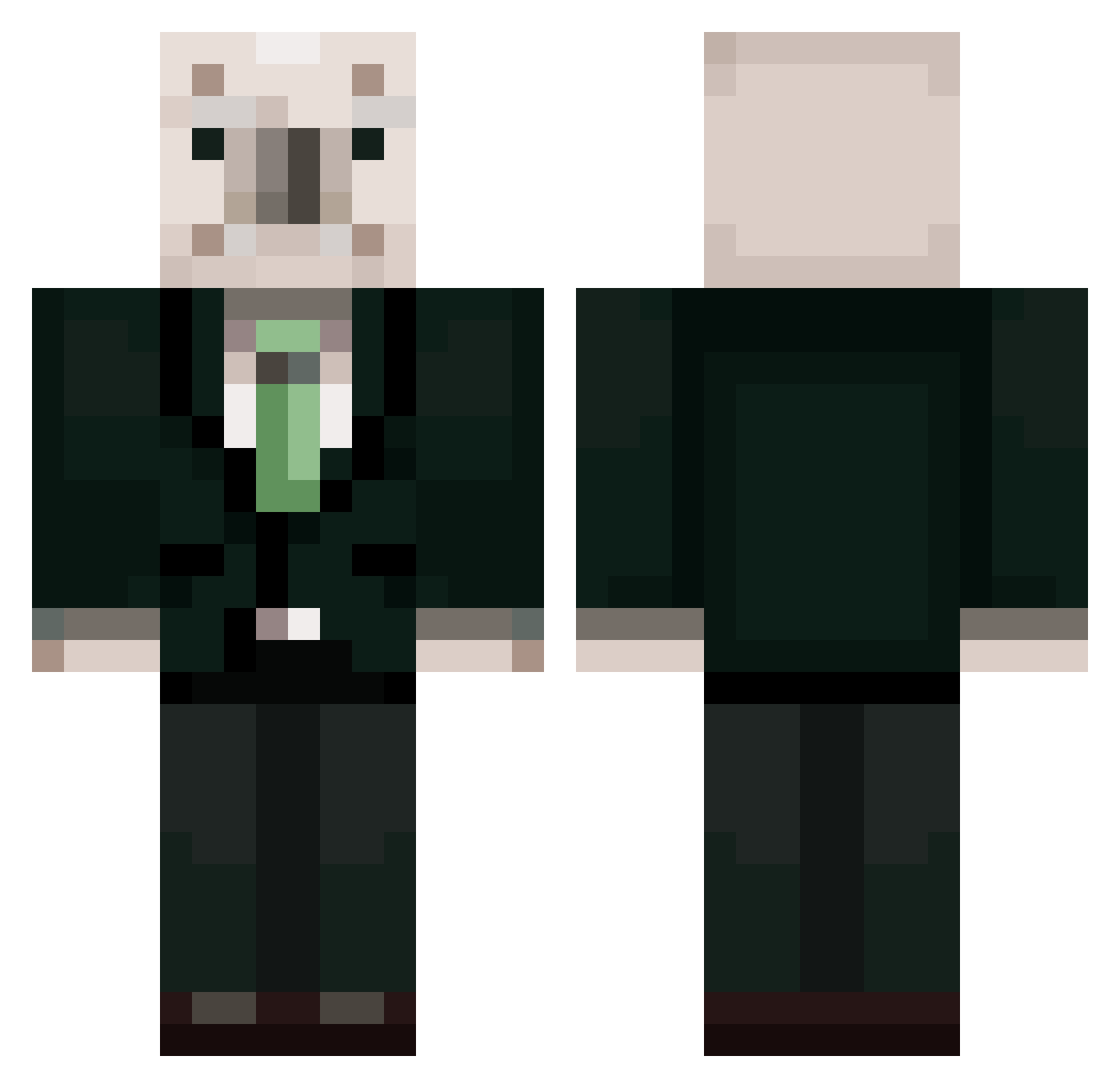
Minecraft skin of nohrangee. Rotate the 3D model with your mouse or finger to view the skin from every angle, then download it as a PNG file and use it in Minecraft: Bedrock Edition or Java Edition for free. Rate the skin with stars to help other players find the best skins in our collection.
How to install the nohrangee skin
- Press the Download button above to save the skin as a PNG file.
- Minecraft: Bedrock Edition (PE): open the Dressing Room from the main menu (or tap your character → Edit Character), go to Classic Skins → Owned, press the + (new skin) button, choose the downloaded PNG and pick the Classic (Steve) model. Works on PC and mobile; consoles cannot import custom skins.
- Minecraft: Java Edition: open the Minecraft Launcher, go to the Skins tab, click New Skin, load the PNG, pick the Classic (Steve) model and press Save & Use. You can also upload it at minecraft.net → Profile → Change Skin.
The skin does not show up after import - what should I do?
Restart Minecraft and open the Dressing Room again - imported skins sometimes appear only after a restart. Also make sure you selected the imported skin and picked the Classic (Steve) model.
Which model should I choose, Classic or Slim?
This skin is designed for the Classic (Steve) model. If you pick the wrong model, the arms of the skin will look stretched or squeezed.
Is this skin free to use?
Yes. Press Download, save the PNG file and use it in Minecraft: Bedrock Edition or Java Edition - no payment or registration needed. The skin also works on multiplayer servers and Realms.
More Koala Minecraft skins
More skins
Looking for more? Go back to all Minecraft skins and check the top skins of the week, month and all time, or find any player's skin by nickname.