
 tlgad Redsu bigfart2011 pennyDiscount ez4z__ Jhg264 itz_nipax departt msxzc1 d_326 Szxmprax SKDEES 1illusion0 aixnao lowkey_Edward bociannn17 The_Blues_Lik3 lukekebab omellozinho Yat0fc sanhuepark _AyanLegend LinhDawnv5mUwU baristoven 4nass alexorirr KaizoIsHere Orion_zephyr ICY12345679 MukloIsMyBih _iiM0RTADA Naterdog321 Rikk1980 liaamXD mikoskibidi lowkpvp Itz_Hamza17 Wvnch4j_Zg0n4 RonaldoCjunior Ferxxs Karel7593 mannUpMoth wsteen A6narchyy nosseata W5MMBUU chrisXD12432 Yingxi01 Laith25900 quixxx_on_idk nobodyunknowface WWisback Zolvos shharpustoboss Isma18 arvidgottang LuzyMC peulradi iLeqndro_ Linenbow
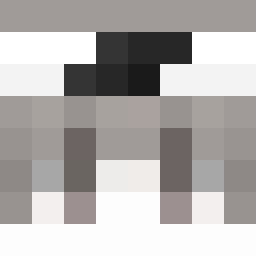
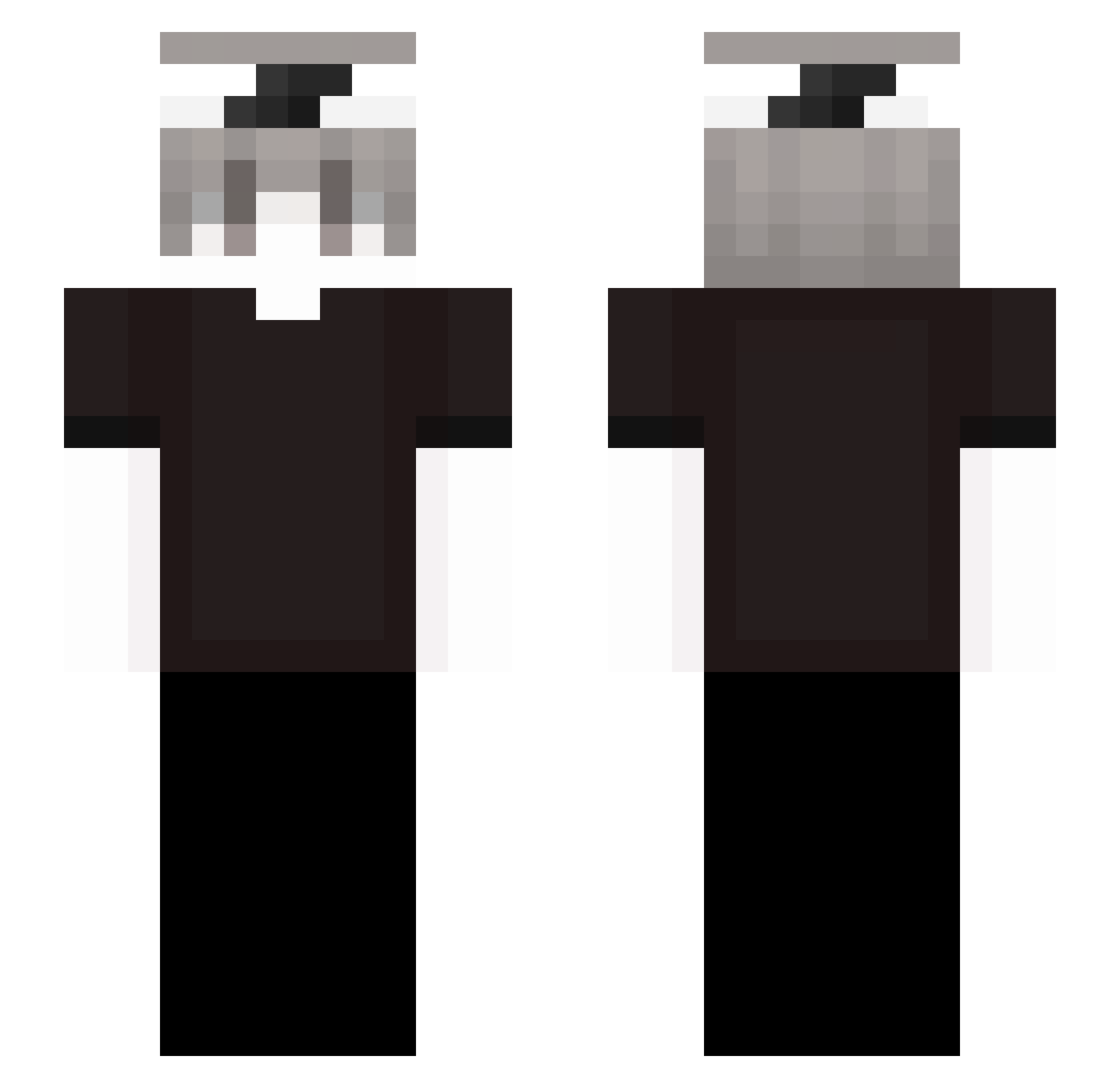
Minecraft skin of Sv2Wingx8g. Rotate the 3D model with your mouse or finger to view the skin from every angle, then download it as a PNG file and use it in Minecraft: Bedrock Edition or Java Edition for free. Rate the skin with stars to help other players find the best skins in our collection.
How to install the Sv2Wingx8g skin
- Press the Download button above to save the skin as a PNG file.
- Minecraft: Bedrock Edition (PE): open the Dressing Room from the main menu (or tap your character → Edit Character), go to Classic Skins → Owned, press the + (new skin) button, choose the downloaded PNG and pick the Slim (Alex) model. Works on PC and mobile; consoles cannot import custom skins.
- Minecraft: Java Edition: open the Minecraft Launcher, go to the Skins tab, click New Skin, load the PNG, pick the Slim (Alex) model and press Save & Use. You can also upload it at minecraft.net → Profile → Change Skin.
The skin does not show up after import - what should I do?
Restart Minecraft and open the Dressing Room again - imported skins sometimes appear only after a restart. Also make sure you selected the imported skin and picked the Slim (Alex) model.
Which model should I choose, Classic or Slim?
This skin is designed for the Slim (Alex) model. If you pick the wrong model, the arms of the skin will look stretched or squeezed.
Is this skin free to use?
Yes. Press Download, save the PNG file and use it in Minecraft: Bedrock Edition or Java Edition - no payment or registration needed. The skin also works on multiplayer servers and Realms.
More skins
Looking for more? Go back to all Minecraft skins and check the top skins of the week, month and all time, or find any player's skin by nickname.