
WWisback - Minecraft Skins & Skin History
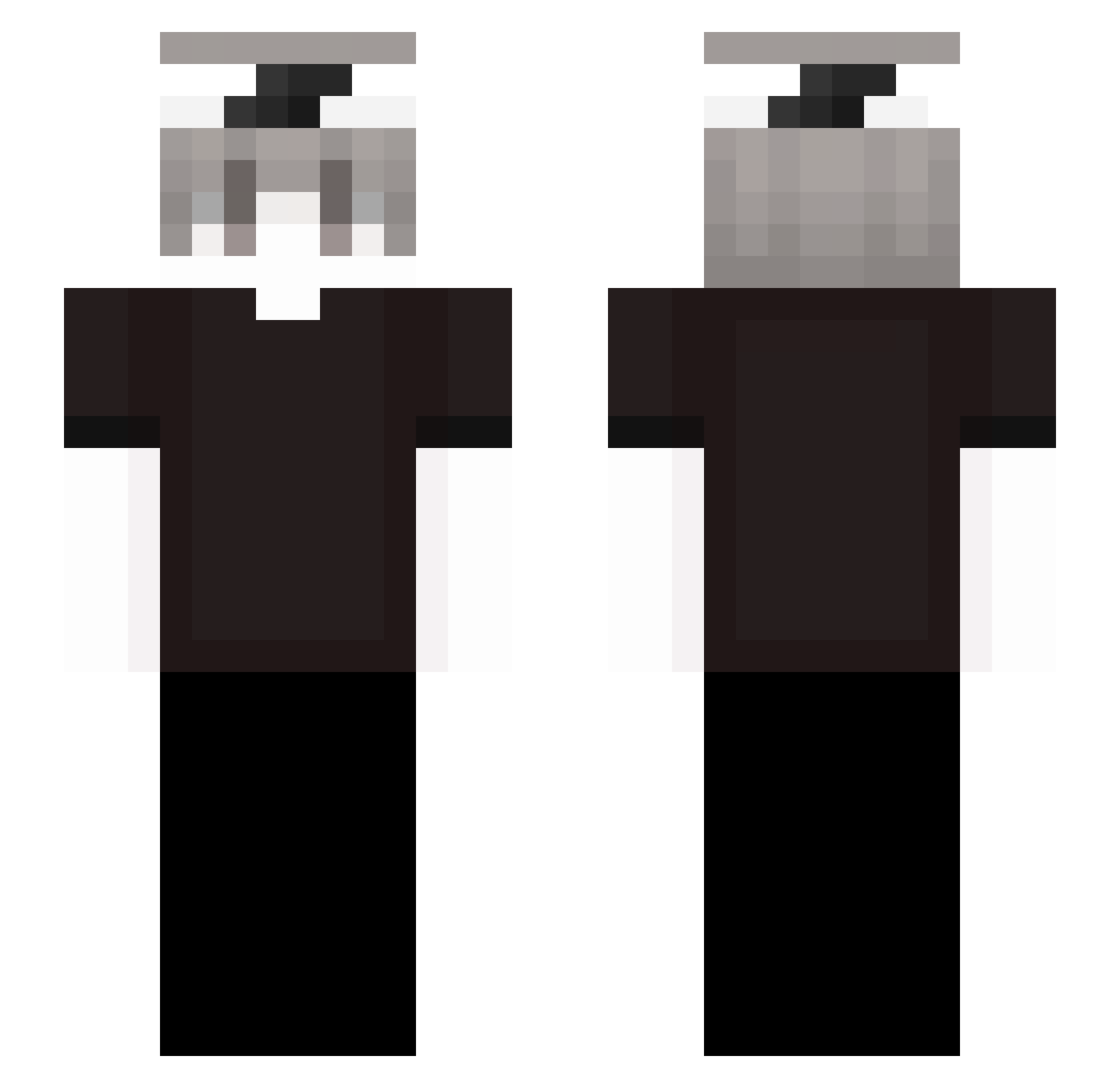
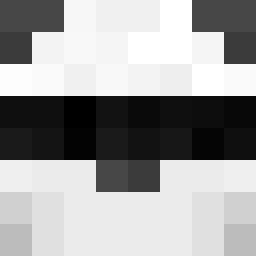
Current Minecraft skin of the player WWisback, loaded from the official Mojang API. Rotate the 3D model with your mouse or finger, then download the skin as a PNG file and use it in Minecraft: Bedrock Edition or Java Edition for free. When WWisback changes their skin, this page updates automatically and the old skin stays in the history below.
Other players with this skin (237)
WWisback was the 107th player we have seen with this skin, first spotted on 03.09.2026. The same skin was seen on these players. Open a nickname to see their current skin and skin history.
 SKBenjamin Rheezle DoddMo Maxxdlol hellsire kxnny_sk quixxx_on_idk santaum mauhmood_kali Laith25900 Echo008op Xevorn 00ppp00 TastesSour Amachida ardxn1 Sa1koroo Revix95 svyh Treecy_ _Niewysp4ny C0lderth4n _ashyy11 xJhersxn
 k3zx Frosty__Crystal
 UnBelievable001 Zetemir nobodyunknowface tr8xy Kubi_WTF
 Just_Rexu LuzyMC
 XzoiN_ aykoo01
 xaviyah ZCNX0_o _AyanLegend ysj791 leandromillan GB_X Leqn1x 0_no_0 alexz190 polu6 OCEAN_N00B Anexiss_ kevinel2515v Simon290521 znudzony GodFaRe_469 ygtrece_ L0w0ngBoldi8v_ scv_jair ZETTTTTTTTTTTT Umeszz didje_
 SpiderXAbe8 arvidgottang awaysera
How to install the WWisback skin
- Press the Download button above to save the skin as a PNG file.
- Minecraft: Bedrock Edition (PE): open the Dressing Room from the main menu (or tap your character → Edit Character), go to Classic Skins → Owned, press the + (new skin) button, choose the downloaded PNG and pick the Slim (Alex) model. Works on PC and mobile; consoles cannot import custom skins.
- Minecraft: Java Edition: open the Minecraft Launcher, go to the Skins tab, click New Skin, load the PNG, pick the Slim (Alex) model and press Save & Use. You can also upload it at minecraft.net → Profile → Change Skin.
The skin does not show up after import - what should I do?
Restart Minecraft and open the Dressing Room again - imported skins sometimes appear only after a restart. Also make sure you selected the imported skin and picked the Slim (Alex) model.
Which model should I choose, Classic or Slim?
This skin is designed for the Slim (Alex) model. If you pick the wrong model, the arms of the skin will look stretched or squeezed.
Is the skin of WWisback free to download?
Yes. Press Download, save the PNG file and use it in Minecraft: Bedrock Edition or Java Edition - no payment or registration needed. The skin also works on multiplayer servers and Realms.
More skins
Looking for more? Go back to all Minecraft skins and check the top skins of the week, month and all time, or find any player's skin by nickname.