
 Dreamssssse carlitosss17 NotSeis6 konxiang Demon1200 Lorakse Fabian_Goga dippy8 Ivan_Lobico Tuoyouta ILIKENOOBS scale_mage Bamnt Ruyyikee IAmJustGomi jaty246 Javi30333 SirLyhx BuggaBugga9243 PongoPenguin15 XkillerX111 aplayofficial SeyPal Cox55 elpepenacho Obeeron CoolDrick Xytox ATN024 ldd_li FutureMuffin607 Timelord23 ArgosFox Jaklix Terbut__ HARCAR_HI Strect takkywakky ExSafetyCptn vodka_0 69HzMonitor Catkiller07 SNKIM L_Dai Liazz41 MOOOOOFY Stocke_113 Aizo77 HelloValley1234 _Vyte_ HANDSOMEPIGQAQ ScreaminLucas Einpressens Kukkiido ak_sukuna SkyShadow1111 Arch_green_01 ikum_114514 Brennny POULETO700
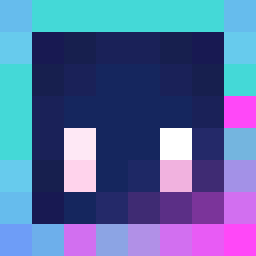
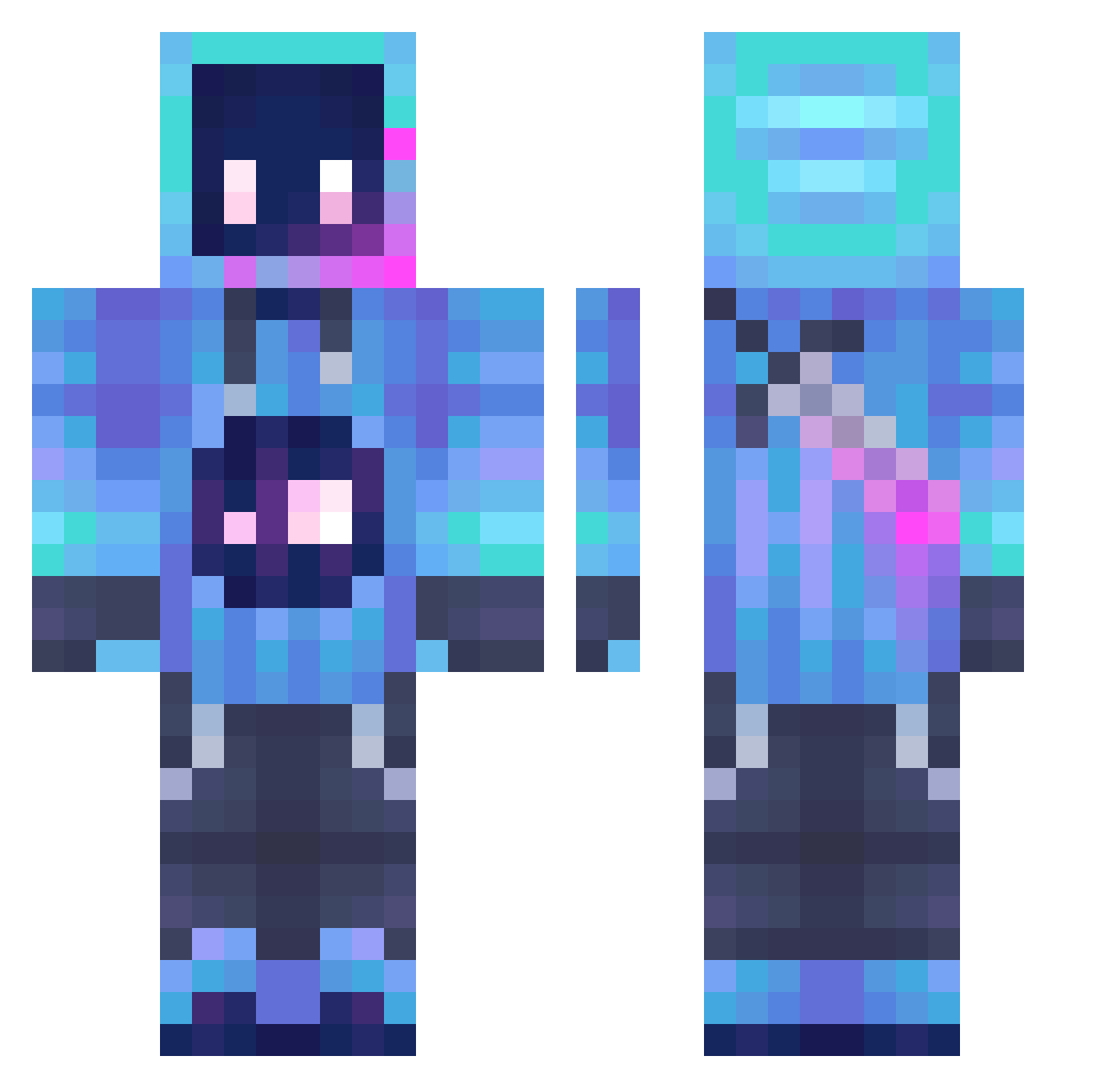
Minecraft skin of GoldenDonut22. Rotate the 3D model with your mouse or finger to view the skin from every angle, then download it as a PNG file and use it in Minecraft: Bedrock Edition or Java Edition for free. Rate the skin with stars to help other players find the best skins in our collection.
How to install the GoldenDonut22 skin
- Press the Download button above to save the skin as a PNG file.
- Minecraft: Bedrock Edition (PE): open the Dressing Room from the main menu (or tap your character → Edit Character), go to Classic Skins → Owned, press the + (new skin) button, choose the downloaded PNG and pick the Classic (Steve) model. Works on PC and mobile; consoles cannot import custom skins.
- Minecraft: Java Edition: open the Minecraft Launcher, go to the Skins tab, click New Skin, load the PNG, pick the Classic (Steve) model and press Save & Use. You can also upload it at minecraft.net → Profile → Change Skin.
The skin does not show up after import - what should I do?
Restart Minecraft and open the Dressing Room again - imported skins sometimes appear only after a restart. Also make sure you selected the imported skin and picked the Classic (Steve) model.
Which model should I choose, Classic or Slim?
This skin is designed for the Classic (Steve) model. If you pick the wrong model, the arms of the skin will look stretched or squeezed.
Is this skin free to use?
Yes. Press Download, save the PNG file and use it in Minecraft: Bedrock Edition or Java Edition - no payment or registration needed. The skin also works on multiplayer servers and Realms.
More Sword Minecraft skins
More skins
Looking for more? Go back to all Minecraft skins and check the top skins of the week, month and all time, or find any player's skin by nickname.