
 paoyamal19 Pablow1100 GianniMorandi bidon2137 Chang109 gabry1289 Leocs92 kngnvcri07 crocraxcker DuyProVLI elfritos_99 MrLelouch3 MATHIAS_4241_JK ycn__ MessiChi FeRnAn668366 GhostCasper33 G0rd0S Kasztan999 Kiraa21 lNicoX joji_24 Indominations RHISMA Juleq123 Hussein_Walid TheoCestMoi monz11 vWax_ Javierox3780 Spoot1fy TillxAbi yegm2011 AliEMC nurattv Kaunox Toozito 01ab05 SteveenZz agustinnn1111 DoBrY_10 Nebbiu2005 ramitahH rzodkiewk4 TwistedKnee EnderSentinel EtChapado olek203 DaanTheGamer titrekyildirim31 Luukas15 Desnat eyalaharoni Xmateix812 Abiftv11 Envenenadx xken5 Gonza031 Be_camargo AmoreA5
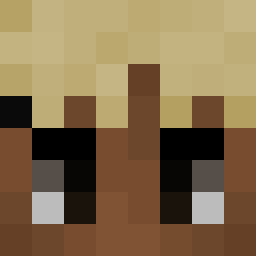
Minecraft skin of CuoCul0. Rotate the 3D model with your mouse or finger to view the skin from every angle, then download it as a PNG file and use it in Minecraft: Bedrock Edition or Java Edition for free. Rate the skin with stars to help other players find the best skins in our collection.
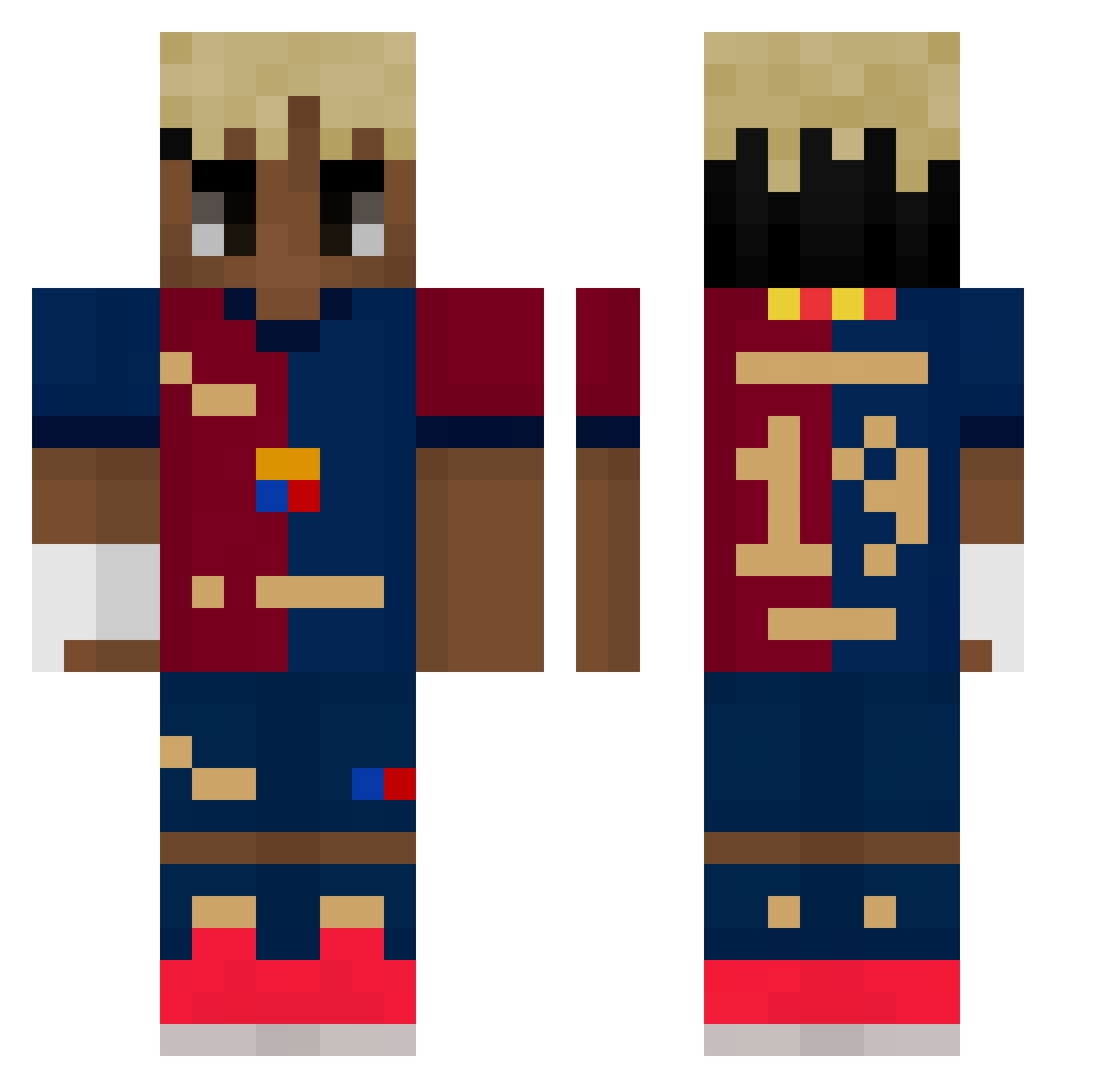
How to install the CuoCul0 skin
- Press the Download button above to save the skin as a PNG file.
- Minecraft: Bedrock Edition (PE): open the Dressing Room from the main menu (or tap your character → Edit Character), go to Classic Skins → Owned, press the + (new skin) button, choose the downloaded PNG and pick the Classic (Steve) model. Works on PC and mobile; consoles cannot import custom skins.
- Minecraft: Java Edition: open the Minecraft Launcher, go to the Skins tab, click New Skin, load the PNG, pick the Classic (Steve) model and press Save & Use. You can also upload it at minecraft.net → Profile → Change Skin.
The skin does not show up after import - what should I do?
Restart Minecraft and open the Dressing Room again - imported skins sometimes appear only after a restart. Also make sure you selected the imported skin and picked the Classic (Steve) model.
Which model should I choose, Classic or Slim?
This skin is designed for the Classic (Steve) model. If you pick the wrong model, the arms of the skin will look stretched or squeezed.
Is this skin free to use?
Yes. Press Download, save the PNG file and use it in Minecraft: Bedrock Edition or Java Edition - no payment or registration needed. The skin also works on multiplayer servers and Realms.
More Soccer Kit Minecraft skins
More skins
Looking for more? Go back to all Minecraft skins and check the top skins of the week, month and all time, or find any player's skin by nickname.