
 Chimbus911 DDeekey lucky_lucky321 oscar_19 hp_hpp ties_is_cool_ yjb0706 fabiennegnt Zovron_ WOKOJlAD goodkidd ondc GasPro marcello257 FearlessPanda51 Double0us darkstaro0306 kaiiju_ ELITE_X02 FallenSkep sebe2387 RainbowPig9 crispyshrimpp MysticDunkeld NiSouC_MoT DOKY_TS tostbrotdummekuh Lewix27 SwagKot iforknekurtz CaiNaRede RyansBTW kreuzijohann ahssay KNick_HD catemy andrw_5 0x1989 NurNoah HeyTaiga canvco Cheat330 ViktorsPLAY Webseite Sayruth Planetboss0707 sabinisnub69 Bbearz therealsterbi Sky_Light91 Oskarito69 Wanderfeldroehre ddantt Dennsi568 SSO8 YonexX_ joannaberry74687 TUANMC209 Stesimo77 Prebzki
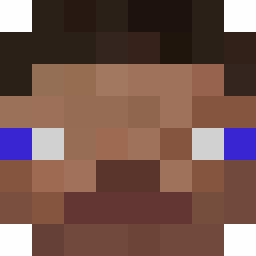
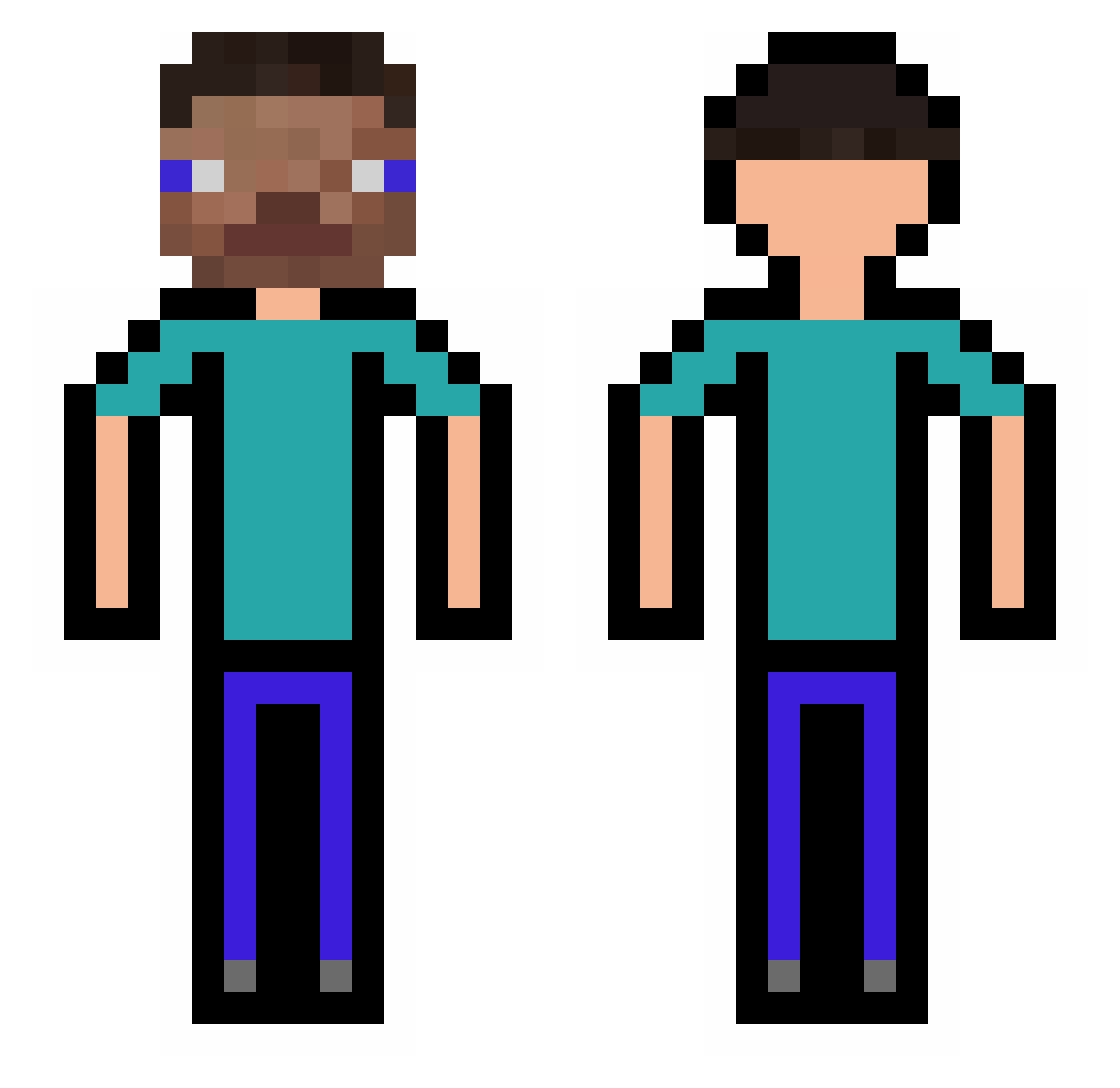
Minecraft skin of Iastt. Rotate the 3D model with your mouse or finger to view the skin from every angle, then download it as a PNG file and use it in Minecraft: Bedrock Edition or Java Edition for free. Rate the skin with stars to help other players find the best skins in our collection.
How to install the Iastt skin
- Press the Download button above to save the skin as a PNG file.
- Minecraft: Bedrock Edition (PE): open the Dressing Room from the main menu (or tap your character → Edit Character), go to Classic Skins → Owned, press the + (new skin) button, choose the downloaded PNG and pick the Classic (Steve) model. Works on PC and mobile; consoles cannot import custom skins.
- Minecraft: Java Edition: open the Minecraft Launcher, go to the Skins tab, click New Skin, load the PNG, pick the Classic (Steve) model and press Save & Use. You can also upload it at minecraft.net → Profile → Change Skin.
The skin does not show up after import - what should I do?
Restart Minecraft and open the Dressing Room again - imported skins sometimes appear only after a restart. Also make sure you selected the imported skin and picked the Classic (Steve) model.
Which model should I choose, Classic or Slim?
This skin is designed for the Classic (Steve) model. If you pick the wrong model, the arms of the skin will look stretched or squeezed.
Is this skin free to use?
Yes. Press Download, save the PNG file and use it in Minecraft: Bedrock Edition or Java Edition - no payment or registration needed. The skin also works on multiplayer servers and Realms.
More skins
Looking for more? Go back to all Minecraft skins and check the top skins of the week, month and all time, or find any player's skin by nickname.