
 Thodever carrot88 Koboss501 Dannocraft ELITEgladiator Dadled eXist Berdor Vavarus DerWegGottes Chipsdipp WEquest Karnonou tichke123 coolbabyboy mammadou superboy137 louieuffendell ThePhoenixBird matthew_tatton Kansuler Manchester45 Avidcloud zoraleck Goliathcraft ScoobySnaxx66 XWallaceee FaneKobalt toohot331 gavjr Tac0o MGD5 SlyMorph19 IamSeanConnery HonourSpren GlassMaker oohj Prlnco bossgamer325 vwracer Al_Capone200 Frytsche ImmaSadPanda 12zec00 Utahtton axelfreak123 Jonnyy_Boyy Buttersap EgyKnight _KryptiX_ wasteyfacejesus Glassmen Michus13 phentop SCEmpress michaelgabe shofi suzuyan131 isenhart203 zBlaz_
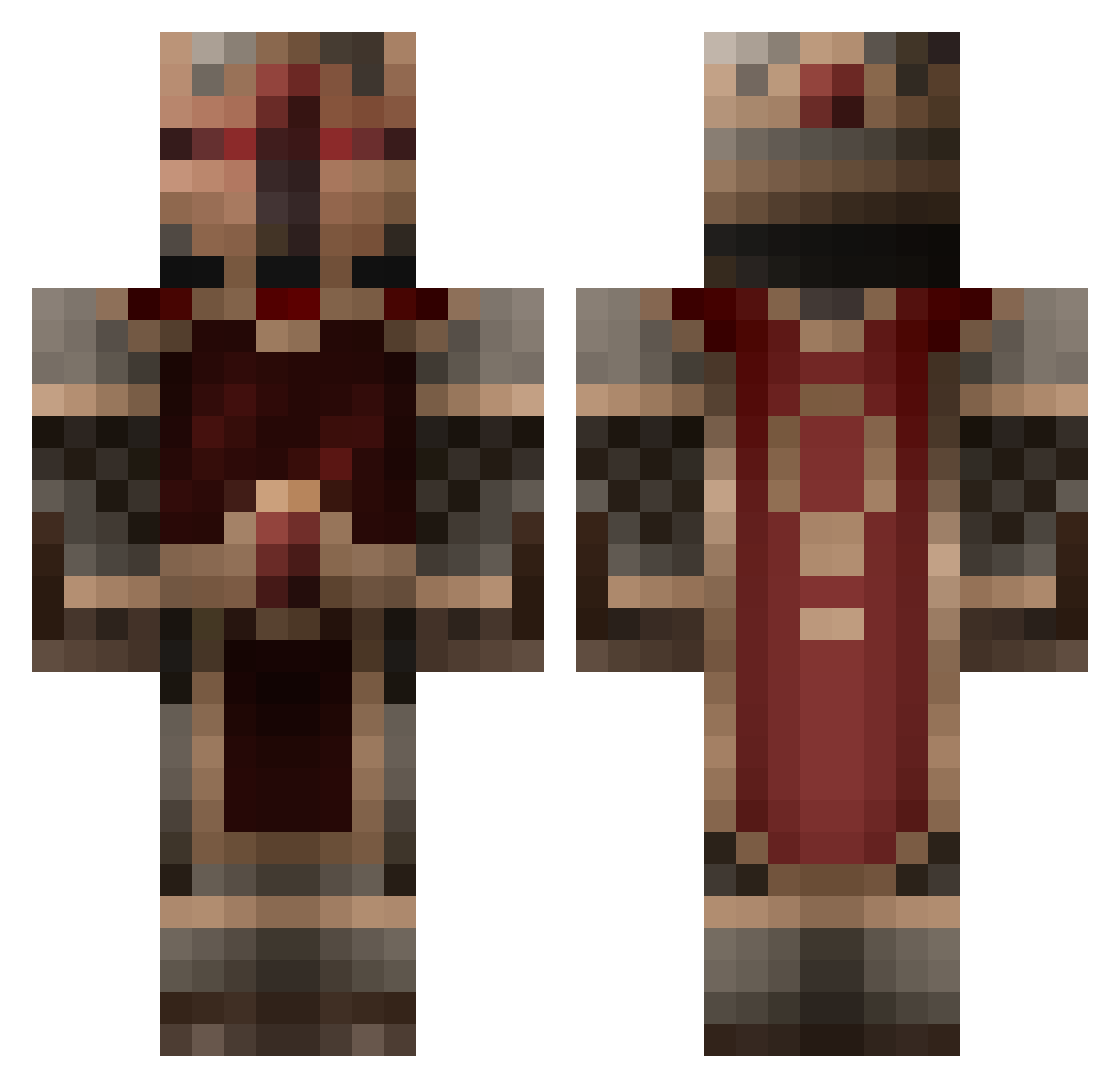
Minecraft skin of DuckySpread. Rotate the 3D model with your mouse or finger to view the skin from every angle, then download it as a PNG file and use it in Minecraft: Bedrock Edition or Java Edition for free. Rate the skin with stars to help other players find the best skins in our collection.
How to install the DuckySpread skin
- Press the Download button above to save the skin as a PNG file.
- Minecraft: Bedrock Edition (PE): open the Dressing Room from the main menu (or tap your character → Edit Character), go to Classic Skins → Owned, press the + (new skin) button, choose the downloaded PNG and pick the Classic (Steve) model. Works on PC and mobile; consoles cannot import custom skins.
- Minecraft: Java Edition: open the Minecraft Launcher, go to the Skins tab, click New Skin, load the PNG, pick the Classic (Steve) model and press Save & Use. You can also upload it at minecraft.net → Profile → Change Skin.
The skin does not show up after import — what should I do?
Restart Minecraft and open the Dressing Room again — imported skins sometimes appear only after a restart. Also make sure you selected the imported skin and picked the Classic (Steve) model.
Which model should I choose, Classic or Slim?
This skin is designed for the Classic (Steve) model. If you pick the wrong model, the arms of the skin will look stretched or squeezed.
Is this skin free to use?
Yes. Press Download, save the PNG file and use it in Minecraft: Bedrock Edition or Java Edition — no payment or registration needed. The skin also works on multiplayer servers and Realms.
More Knight Minecraft skins
More skins
Looking for more? Go back to all Minecraft skins and check the top skins of the week, month and all time, or find any player's skin by nickname.