
 Konosubah HisokaMorowwwww Sarts1 KaredJruger RocoSenpai Shadow1834 AlbashSama LUBruzer Pinciu lumumba888 uNki224 SunNer_ koji0919 Shawaizf Wingzonmc Blank_A joetoons Genkey jenniesdaddy Narwhallino dlwns21 FromPotato MeenGTP Just1nNM leProsen Himixtour Al0neGuy Frow olegtereha13 DarknVoid1 Zackerayee Arianath_Batick hazelmeg14 zblood111 mirfox123 gowonya finnymcgregg__ naynaycroft I_GO_ASSASSIN Luxxar Satoruuu01 PATOWAR SandyTub4516617 DILFSLAY3R wabaflaba Strafingnubs Dmaocrash happaye IngeOlivera N1trate rebellb42 itsnox1 struffoli JAKOIP fantasyeven LobsterOfJustice vigyil LoLTriton Fattoooo Kalamarium
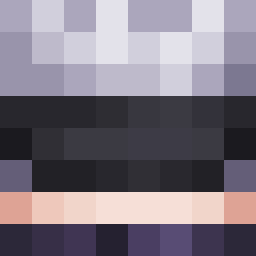
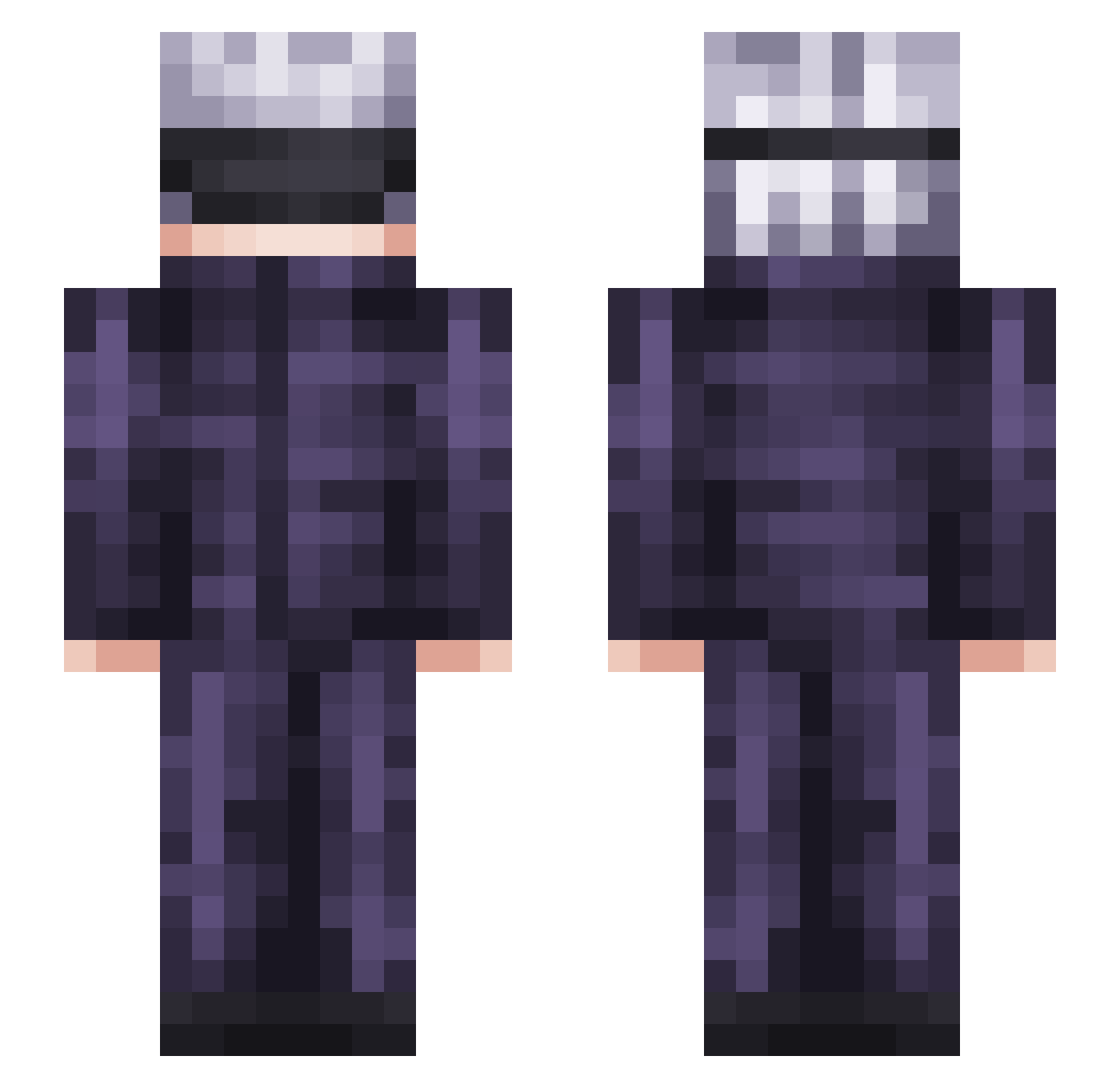
Minecraft skin of vinikohi. Rotate the 3D model with your mouse or finger to view the skin from every angle, then download it as a PNG file and use it in Minecraft: Bedrock Edition or Java Edition for free. Rate the skin with stars to help other players find the best skins in our collection.
How to install the vinikohi skin
- Press the Download button above to save the skin as a PNG file.
- Minecraft: Bedrock Edition (PE): open the Dressing Room from the main menu (or tap your character → Edit Character), go to Classic Skins → Owned, press the + (new skin) button, choose the downloaded PNG and pick the Slim (Alex) model. Works on PC and mobile; consoles cannot import custom skins.
- Minecraft: Java Edition: open the Minecraft Launcher, go to the Skins tab, click New Skin, load the PNG, pick the Slim (Alex) model and press Save & Use. You can also upload it at minecraft.net → Profile → Change Skin.
The skin does not show up after import - what should I do?
Restart Minecraft and open the Dressing Room again - imported skins sometimes appear only after a restart. Also make sure you selected the imported skin and picked the Slim (Alex) model.
Which model should I choose, Classic or Slim?
This skin is designed for the Slim (Alex) model. If you pick the wrong model, the arms of the skin will look stretched or squeezed.
Is this skin free to use?
Yes. Press Download, save the PNG file and use it in Minecraft: Bedrock Edition or Java Edition - no payment or registration needed. The skin also works on multiplayer servers and Realms.
More Satoru Gojo Minecraft skins
See all 1375 Satoru Gojo skins
More skins
Looking for more? Go back to all Minecraft skins and check the top skins of the week, month and all time, or find any player's skin by nickname.