
 ConstantCarp258 SkyGucci _Rakshasa_Lord AVPhantom duanduan0626 cruncrat beiliya666 zw0511 Samulele02 Sweetie2p zabgatoja KmcF428 T2_rekaF Poro0328 Kagami1611 Alphapple YseraVGC Sokol_23 Nasrk Baguette2Pains Eza_san KnightHornet TZ_PYY Seppuku_Is_Cool MoZilan Kazzulicious STTX357 DazzerN EVAPRC999 baranoseidou TristanLiu617 AKIRA_017 Ianoda Kaimilloa infernus21 Megadid Norniir SSB_Rosalina Kopking GANGBEUl KeDJ947 HuangMengGuiChen Slby744 CHaEchik7788 Kaoru54 Lost_Trinity Noe977 Moonvill Annaur252 CurlyPrison JungM19 Fokalorss Cxnvass NasTyNasTyNasTy Fgdre YukiNotAvailable MUYUBUYUYE Kylian41 KKWw303 Plexir
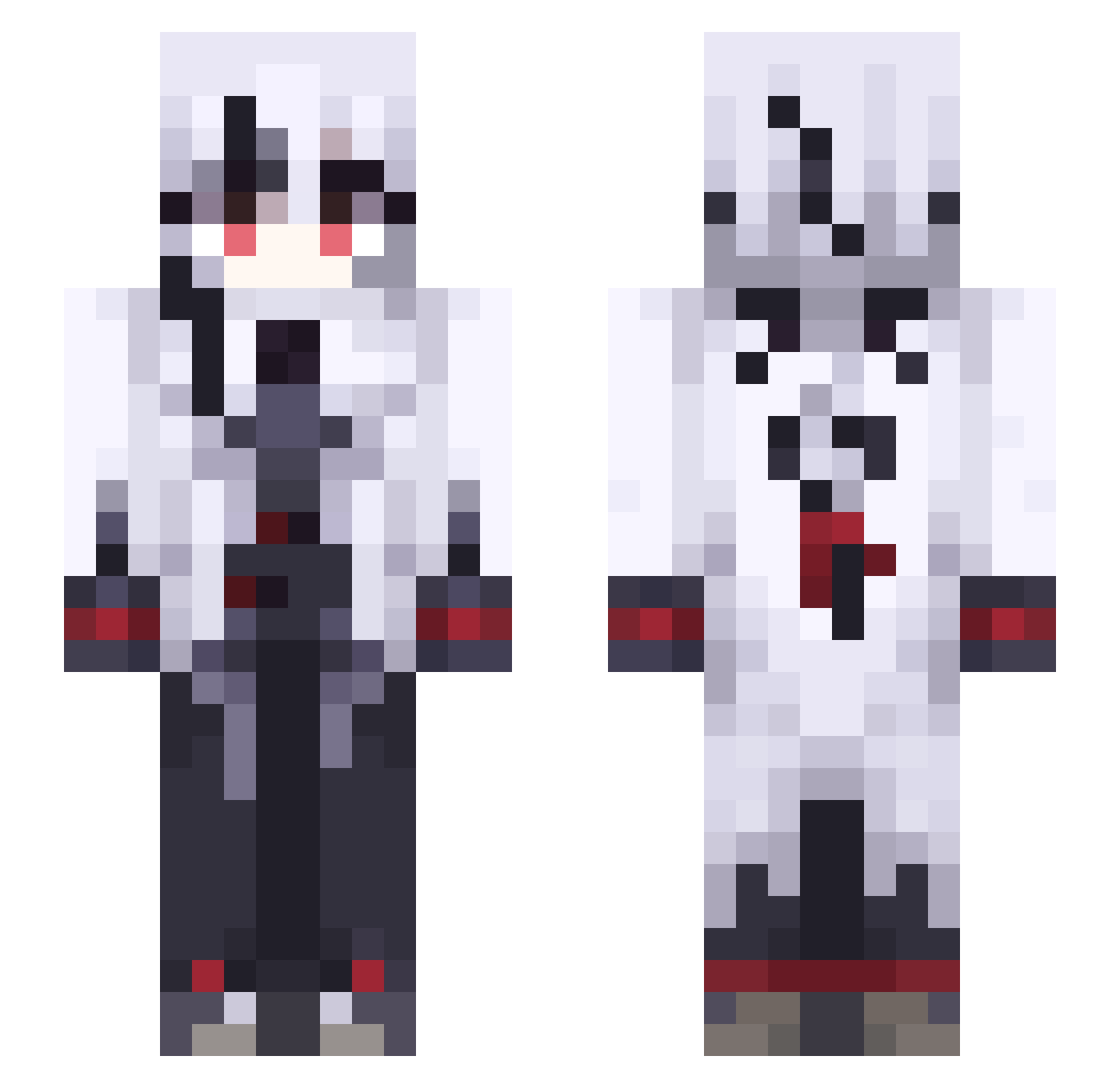
Minecraft skin of nihao_zaijian. Rotate the 3D model with your mouse or finger to view the skin from every angle, then download it as a PNG file and use it in Minecraft: Bedrock Edition or Java Edition for free. Rate the skin with stars to help other players find the best skins in our collection.
How to install the nihao_zaijian skin
- Press the Download button above to save the skin as a PNG file.
- Minecraft: Bedrock Edition (PE): open the Dressing Room from the main menu (or tap your character → Edit Character), go to Classic Skins → Owned, press the + (new skin) button, choose the downloaded PNG and pick the Slim (Alex) model. Works on PC and mobile; consoles cannot import custom skins.
- Minecraft: Java Edition: open the Minecraft Launcher, go to the Skins tab, click New Skin, load the PNG, pick the Slim (Alex) model and press Save & Use. You can also upload it at minecraft.net → Profile → Change Skin.
The skin does not show up after import - what should I do?
Restart Minecraft and open the Dressing Room again - imported skins sometimes appear only after a restart. Also make sure you selected the imported skin and picked the Slim (Alex) model.
Which model should I choose, Classic or Slim?
This skin is designed for the Slim (Alex) model. If you pick the wrong model, the arms of the skin will look stretched or squeezed.
Is this skin free to use?
Yes. Press Download, save the PNG file and use it in Minecraft: Bedrock Edition or Java Edition - no payment or registration needed. The skin also works on multiplayer servers and Realms.
More Goth Minecraft skins
More skins
Looking for more? Go back to all Minecraft skins and check the top skins of the week, month and all time, or find any player's skin by nickname.