
 Napakari Squit1 Samuel_442 DiscordNyash instandmineshaft BigBattyArmhead RoyvQc _BossHere_ MAVR1CK Morto_5 David_Lovgren Thrawn808 MrArnar Graceb2 felixvonsybel vangaurd711 aljitsu12 ALH95 Colestice Killer111808 SoerenCM rabelo27 Superbat456 maso2000 Tfool rjlan Keta420Peta Tinoke Buntking SSUBY xZombie23 Iamspork7 Dr_S_Loth DerNano2005 MrSoSoHD Joshfresh Zombiedude2512 Bamzys ZeeNocturnal CHRISTOS03M FlashCrew zReStriiCteD BRYSONBRAT wasy1234 thefartface alexfrise HSQ_DEATH dylanloz27 snipedawg01 rocketoliver2 M2klug grantyboii Jomoisgreat gummyybear12 ORNDeadEye ponmalka LilDado profilewrestling DforDerek SpoogeNugget
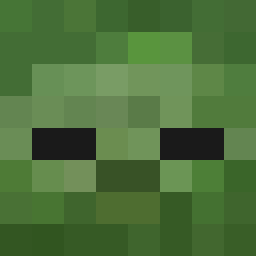
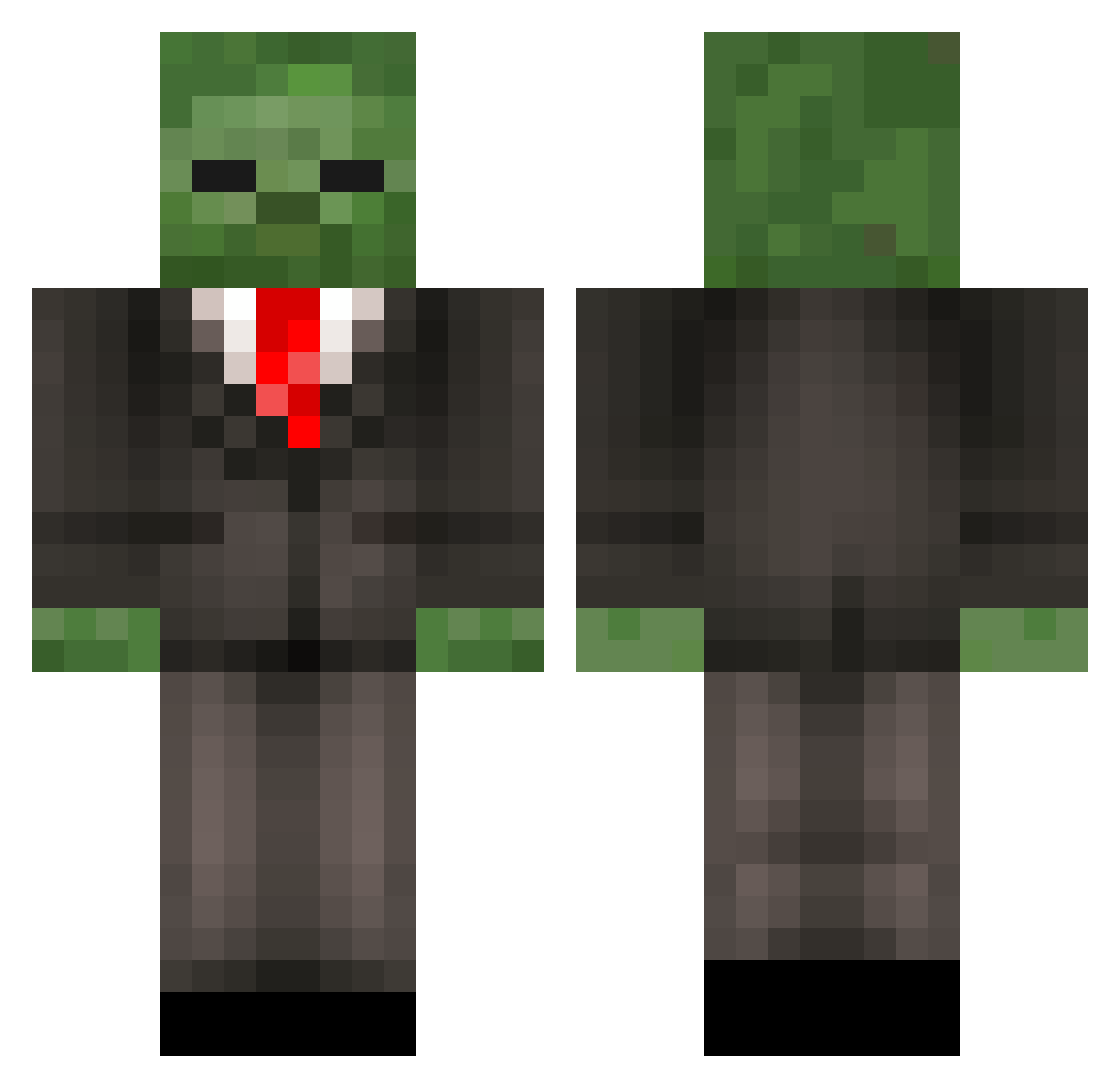
Minecraft skin of MinePad70. Rotate the 3D model with your mouse or finger to view the skin from every angle, then download it as a PNG file and use it in Minecraft: Bedrock Edition or Java Edition for free. Rate the skin with stars to help other players find the best skins in our collection.
How to install the MinePad70 skin
- Press the Download button above to save the skin as a PNG file.
- Minecraft: Bedrock Edition (PE): open the Dressing Room from the main menu (or tap your character → Edit Character), go to Classic Skins → Owned, press the + (new skin) button, choose the downloaded PNG and pick the Classic (Steve) model. Works on PC and mobile; consoles cannot import custom skins.
- Minecraft: Java Edition: open the Minecraft Launcher, go to the Skins tab, click New Skin, load the PNG, pick the Classic (Steve) model and press Save & Use. You can also upload it at minecraft.net → Profile → Change Skin.
The skin does not show up after import - what should I do?
Restart Minecraft and open the Dressing Room again - imported skins sometimes appear only after a restart. Also make sure you selected the imported skin and picked the Classic (Steve) model.
Which model should I choose, Classic or Slim?
This skin is designed for the Classic (Steve) model. If you pick the wrong model, the arms of the skin will look stretched or squeezed.
Is this skin free to use?
Yes. Press Download, save the PNG file and use it in Minecraft: Bedrock Edition or Java Edition - no payment or registration needed. The skin also works on multiplayer servers and Realms.
More Zombie Minecraft skins
More skins
Looking for more? Go back to all Minecraft skins and check the top skins of the week, month and all time, or find any player's skin by nickname.