
 Coyote07 KnightAwp Shindo_55 Mycharacter6 _Lone_ xeomatrix Paydee55 Dbzwes Mr_Greened cooldudewilliam1 NoFear9491 diverdude18 jrhighrocks tackyd warlem RoaranSky hashigo jodyisawesome Cbacn03 GUSTAVE75 mndairsoft1 Retinols IALLucky23 force729 MaverickTM DieNachtKonig GoldGlove135 tomasch1993 Homer_Pimpson JimeeBee KCRose Taco_MacArthur Cpt_Eric LedBubble JulioBarcellos bloodsplater ryokn Codemonkeyz Simmimon mjbrown150 Nero_Cor Minecraftnick22 Berntsend illu95 adavisktm kdiba1 Yuriiphen jfoley17 tallmex20 Himbeerwurst TheHyliann Slerion AWSOME_SAUCE96 Coulson_92 kronquist03 jonnyyates94 shock_bird AlexxBoii cougs Chuckles88
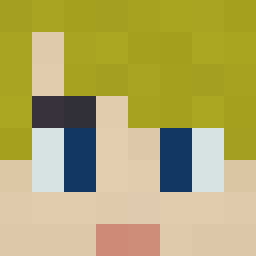
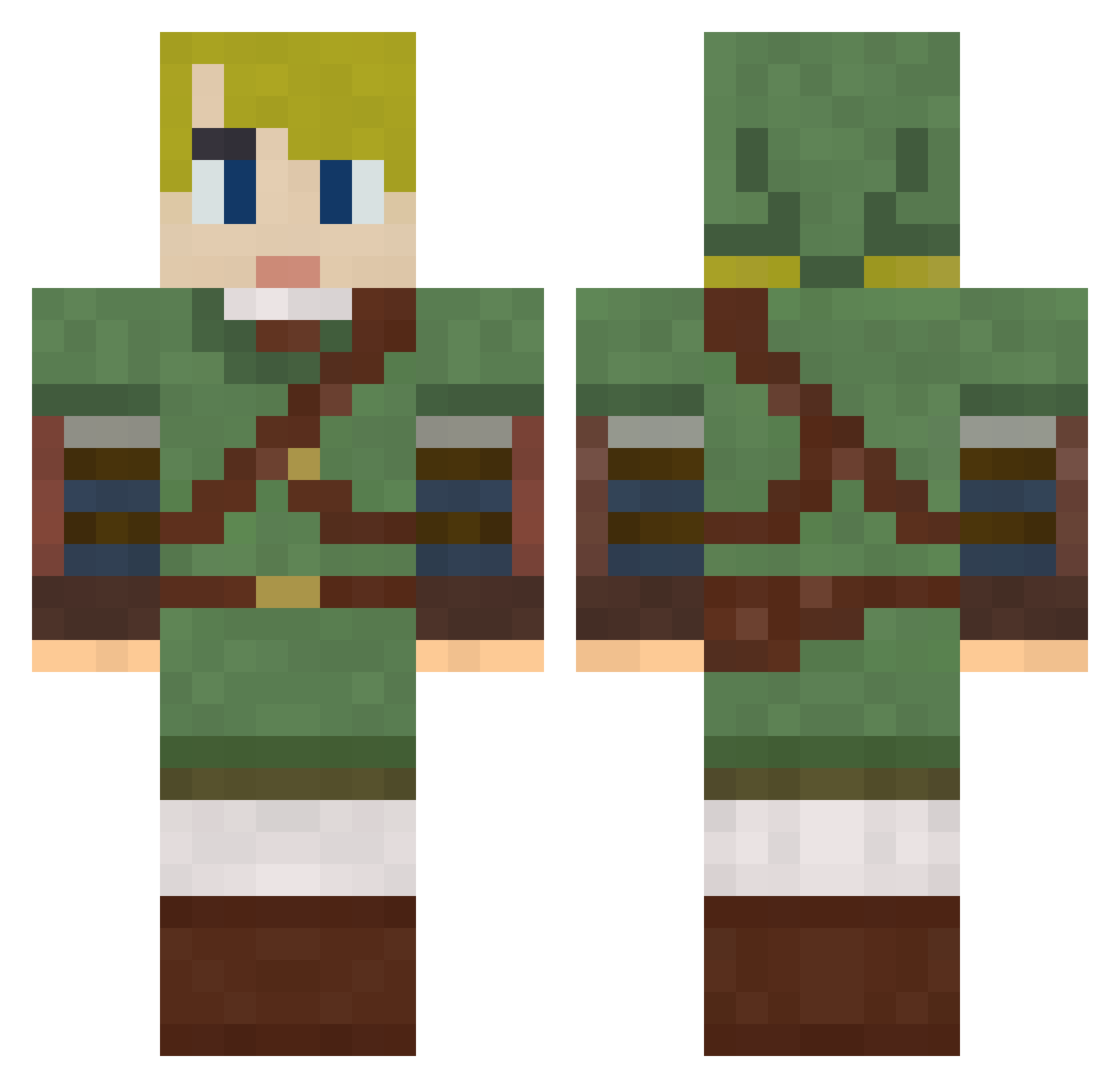
Minecraft skin of RyanFutuo. Rotate the 3D model with your mouse or finger to view the skin from every angle, then download it as a PNG file and use it in Minecraft: Bedrock Edition or Java Edition for free. Rate the skin with stars to help other players find the best skins in our collection.
How to install the RyanFutuo skin
- Press the Download button above to save the skin as a PNG file.
- Minecraft: Bedrock Edition (PE): open the Dressing Room from the main menu (or tap your character → Edit Character), go to Classic Skins → Owned, press the + (new skin) button, choose the downloaded PNG and pick the Classic (Steve) model. Works on PC and mobile; consoles cannot import custom skins.
- Minecraft: Java Edition: open the Minecraft Launcher, go to the Skins tab, click New Skin, load the PNG, pick the Classic (Steve) model and press Save & Use. You can also upload it at minecraft.net → Profile → Change Skin.
The skin does not show up after import - what should I do?
Restart Minecraft and open the Dressing Room again - imported skins sometimes appear only after a restart. Also make sure you selected the imported skin and picked the Classic (Steve) model.
Which model should I choose, Classic or Slim?
This skin is designed for the Classic (Steve) model. If you pick the wrong model, the arms of the skin will look stretched or squeezed.
Is this skin free to use?
Yes. Press Download, save the PNG file and use it in Minecraft: Bedrock Edition or Java Edition - no payment or registration needed. The skin also works on multiplayer servers and Realms.
More Zelda Minecraft skins
More skins
Looking for more? Go back to all Minecraft skins and check the top skins of the week, month and all time, or find any player's skin by nickname.