
 TallAARon10_ Spiffing_ ChrisPBaccon DiatomicRat6155 BrownMan420 Mev_3 floralp33n savechat BraddockGoesHard mc367347 zweb956 ERLMAN8890 Rigoloso001 julianmx197 pasty_and_white Radulovic benthesmart banana_muncha Cambot05 pmanxxx1 Toycops InsaneUnion TheXspikeX HunterTrevor astrokop Ragdoll34 X3W6 JimmyKing14 SageCash18707 fatnuts100 vFraaN MITCHT05 SIMPFORSHAQ Mar771 Brandon5392 gabril44 TekutekuTech Vadilal xMythric cokcktortureYT aelhar Adam_Dunn 2472R3R Dead_Keys Trxstlol12 Denispla __MACE Quitiaan Willyr0 Xx_9yroldpro_xX mi_llamo_lucky itsCael sam0650 Giorno_Giovanna4 I_L0ve_Women Kurusu1 Merkus_1324 SL_Beauregard Ninja_4166 Bed_Sheets01
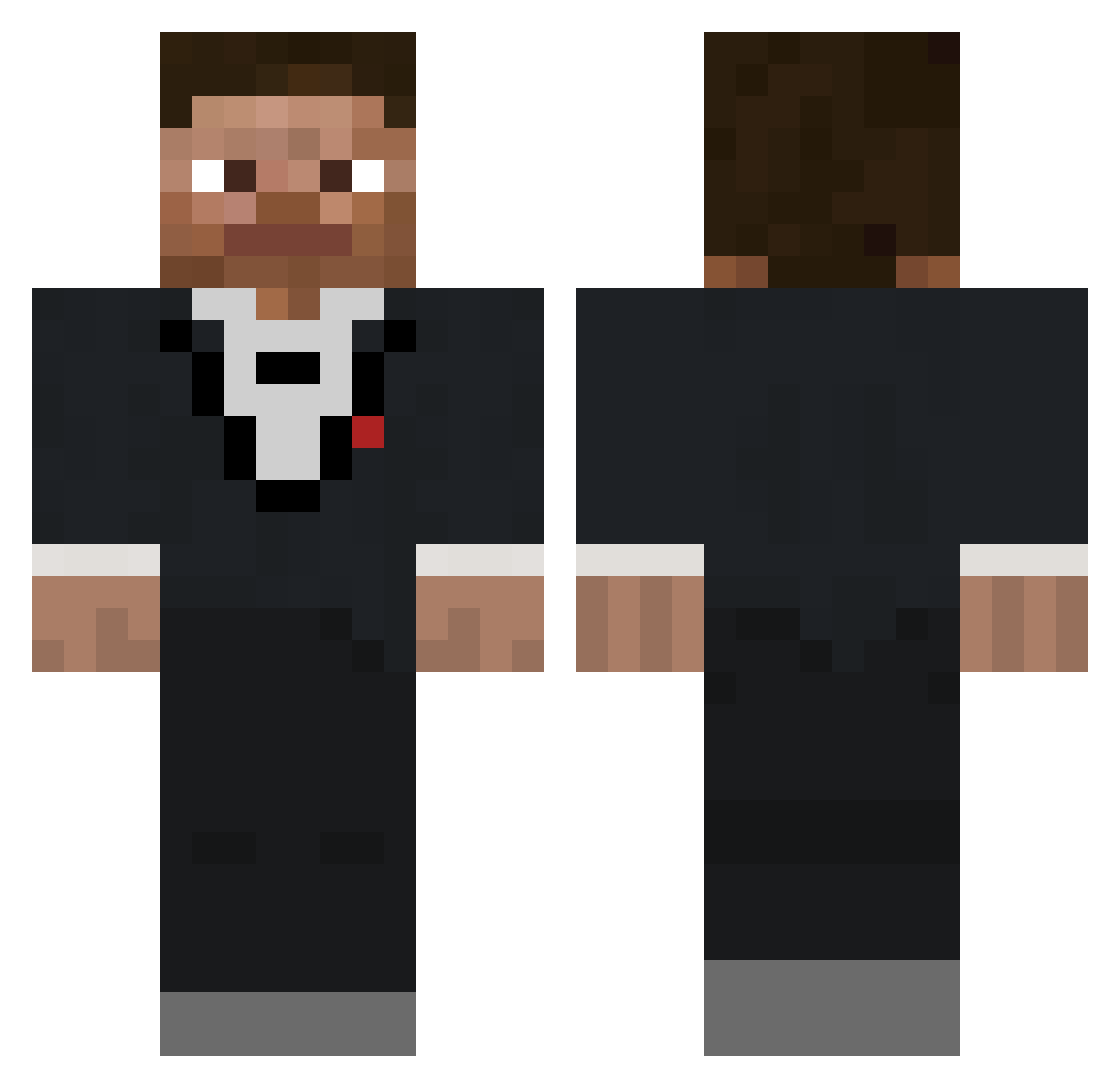
Minecraft skin of Masoncool19. Rotate the 3D model with your mouse or finger to view the skin from every angle, then download it as a PNG file and use it in Minecraft: Bedrock Edition or Java Edition for free. Rate the skin with stars to help other players find the best skins in our collection.
How to install the Masoncool19 skin
- Press the Download button above to save the skin as a PNG file.
- Minecraft: Bedrock Edition (PE): open the Dressing Room from the main menu (or tap your character → Edit Character), go to Classic Skins → Owned, press the + (new skin) button, choose the downloaded PNG and pick the Classic (Steve) model. Works on PC and mobile; consoles cannot import custom skins.
- Minecraft: Java Edition: open the Minecraft Launcher, go to the Skins tab, click New Skin, load the PNG, pick the Classic (Steve) model and press Save & Use. You can also upload it at minecraft.net → Profile → Change Skin.
The skin does not show up after import - what should I do?
Restart Minecraft and open the Dressing Room again - imported skins sometimes appear only after a restart. Also make sure you selected the imported skin and picked the Classic (Steve) model.
Which model should I choose, Classic or Slim?
This skin is designed for the Classic (Steve) model. If you pick the wrong model, the arms of the skin will look stretched or squeezed.
Is this skin free to use?
Yes. Press Download, save the PNG file and use it in Minecraft: Bedrock Edition or Java Edition - no payment or registration needed. The skin also works on multiplayer servers and Realms.
More skins
Looking for more? Go back to all Minecraft skins and check the top skins of the week, month and all time, or find any player's skin by nickname.