
 Justin_O serlasolot minec12321 Magilly TheAsianKiwi DiggingDragon mennomen TobbiGold dilldillpickle12 Captain_Puddles HattsNE frogy246 Slugboy9 the3froggamer Sepro6 Beastlyfox CannonballBlues FinalEpisode3D froggyMM thumplepuss dsigma BLEUOcean LlamaBear Silubia findus123 DandalfG THE_FBS AIRsShadow mvfroggy SilverHRIZN Rapoclapo12 _ItzFroggy FunkyFlorence Greenman3339 Da_mi Infobil Frogbeast1911 YaoiRAWR Roxi0o Neoiberian hatefulloaf zoronror paddi77 BOMB0829 luv31 beodorn Hamsahra Green_Froggy_1 Dom1nator12 susischwammkopf mizuki0528 Mekyyy baldfrog N4M4 frogish33 riking21 wetpaste Minecrafterzs yiwan Kimukay
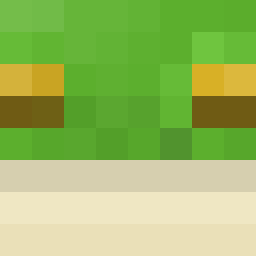
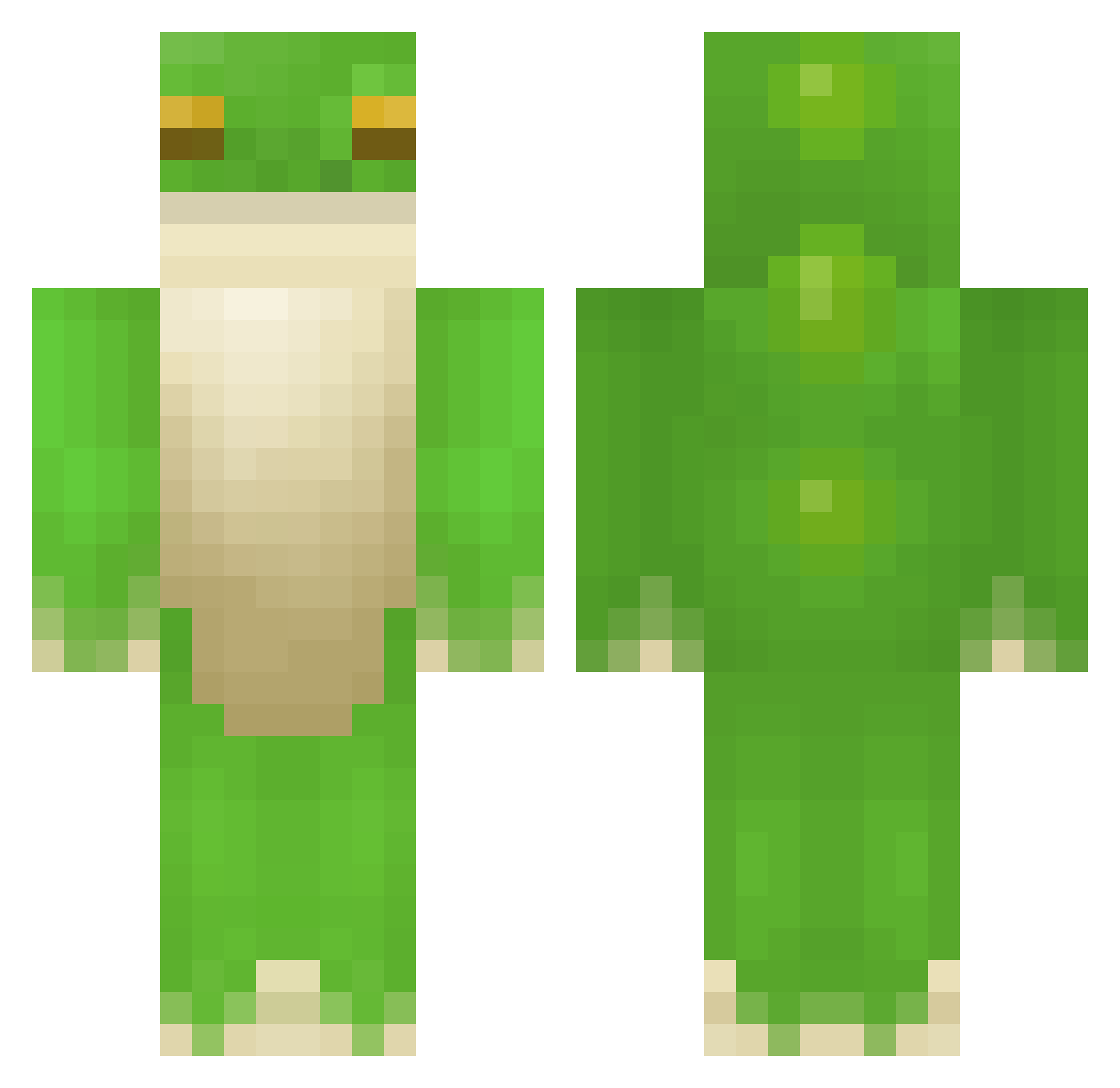
Minecraft skin of dcskill. Rotate the 3D model with your mouse or finger to view the skin from every angle, then download it as a PNG file and use it in Minecraft: Bedrock Edition or Java Edition for free. Rate the skin with stars to help other players find the best skins in our collection.
How to install the dcskill skin
- Press the Download button above to save the skin as a PNG file.
- Minecraft: Bedrock Edition (PE): open the Dressing Room from the main menu (or tap your character → Edit Character), go to Classic Skins → Owned, press the + (new skin) button, choose the downloaded PNG and pick the Classic (Steve) model. Works on PC and mobile; consoles cannot import custom skins.
- Minecraft: Java Edition: open the Minecraft Launcher, go to the Skins tab, click New Skin, load the PNG, pick the Classic (Steve) model and press Save & Use. You can also upload it at minecraft.net → Profile → Change Skin.
The skin does not show up after import - what should I do?
Restart Minecraft and open the Dressing Room again - imported skins sometimes appear only after a restart. Also make sure you selected the imported skin and picked the Classic (Steve) model.
Which model should I choose, Classic or Slim?
This skin is designed for the Classic (Steve) model. If you pick the wrong model, the arms of the skin will look stretched or squeezed.
Is this skin free to use?
Yes. Press Download, save the PNG file and use it in Minecraft: Bedrock Edition or Java Edition - no payment or registration needed. The skin also works on multiplayer servers and Realms.
More Frog Minecraft skins
More skins
Looking for more? Go back to all Minecraft skins and check the top skins of the week, month and all time, or find any player's skin by nickname.