
 FelixNSK scjjss2 Manwitharms1337 30vb Crazy_Crow3 Pushedbuckle12 dakota3c 0ADAM9 Svenyboyyy Touch_Grass_Noob char_zero789 StianTheBoss Eskil2009 ConorButler99 andohun WGoldenRetriever Acerson01 MrDOOrsik_ZXC FweyouCpvp SpeedxSuper vcnb JeySeem Luckybacon Aaron5463 PAEKWISE ReoN64 Mountainwalker Cakepig01 BigSausage20 hongbk Mincraftguy100 3xPred xRiiMo taehoon0227 nessjsaa JackTheJavelin ThaMilkMan1029 Estebanos69 o_jack10 hubert5598 AiBolt Julz1503 PowerFullDri UnripeOrange0 Tobi2pro EisteeWaldbeere lolowachin BattleBeach coryv24 Shigerusama diamant8899 Sigma_Prock69 _KingNic_ nightrazerfather Illigee WeissVM JonasLLLL Anzak10 Planetar3 Jayd440
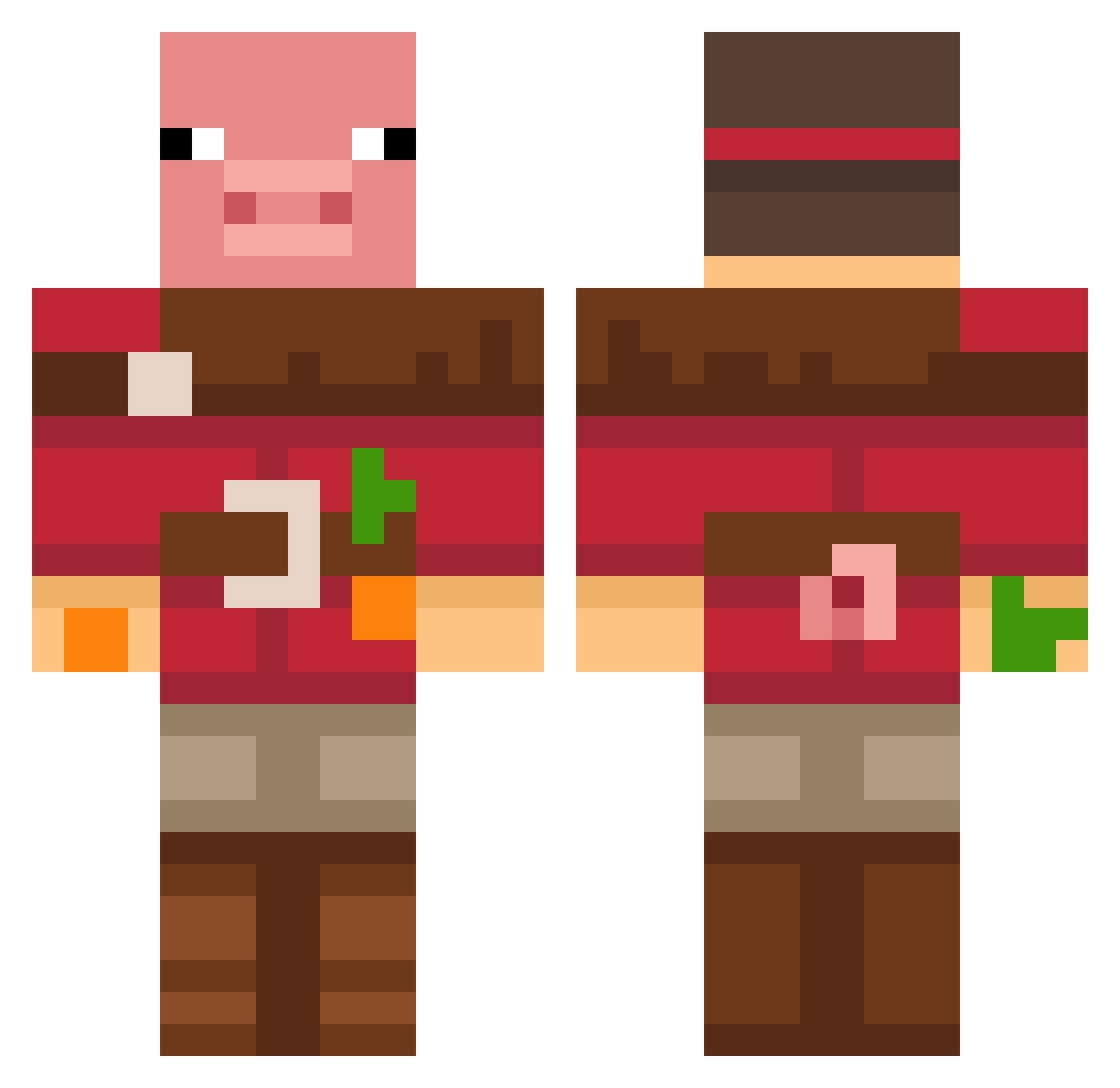
Minecraft skin of keanu2015. Rotate the 3D model with your mouse or finger to view the skin from every angle, then download it as a PNG file and use it in Minecraft: Bedrock Edition or Java Edition for free. Rate the skin with stars to help other players find the best skins in our collection.
How to install the keanu2015 skin
- Press the Download button above to save the skin as a PNG file.
- Minecraft: Bedrock Edition (PE): open the Dressing Room from the main menu (or tap your character → Edit Character), go to Classic Skins → Owned, press the + (new skin) button, choose the downloaded PNG and pick the Classic (Steve) model. Works on PC and mobile; consoles cannot import custom skins.
- Minecraft: Java Edition: open the Minecraft Launcher, go to the Skins tab, click New Skin, load the PNG, pick the Classic (Steve) model and press Save & Use. You can also upload it at minecraft.net → Profile → Change Skin.
The skin does not show up after import - what should I do?
Restart Minecraft and open the Dressing Room again - imported skins sometimes appear only after a restart. Also make sure you selected the imported skin and picked the Classic (Steve) model.
Which model should I choose, Classic or Slim?
This skin is designed for the Classic (Steve) model. If you pick the wrong model, the arms of the skin will look stretched or squeezed.
Is this skin free to use?
Yes. Press Download, save the PNG file and use it in Minecraft: Bedrock Edition or Java Edition - no payment or registration needed. The skin also works on multiplayer servers and Realms.
More Pig Minecraft skins
More skins
Looking for more? Go back to all Minecraft skins and check the top skins of the week, month and all time, or find any player's skin by nickname.