
 Maxou_Maitre GNL45 BigGamerBoy97 Provokie PigeonG2 mxrkitos Sentety NotKanzaki TorriderYak5472 PhantomHighm Yorokuu Koretexz UNCLE_SLOPPYNUTS ThatEvilPotato Spoot1221 Shadow_lord8399 NeoNero2 eenten MCRIPPER01 Morty3838 taco_guy_XD _Muffin27_ Pennyfreund3485 wazzup33 PrivacyGameR Pastdrop8461 BiGNiT0 TheRealJonSnow poopsicle612769 GRC_Grim alexander_84 RoobertDoobert EXPOSEDDD Vialty Siekierka_ ThyrsoidCoder70 CLOWNNING iKaN3aN Motrack antbrosss 0o1_1o0 fufuyt Miloyobro nuovaLMAO riqxel EmulsionNemesis1 uiiuiiii CHASE_IS_BEST Madchakay BodyFemboy Matiazzz_ OLHZ AquaticSphere53 E36Drifts L2PSabe ZT_XoSc0r JimZen0 Endoxima Nightwolf4170 HeisenBean101
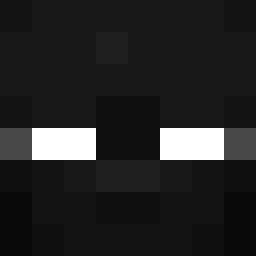
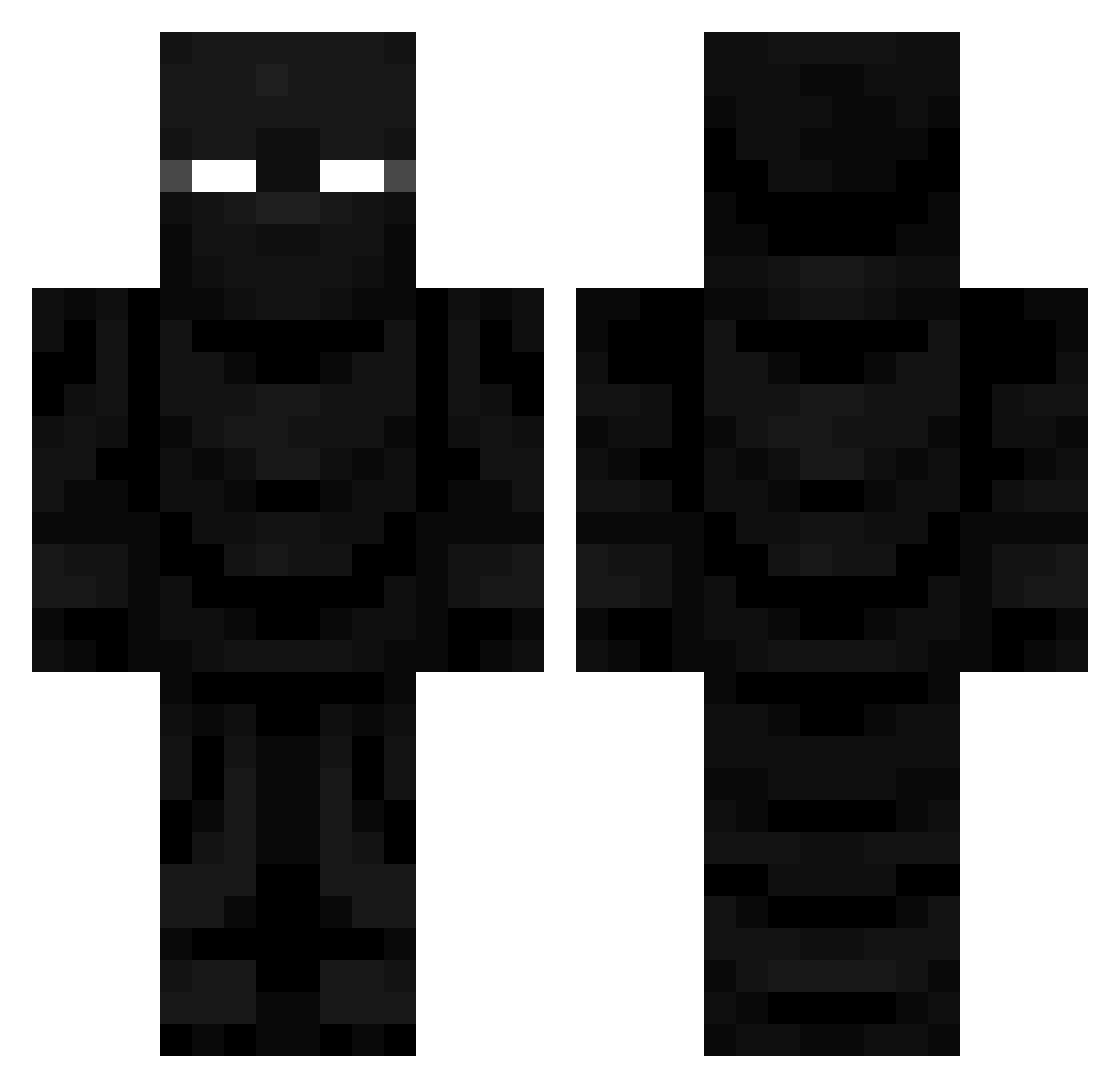
Minecraft skin of ExpectedAName. Rotate the 3D model with your mouse or finger to view the skin from every angle, then download it as a PNG file and use it in Minecraft: Bedrock Edition or Java Edition for free. Rate the skin with stars to help other players find the best skins in our collection.
How to install the ExpectedAName skin
- Press the Download button above to save the skin as a PNG file.
- Minecraft: Bedrock Edition (PE): open the Dressing Room from the main menu (or tap your character → Edit Character), go to Classic Skins → Owned, press the + (new skin) button, choose the downloaded PNG and pick the Classic (Steve) model. Works on PC and mobile; consoles cannot import custom skins.
- Minecraft: Java Edition: open the Minecraft Launcher, go to the Skins tab, click New Skin, load the PNG, pick the Classic (Steve) model and press Save & Use. You can also upload it at minecraft.net → Profile → Change Skin.
The skin does not show up after import - what should I do?
Restart Minecraft and open the Dressing Room again - imported skins sometimes appear only after a restart. Also make sure you selected the imported skin and picked the Classic (Steve) model.
Which model should I choose, Classic or Slim?
This skin is designed for the Classic (Steve) model. If you pick the wrong model, the arms of the skin will look stretched or squeezed.
Is this skin free to use?
Yes. Press Download, save the PNG file and use it in Minecraft: Bedrock Edition or Java Edition - no payment or registration needed. The skin also works on multiplayer servers and Realms.
More Ninja Minecraft skins
More skins
Looking for more? Go back to all Minecraft skins and check the top skins of the week, month and all time, or find any player's skin by nickname.