
 ImFmsRkillz730 troxco chillchill555 noveljunseo TaoDada Candy_2003 Koboldkronie321 Megaloria Z4groSH Kanka667 39klad0s CONNAISCOOL Aydan487 FollowLaPwar PAC1AS Arbus6000 Biomx chaosand nim2weqssd JustMarnickL limiji KRockets1 eri04 memolet15 rinva sassydee TPDW2014 ayham09 Felepao08 xelif1337 yeskir2 youiseong SmithastorgA30 Enthoy TokyoSpliff hacadl11 thebkids8311 heavenly1241 Lenn_on hIiMhIiMiDk_____ Speerspitze22 I_Hit_Women them_anton AbramZ ATROPOSOS Ethanmany BlackHat10 Xx_Miguel_xX22 kimhwikyeong CCBUM lzc6666 sethey7993 momogay tatane34 TheSkull_z NatriXx12 xuwentao ZeYanBEST rlaqp123 JACKandSAM
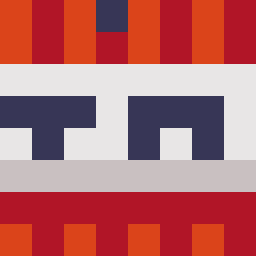
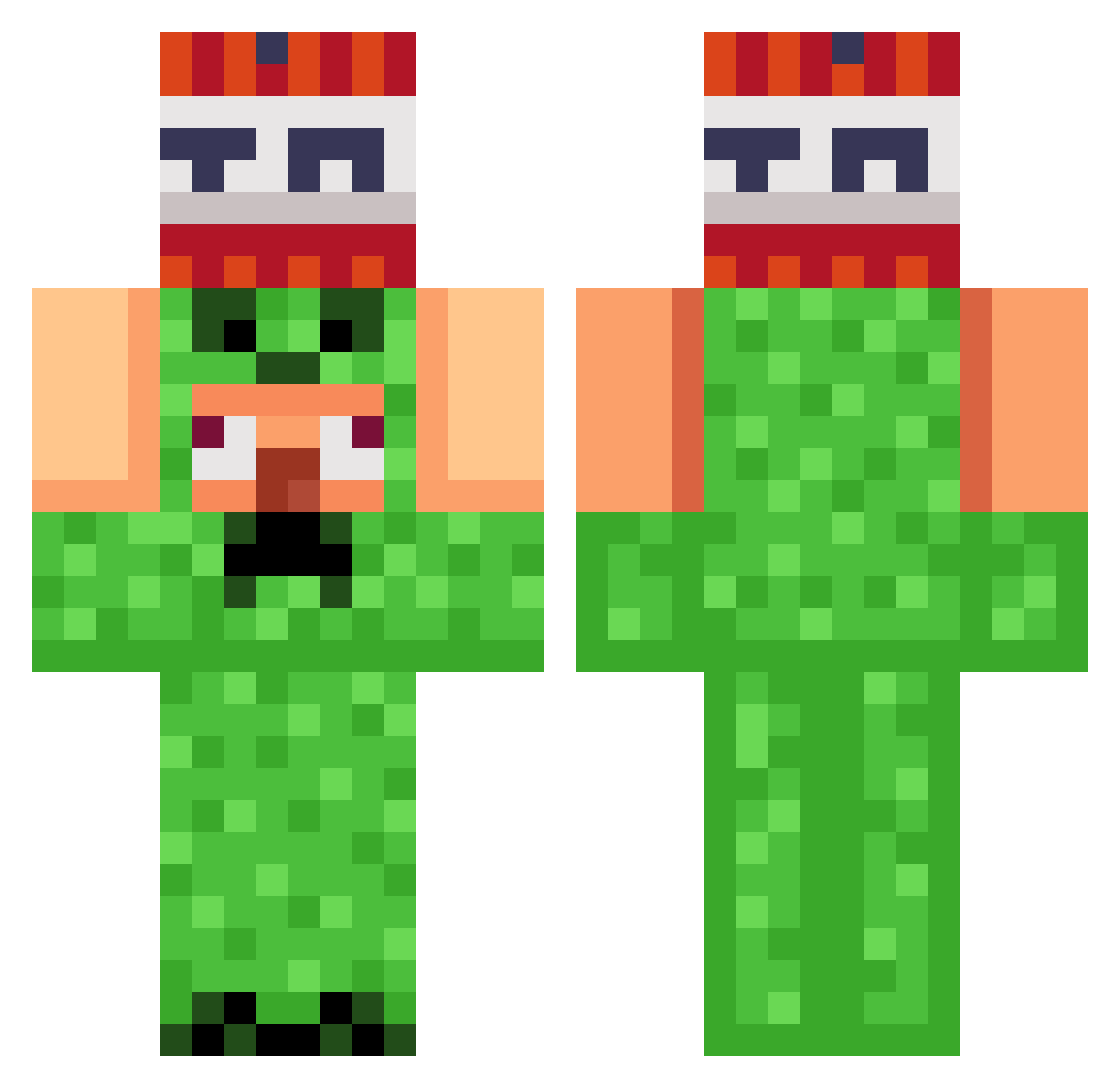
Minecraft skin of pancake1211. Rotate the 3D model with your mouse or finger to view the skin from every angle, then download it as a PNG file and use it in Minecraft: Bedrock Edition or Java Edition for free. Rate the skin with stars to help other players find the best skins in our collection.
How to install the pancake1211 skin
- Press the Download button above to save the skin as a PNG file.
- Minecraft: Bedrock Edition (PE): open the Dressing Room from the main menu (or tap your character → Edit Character), go to Classic Skins → Owned, press the + (new skin) button, choose the downloaded PNG and pick the Classic (Steve) model. Works on PC and mobile; consoles cannot import custom skins.
- Minecraft: Java Edition: open the Minecraft Launcher, go to the Skins tab, click New Skin, load the PNG, pick the Classic (Steve) model and press Save & Use. You can also upload it at minecraft.net → Profile → Change Skin.
The skin does not show up after import - what should I do?
Restart Minecraft and open the Dressing Room again - imported skins sometimes appear only after a restart. Also make sure you selected the imported skin and picked the Classic (Steve) model.
Which model should I choose, Classic or Slim?
This skin is designed for the Classic (Steve) model. If you pick the wrong model, the arms of the skin will look stretched or squeezed.
Is this skin free to use?
Yes. Press Download, save the PNG file and use it in Minecraft: Bedrock Edition or Java Edition - no payment or registration needed. The skin also works on multiplayer servers and Realms.
More TNT Minecraft skins
More skins
Looking for more? Go back to all Minecraft skins and check the top skins of the week, month and all time, or find any player's skin by nickname.